Shure Incorporated
19/45
•
•
Menus and Configuration
The receiver uses a two-tier menu structure to support multiple channels:
Device configuration menu: Items in this menu affect the overall performance of the receiver and apply to all channels
globally.
Channel menus: Each channel has its own menu allowing for independent channel configuration.
Shortcut Menu
To access the shortcut menu, hold the X button. Use the arrow keys to cycle through options, push O to confirm your selection.
Power Off? Turn off the receiver.
Switch Channels
Quickly switch between channels without changing the selected parameter.
Note: Only available when the Shortcut menu is launched from within a channel menu.
Rx1 Home Open the Channel1 home screen.
Rx2 Home Open the Channel2 home screen.
3.5mm Level Adjust the headphone level from -60 to 12 in 1 dB steps.
Menu Lock
Use the locking feature to prevent accidental or unauthorized changes to controls and
settings. Use the arrow buttons to change the lock status of the menu.
Device Configuration Menu
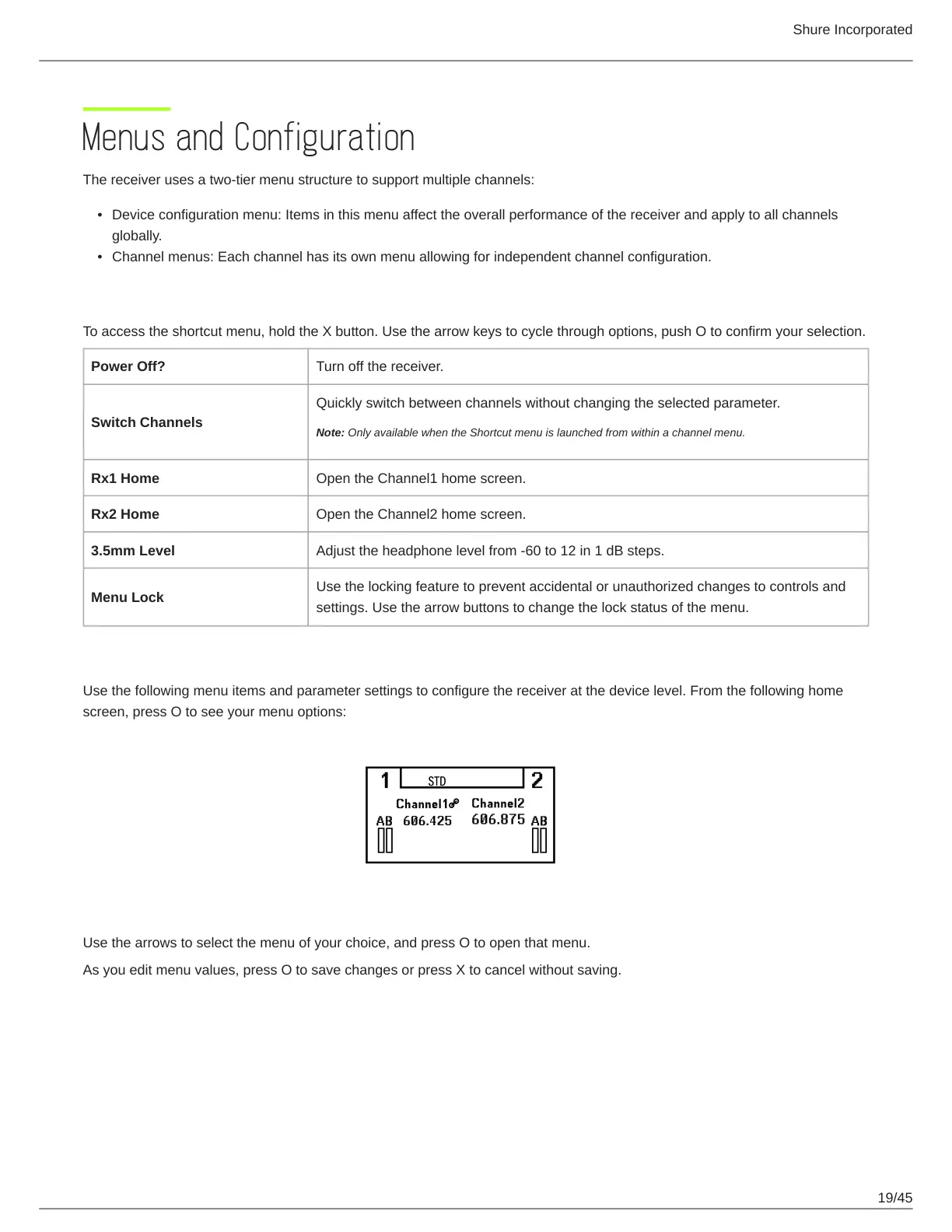
Use the following menu items and parameter settings to configure the receiver at the device level. From the following home
screen, press O to see your menu options:
Use the arrows to select the menu of your choice, and press O to open that menu.
As you edit menu values, press O to save changes or press X to cancel without saving.



 To Next Page