Shure Incorporated
13/43
◦
◦
5.8 About Displays firmware version and serial number
6. Help Provides a link to additional materials (http://help.shure.com/slxd4)
Transmitters
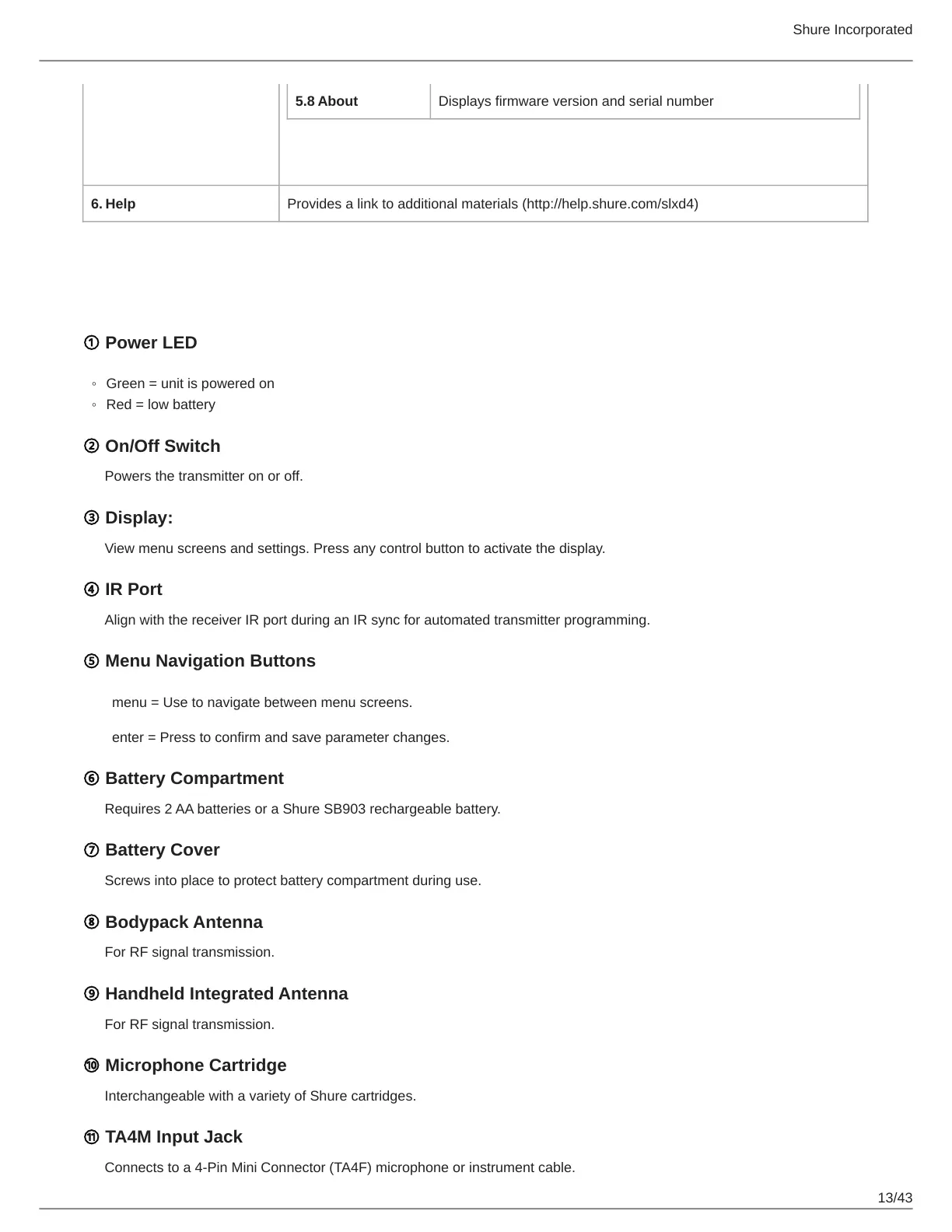
① Power LED
Green = unit is powered on
Red = low battery
② On/Off Switch
Powers the transmitter on or off.
③ Display:
View menu screens and settings. Press any control button to activate the display.
④ IR Port
Align with the receiver IR port during an IR sync for automated transmitter programming.
⑤ Menu Navigation Buttons
menu = Use to navigate between menu screens.
enter = Press to confirm and save parameter changes.
⑥ Battery Compartment
Requires 2 AA batteries or a Shure SB903 rechargeable battery.
⑦ Battery Cover
Screws into place to protect battery compartment during use.
⑧ Bodypack Antenna
For RF signal transmission.
⑨ Handheld Integrated Antenna
For RF signal transmission.
⑩ Microphone Cartridge
Interchangeable with a variety of Shure cartridges.
⑪ TA4M Input Jack
Connects to a 4-Pin Mini Connector (TA4F) microphone or instrument cable.


 To Next Page
 Loading...








