- 13 -
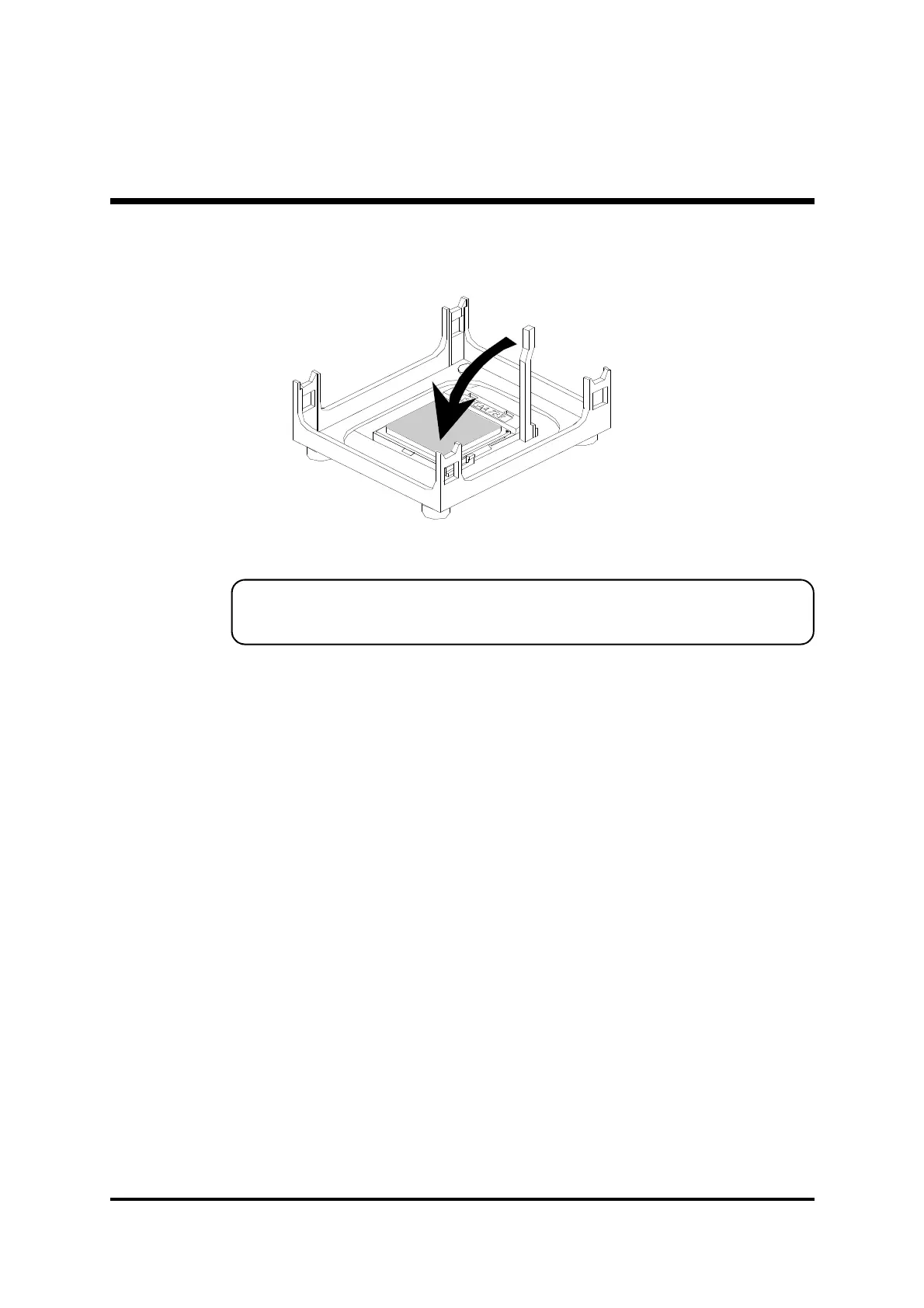
3. Press down the CPU socket lever and finish CPU installation.
Note:
If you do not match the CPU socket Pin 1 and CPU cut edge
well, it may damage the CPU.
4. The Intel Pentium 4 /Celeron processor requires a set of heatsink/fan to en
sure proper cooling of the processor. If heatsink/fan have not been already
bundled with your CPU, you must purchase the heatsink/fan separately and
have it installed. Plug the cable through the heatsink/fan in the CPU fan
power connector located nearby. Note that there are several types of CPU
fan connectors. Normally, if your mainboard supports the hard ware moni
toring function, a 3-pin fan power connector should allow your system to
detect the CPU fan's speed. The CPU fan can also run with a 2-pin fan
power connector, however, detection of CPU fan's speed is not supported.
Another type of CPU fan may feature a large 4-pin fan power connector,
which does not support CPU fan's speed detection and must be directly
connected to the system's power supply unit.



 To Next Page