- 49 -
4.3 View the User's Manual
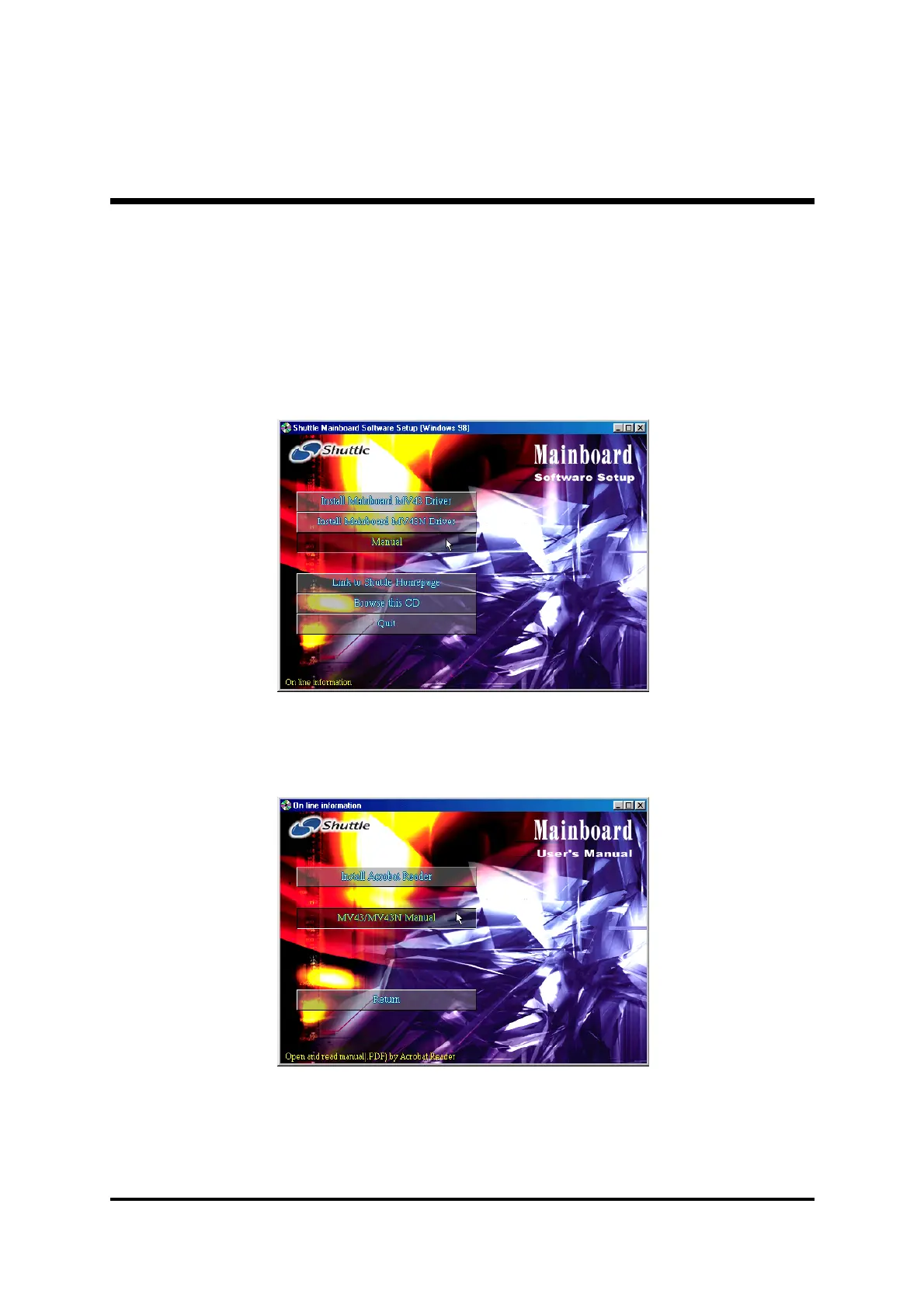
Insert the attached CD into your CD-ROM drive and the CD AutoRun screen
should appear. If the AutoRun screen does not appear, double click on
AutoRun icon in
My Computer
to bring up
Shuttle Mainboard Software
Setup
screen.
Select using your pointing device (e.g. mouse) on the “
Manual
" bar.
Then
Online Information
windows will appear on your screen. Click on
the “
Install Acrobat Reader"
bar if you need to install acrobat reader.
Then click on
"MV43/MV43N Manual"
bar to view user's manual.



 To Next Page