- 34 -
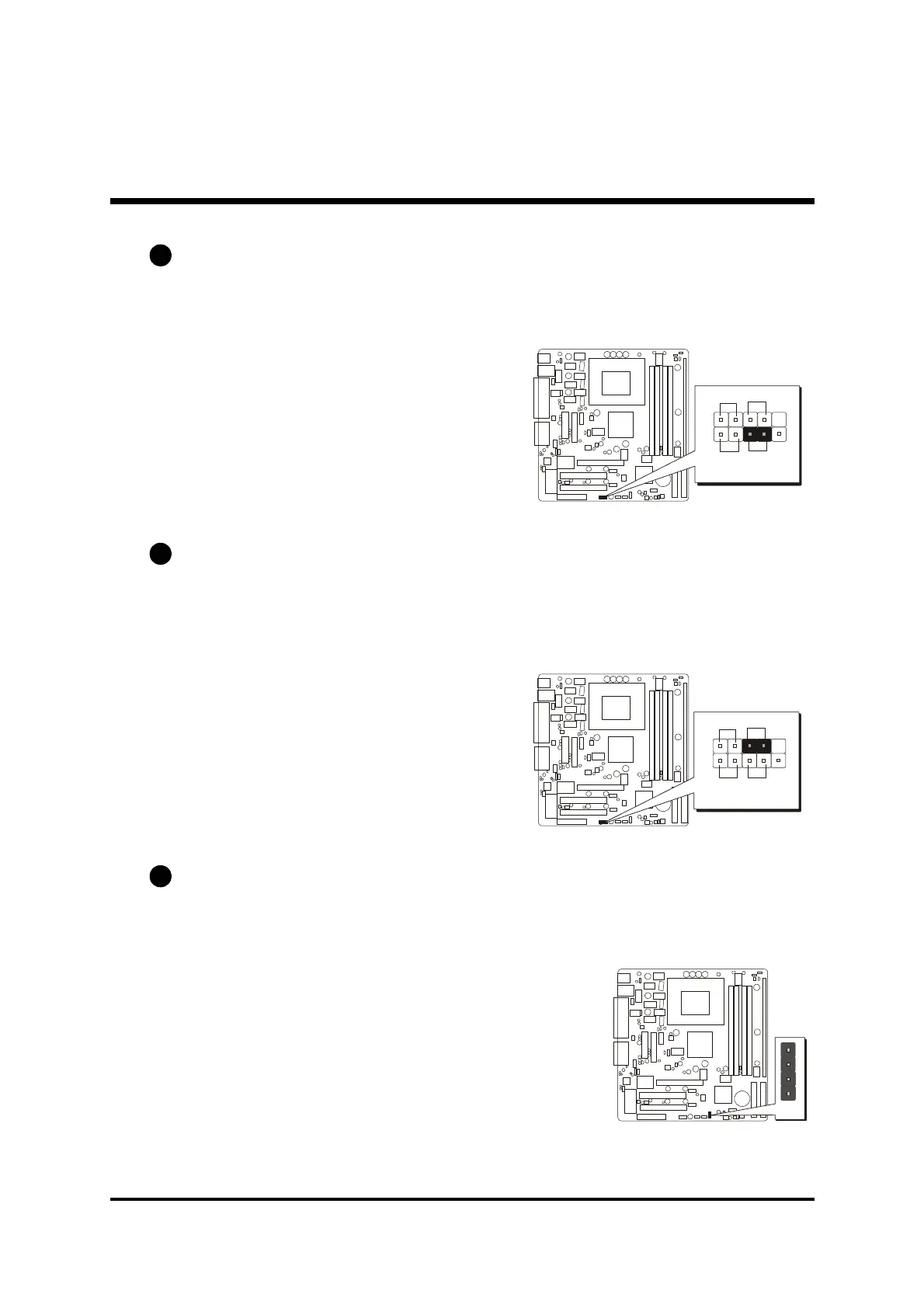
Hardware Reset Connector (RST)
Attach the 2-pin hardware reset switch cable to the (RST) header. Pressing the
reset switch causes the system to restart.
ATX Power On/Off Switch Connector (PW_BN)
The Power On/Off Switch is a momentary type switch used for turning on or
off the system ATX power supply. Attach the connector cable from the Power
Switch to the 2-pin (PW_BN) header on the mainboard.
Speaker Connector (SPK1)
Attach the PC speaker cable from the case to the 4-pin speaker connector (SPK1).
Pins Assignment:
1=SPKR
2=NC
3=GND
4=+5V
C4
C3
C5
SPK1
1
PANEL2
1
2
SP_LED
HD_LED RST
PW-BN
PANEL2
1
2
SP_LED
HD_LED RST
PW-BN



 To Next Page