- 47 -
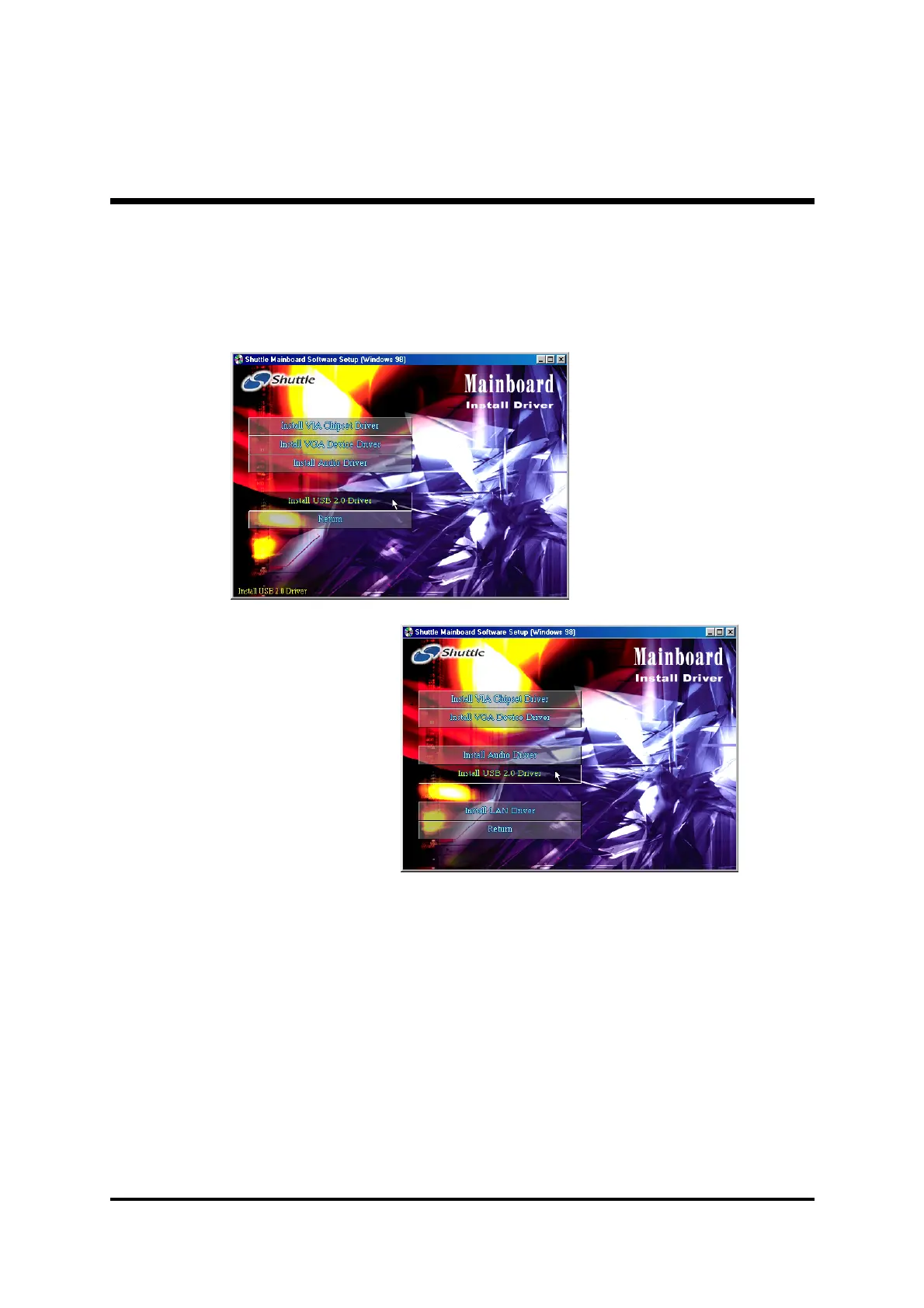
4.2.D Install USB2.0 Driver
Select using your pointing device (e.g. mouse) on the “
Install USB2.0
Driver"
bar to install USB2.0 driver.
Once you made your selection, a Setup window run the installation
automatically.
When the copying files is done, make sure you
reboot
the system to take the
installation effect.
MV43
MV43N



 To Next Page