- 43 -
4.2 Install Mainboard Software
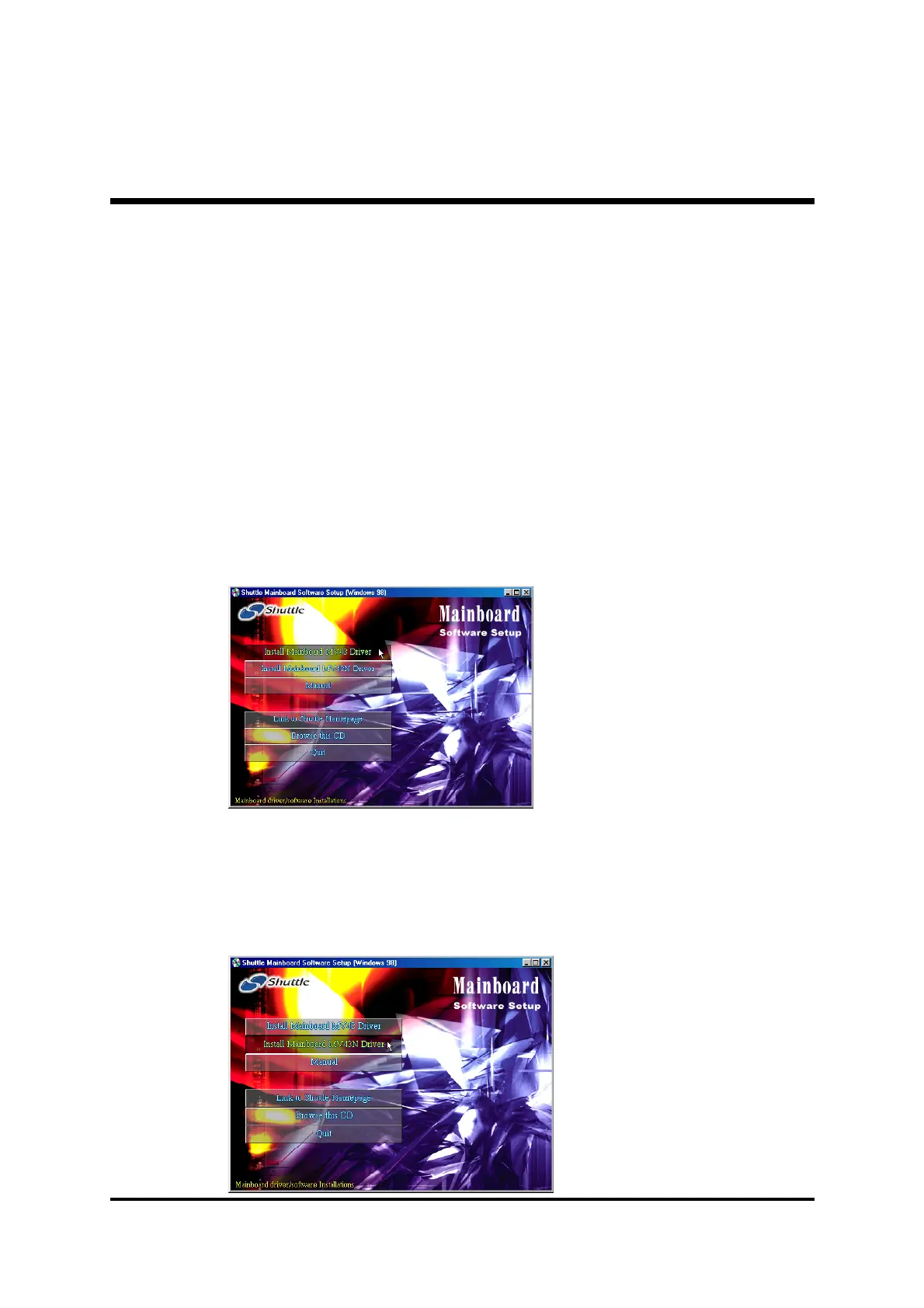
Insert the attached CD into your CD-ROM drive and the CD AutoRun
screen should appear. If the AutoRun screen does not appear, double click
on Autorun icon in
My Computer
to bring up
Shuttle Mainboard Soft-
ware Setup
screen.
Select using your pointing device (e.g. mouse) on the
"Install Mainboard
MV43 Driver"
or
"Install Mainboard MV43N Driver"
bar to run into
sub-menu.
The
Mainboard MV43 Driver
include:
[
4.2.A
] Install VIA Chipset Driver
[
4.2.B
] Install VGA Device Driver
[
4.2.C
] Install Audio Driver
[
4.2.D
] Install USB2.0 Driver
The
Mainboard MV43N Driver
include:
[
4.2.A
] Install VIA Chipset Driver
[
4.2.B
] Install VGA Device Driver
[
4.2.C
] Install Audio Driver
[
4.2.D
] Install USB2.0 Driver
[
4.2.E
] Install LAN Driver (MV43N only)



 To Next Page