- 35 -
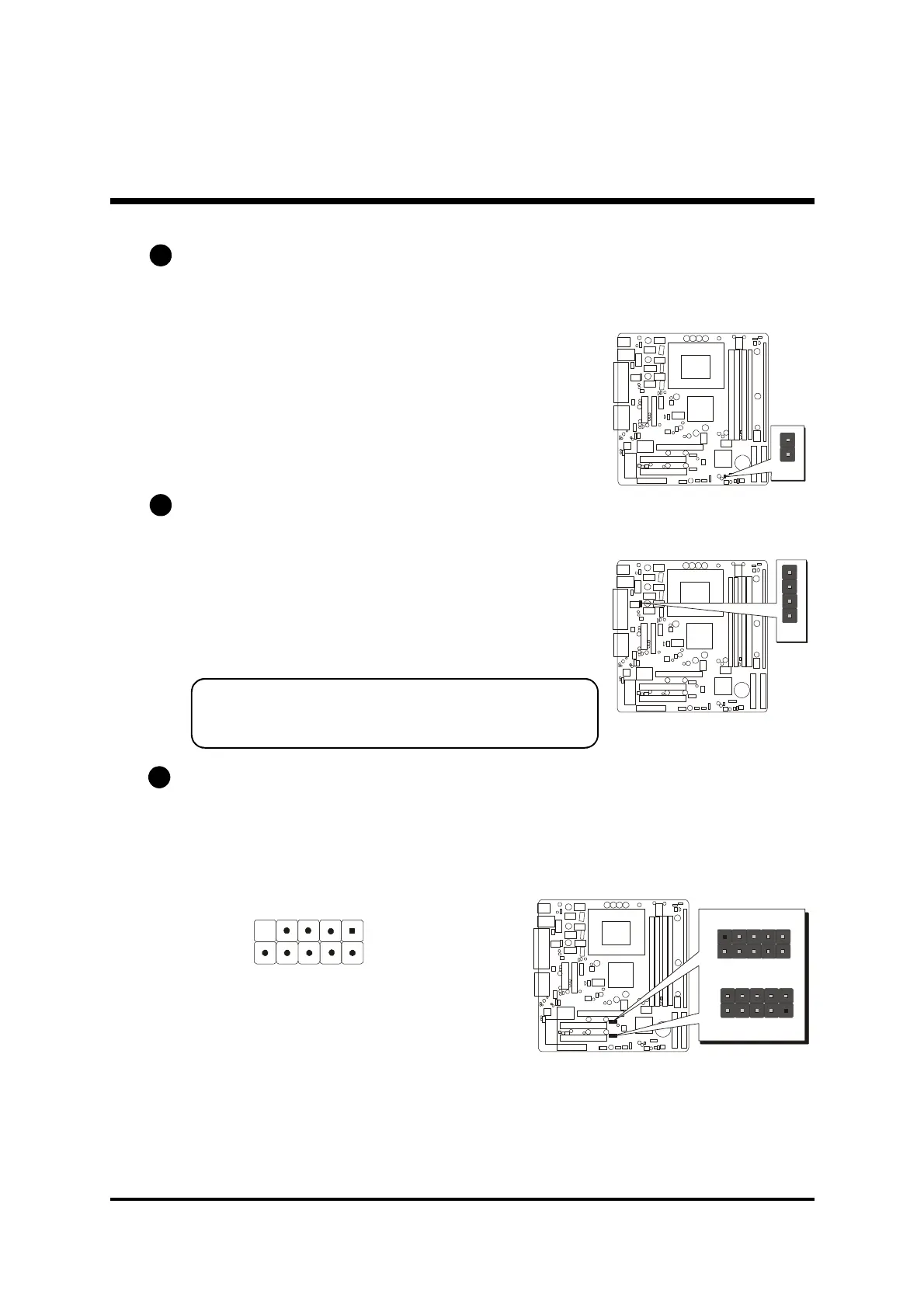
Extended USB Header (USB1,USB2)
The mainboard has USB ports installed on the rear edge I/O port array. Some
computer cases have a special module that mounts USB ports at the front of
the case. If you have this kind of case, use auxiliary USB connectors USB1
and USB2 to connect the front-mounted ports to the mainboard.
Pins Assignment:
1=VERG_FP_USBPWR0 2=VERG_FP_USBPWR0
3=USB_FP_P0- 4=USB_FP_P1-
5=USB_FP_P0+ 6=USB_FP_P1+
7=GND 8=GND
9=KEY 10=USB_FP_OC0
C8
Sleep Switch (J12)
This header is connected to the sleep button for suspending the computer's
activity if pushing the button. Or,the computer is automatically suspended after
passing a period of time.
LAN LED Indicator (J16)
This connected is attached to LAN device that needs a LED indicator.
Pins Assignment:
1,+2=Link LED
+3,4=ACT LED
Note:
The plus sign(+) indicates a pin which
must be connected to a positive voltage.
C6
C7
J16
1
J12
USB1
1
USB2
USB5/6
USB3/4
1
57
246
810



 To Next Page