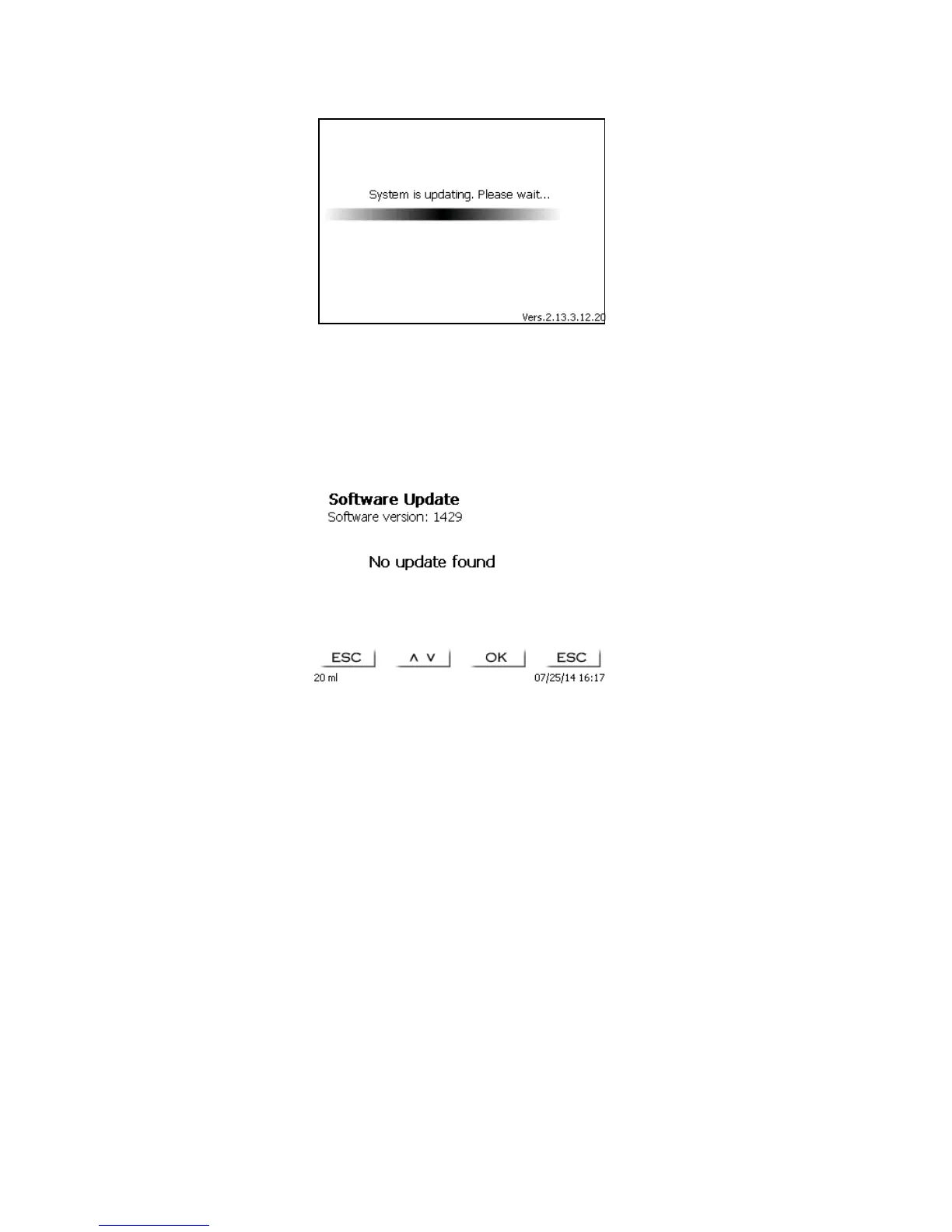
Fig. 98
Upon completion of the update (approx. 2-3 minutes), the device will shut down the software completely and
proceed to a new start.
Please note: During the update, the device must not be switched off.
Important: In the course of an update, the methods will not be deleted! You can continue to use them.
If no valid update file is stored on the USB stick, the following message will appear:
Fig. 99



 To Next Page