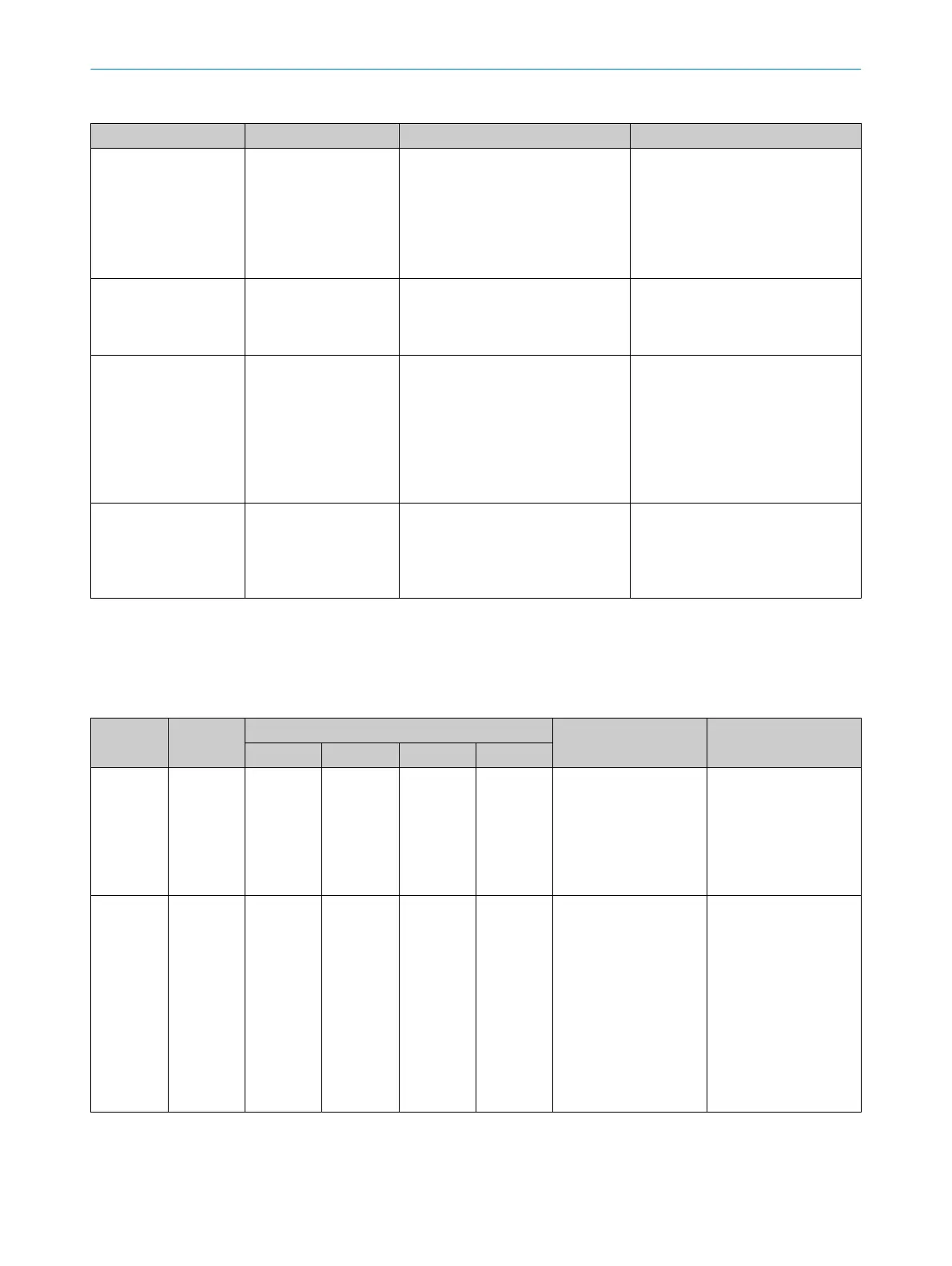
Table 7: Fault indicator on the sender
PWR-LED ERR-LED Possible cause Rectification
o o
No supply voltage or supply voltage
is t
oo low or internal fault
Check the voltage supply, see "Tech‐
nical data", page 53.
Switch the voltage supply off and
then on again.
If the fault persists, replace the
sender, see "Ordering information",
page 57.
o Ö R
ed
The voltage was too high when oper‐
a
ting the sender.
Check the voltage supply, see "Tech‐
nical data", page 53.
Replace the sender, see "Ordering
information", page 57.
O Y
ellow Ö Red
Fault in the supply voltage Check the voltage supply and the
po
wer supply unit, see "Technical
data", page 53.
Switch the voltage supply off and
then on again.
If the fault persists, replace the
defective components, see "Order‐
ing information", page 57.
Ö Y
ellow Ö Red
The sender identified an internal
f
ault.
Switch the voltage supply off and
then on again.
If the fault persists, replace the
sender, see "Ordering information",
page 57.
o LED of
f. Ö LED flashes. O LED illuminates.
Receiver
P
osition of LEDs: see "Receiver indicators", page 12
Table 8: Fault indicator on the receiver
OSSD LED ERR-LED Alignment quality LEDs Possible cause Rectification
1 2 3 4
O R
ed Ö Red Ö Blue o o o
An internal fault has
oc
curred.
Switch the voltage sup‐
ply off and then on
again. If the fault per‐
sists, replace the
receiver, see "Ordering
information",
page 57.
O R
ed Ö Red o Ö Blue o o
Fault in the supply volt‐
a
ge
Check the voltage sup‐
ply and the power sup‐
ply unit, see "Technical
data", page 53.
Switch the voltage sup‐
ply off and then on
again.
If the fault persists,
replace the defective
components, see
"Ordering information",
page 57.
10 TROUBLESHOOTING
50
O P E R A T I N G I N S T R U C T I O N S | deTem4 Core 8020453/14Q7/2020-04-27 | SICK
Subject to change without notice



 To Next Page