NOTE
If the switching logic is changed after a teach-in, the teach-in should be repeated.
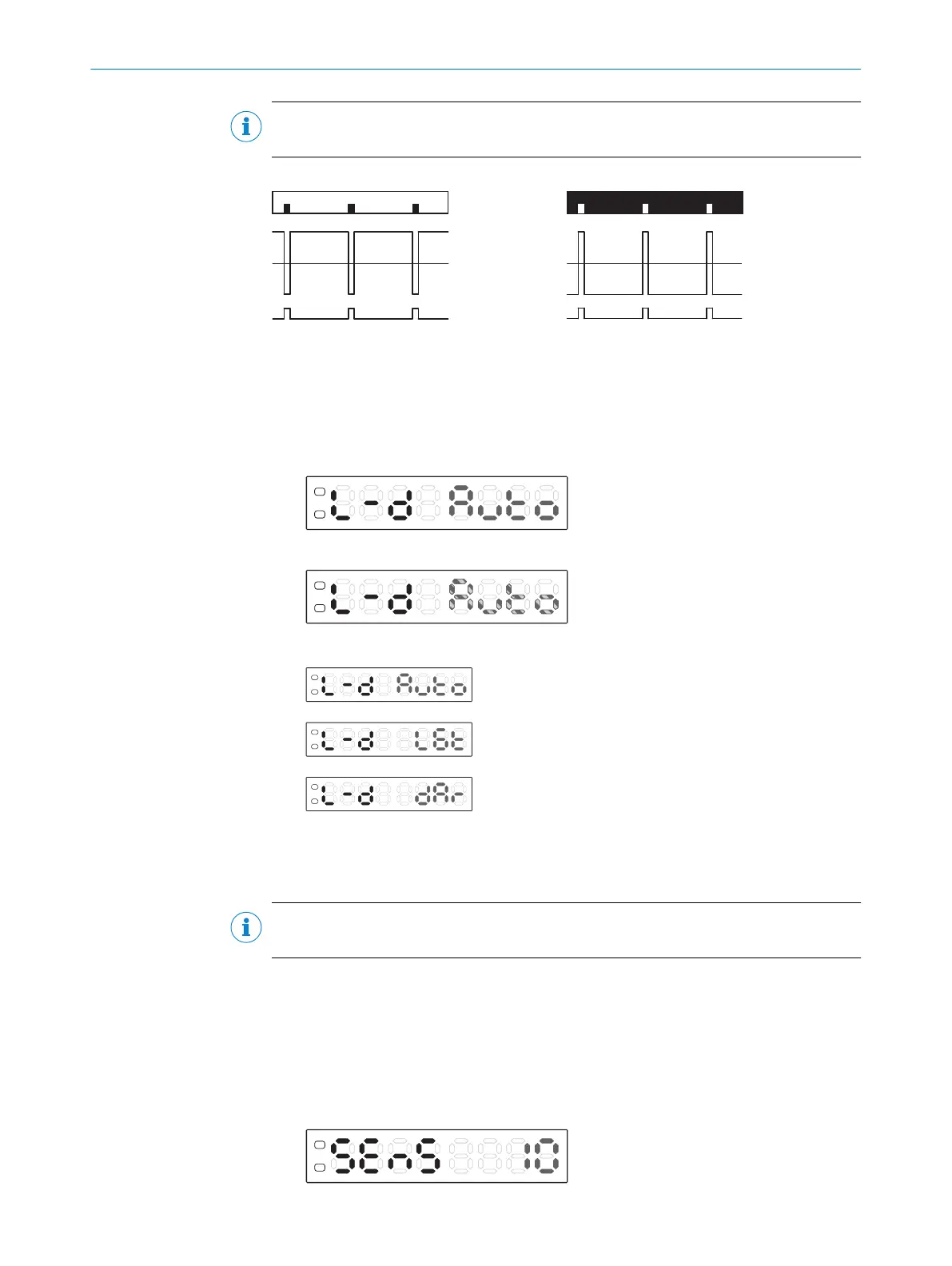
Dark switching Light switching
1
Internal received signal
2
Switching threshold
3
Output Q
1. Press and hold the Mode button for 2 s. The Configuration operating mode is
active.
2. Use the plus or minus button to select L-D.
3. Press the Mode pushbutton. The preset value flashes.
4. Use the plus or minus button to select the required setting.
Automated (factory setting)
Light switching
Dark switching
5. Press the Mode pushbutton.
7.5.4 Adjusting the switching sensitivity
NOTE
The system setting can only be used for 1P teach.
The contrast differences that have been taught are stored with a tolerance range. The
magnitude of the tolerance range can be set to one of three values (10%, 20%, 50%).
Measurement is more reliable when using a greater tolerance if the contrast differ‐
ences of the object vary.
1. Press and hold the Mode button for 2 s. The Configuration operating mode is
active.
2. Use the plus or minus button to select SEns.
7 OPERATION
26
O P E R A T I N G I N S T R U C T I O N S | KTL180 8023304.11XV/2018-11-29 | SICK
Subject to change without notice












 To Next Page