7.6.3 Selecting display settings
1. Press and hold the Mode button for 2 s. The Configuration operating mode is
active.
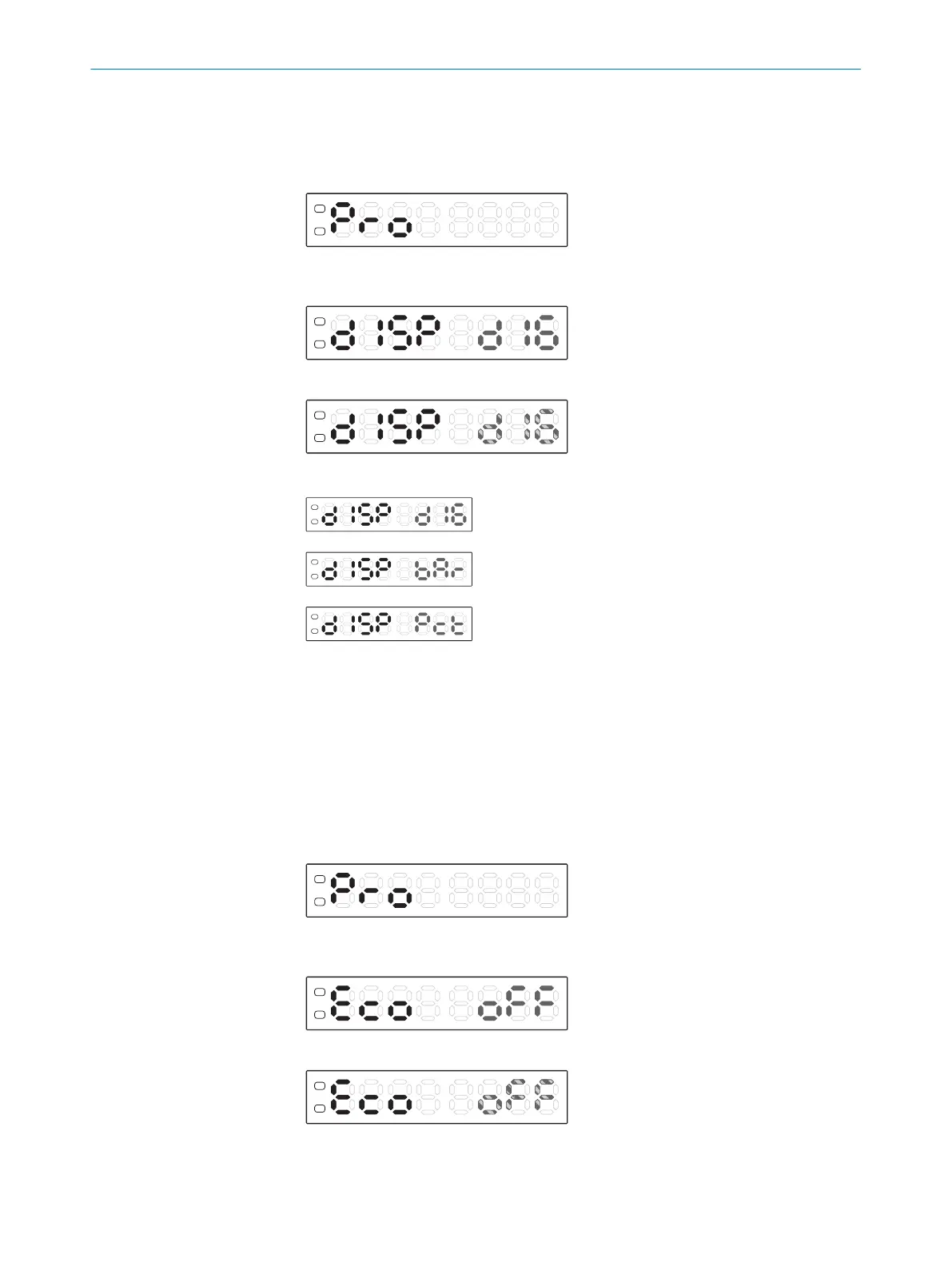
2. Use the plus or minus button to select Pro.
3. Press the Mode button.
4. Use the plus or minus button to select diSP.
5. Press the Mode button. The preset value flashes.
6. Use the plus or minus button to select the desired display.
Numerical display (factory setting)
Bar display
Percent display
7. Press the Mode button.
7.6.4 Activating energy-saving mode
If energy-saving mode is activated, the set point display (green display) is switched off
20 seconds after the last time a button is pressed and the red actual value display
dims. This reduces the current consumption. Pressing any button activates the display.
1. Press and hold the Mode button for 2 s. The Configuration operating mode is
active.
2. Use the plus or minus button to select Pro.
3. Press the Mode button.
4. Use the plus or minus button to select Eco.
5. Press the Mode button. The preset value flashes.
6. Use the plus or minus button to select oFF or on.
7 OPERATION
30
O P E R A T I N G I N S T R U C T I O N S | KTL180 8023304.11XV/2018-11-29 | SICK
Subject to change without notice












 To Next Page