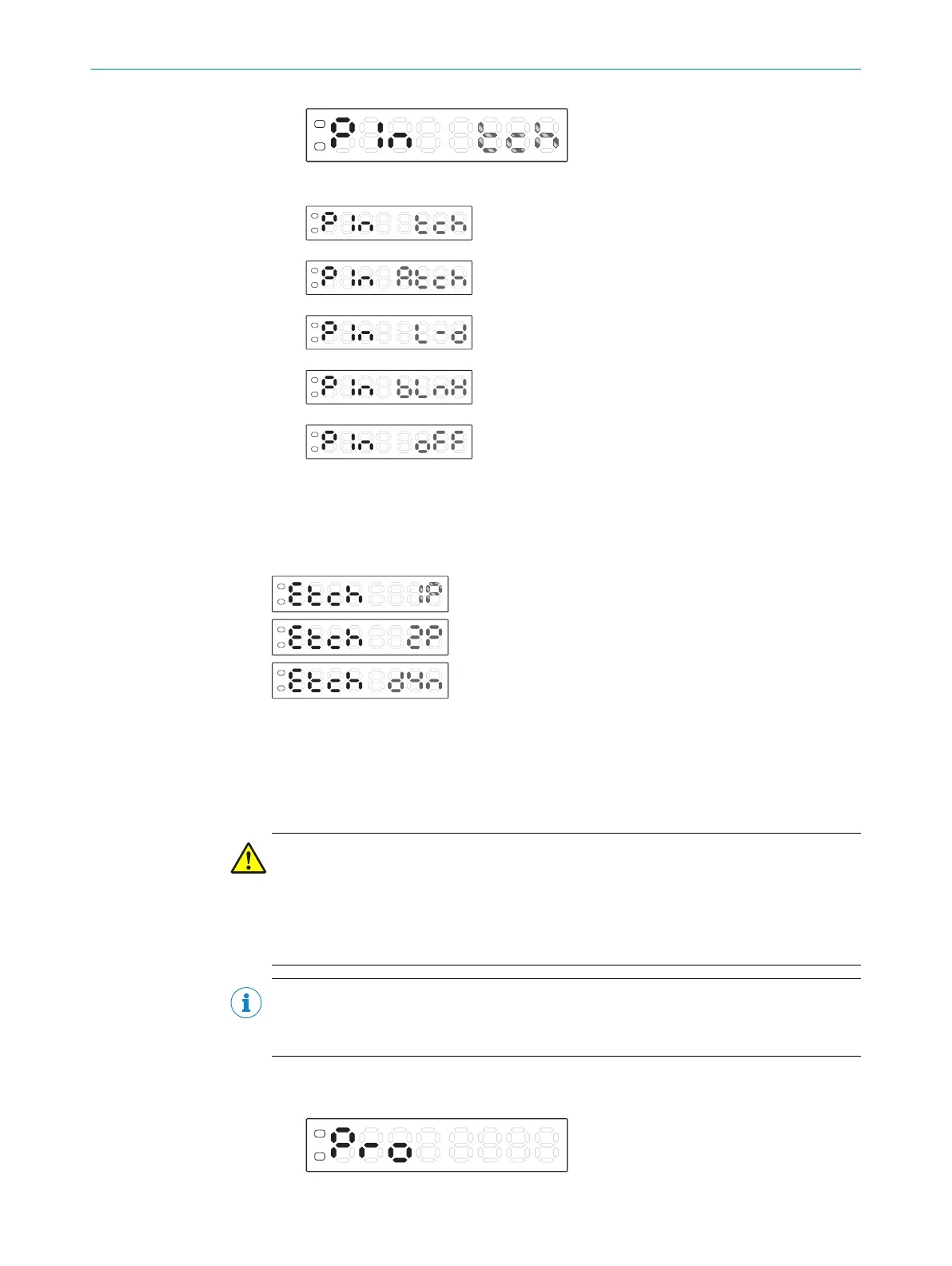
6. Use the plus or minus button to select the required setting.
External teach-in (factory setting)
Master teach-in
Light/dark
Blanking
Off
7. Press the Mode pushbutton.
External teach-in
When the external teach-in is selected, the following options are available:
1-point teach-in
2-point teach-in
Dynamic teach-in
7.6.7 Adjusting copy mode
The copy function is only available in bus operation.
When the copy function is activated, all base unit settings are transmitted to the con‐
nected expansion units.
WARNING
If the KTL180 is combined with the WLL180T on the bus (see "Combination with other
sensors", page 14), then the copying function is used neither in the KTL180 nor in the
WLL180T. Unplanned parameter changes can occur during use. If the copying function
is used on accident, then it may be necessary to reset every device on the bus to the
factory settings to ensure the specified function.
NOTE
No base unit data is transmitted in locked expansion units (LocL1 or 2).
The copy function is not available with 16 µs response time.
1. Press the Mode pushbutton. The Configuration operating mode is active.
2. Use the plus or minus button to select Pro.
7 OPERATION
32
O P E R A T I N G I N S T R U C T I O N S | KTL180 8023304.11XV/2018-11-29 | SICK
Subject to change without notice












 To Next Page