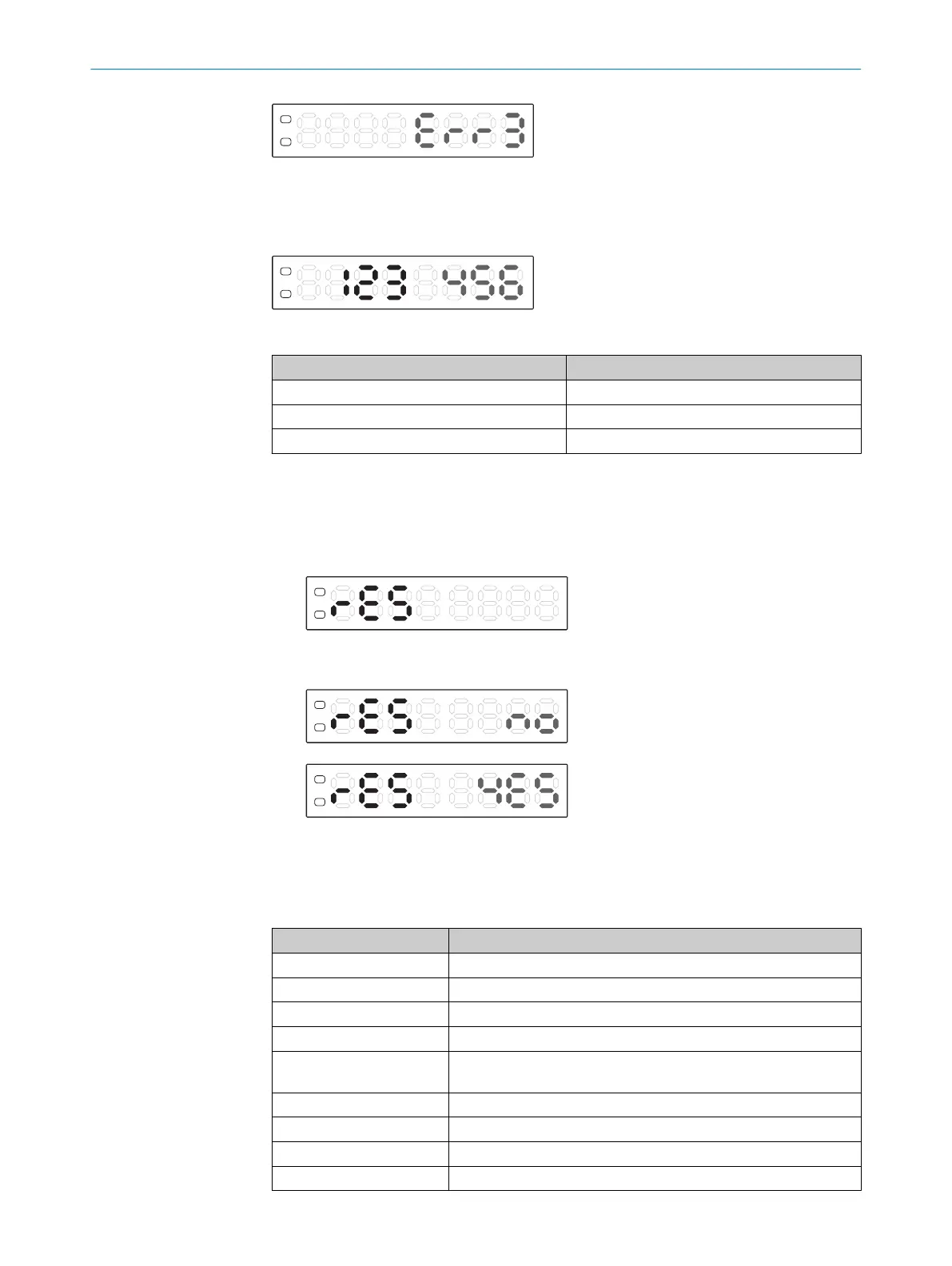
Live measured value (run mode)
In run mode, the device displays the remission value currently being measured as a
digit.
Table 6: Remission value indicator
Value Remission value
0 No remission
3000 Maximum remission at 16 µs response time
9999 Maximum remission at 200 µs response time
7.8 Resetting the device (factory setting)
1. Press and hold the Mode button for 2 s. The Configuration operating mode is
active.
2. Use the plus or minus button to select rES.
3. Press the Mode button.
4. Use the plus or minus button to select no or YES.
5. Press the Mode button.
6. Use the plus or minus button to select End.
7. Press the Mode button.
Table 7: Factory settings
Setting Value
Switching mode Automated
Sensitivity 10
Response time 16 µs
Time delay Off
Setting display value to
zero
Off
Display setting Numerical display
energy-saving mode Off
Display rotation Off
Input setting External teach-in
7 OPERATION
38
O P E R A T I N G I N S T R U C T I O N S | KTL180 8023304.11XV/2018-11-29 | SICK
Subject to change without notice












 To Next Page