Preventive Maintenance
16 MCS100E HW Maintenance Manual 8009624/2009-09 (V1.4) ©SICKMAIHAKGmbH
a) Inspect compressed air supply to find the reason.
b) Inform the responsible persons, as required.
c) Pull out and clean the filter pot.
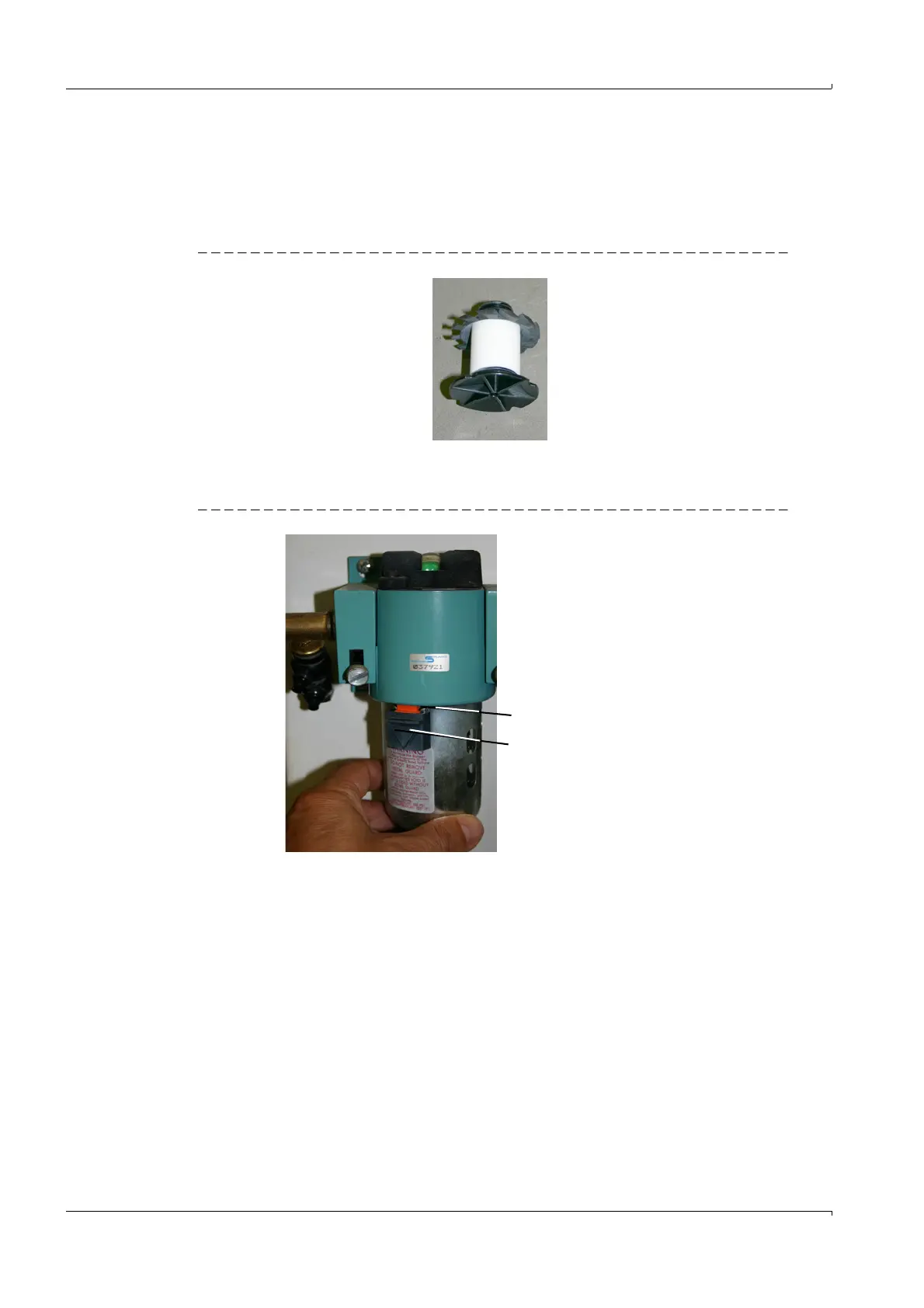
d) Screw out the filters and replace with new filters.
Replace all enclosed O-rings.
Fig. 6 White filter (installed)
e) Refit the filter pots.
5 Reinstall the protective cap offset to the left and turn clockwise until the slide locks in.
Fig. 7 Fitting the protective cap
If the protective cap jams: Push the plastic ring upwards with a finger nail
6 Open the compressed air supply.
Check pressures:
– Pressure regulator inlet (right): Approx. 6 bar
– Pressure regulator outlet (left): Approx. 3 bar
Plastic ring (hidden)
Slide















 To Next Page