Preventive Maintenance
40 MCS100E HW Maintenance Manual 8009624/2009-09 (V1.4) ©SICKMAIHAKGmbH
3.11
Manual span gas feeding (viewing span gas concentrations)
1 View the "bar graph" display (F2 key).
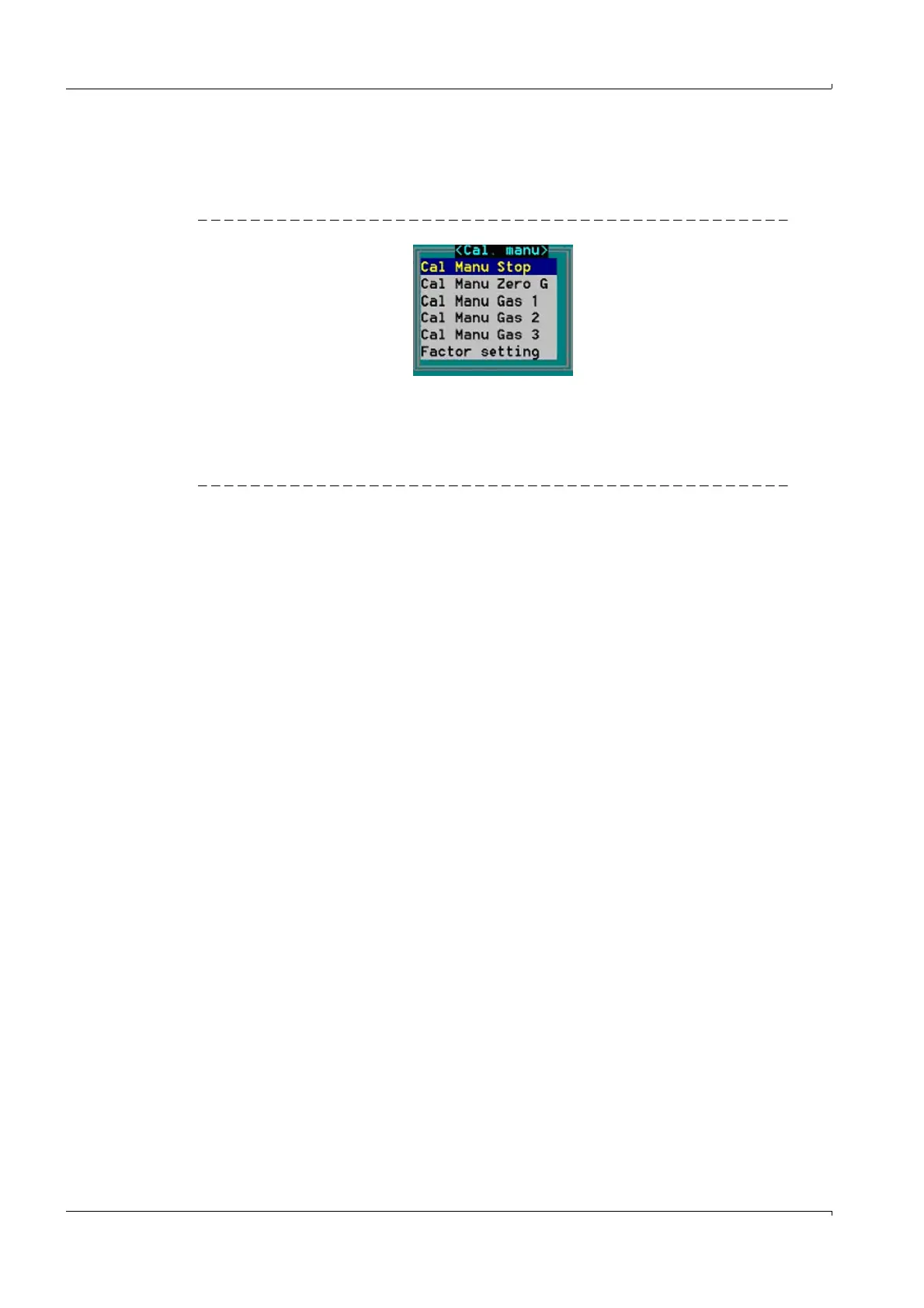
2 Press the F7 key: The menu for manual span gas feeding is displayed.
Fig. 47 Menu for manual span gas feeding
This menu serves to check and correct, if necessary, the concentration display of the
desired gas component.
For the relation between the gas number (e.g. Gas 1) and the associated component (e.g.:
HCl) refer to the system description supplied together with the MCS100E HW. Example:
Fig. 48 Extract from the system description (the Section numbers only serve as examples)
4.6 Key F7CAL MANU
4.6.1 Stop Cal manu
4.6.2 Cal manu Zero Gas
4.6.3 Cal manu Gas 1 (HCl)
4.6.4 Cal manu Gas 2 (CO/NO/SO2)
4.6.5 Cal manu Gas 3 (CO2/NO2/O2)
4.6.6 Cal manu Gas 4 (NH3)
4.6.7 Factor setting
4.6.7.1 Zero adjust
4.6.7.2 Factor HCl
4.6.7.3 Factor NH3
4.6.7.4 Factor CO
4.6.7.5 Factor NO
4.6.7.6 Factor SO2
4.6.7.7 Factor NO2
4.6.7.8 Factor CO2















 To Next Page