Chapter 4 Operating Instructions
V200/V300
28 © SICK AG • Industrial Safety Systems • Germany • All rights reserved 8012227/YT87/2016-03-29
Subject to change without notice
Mounting
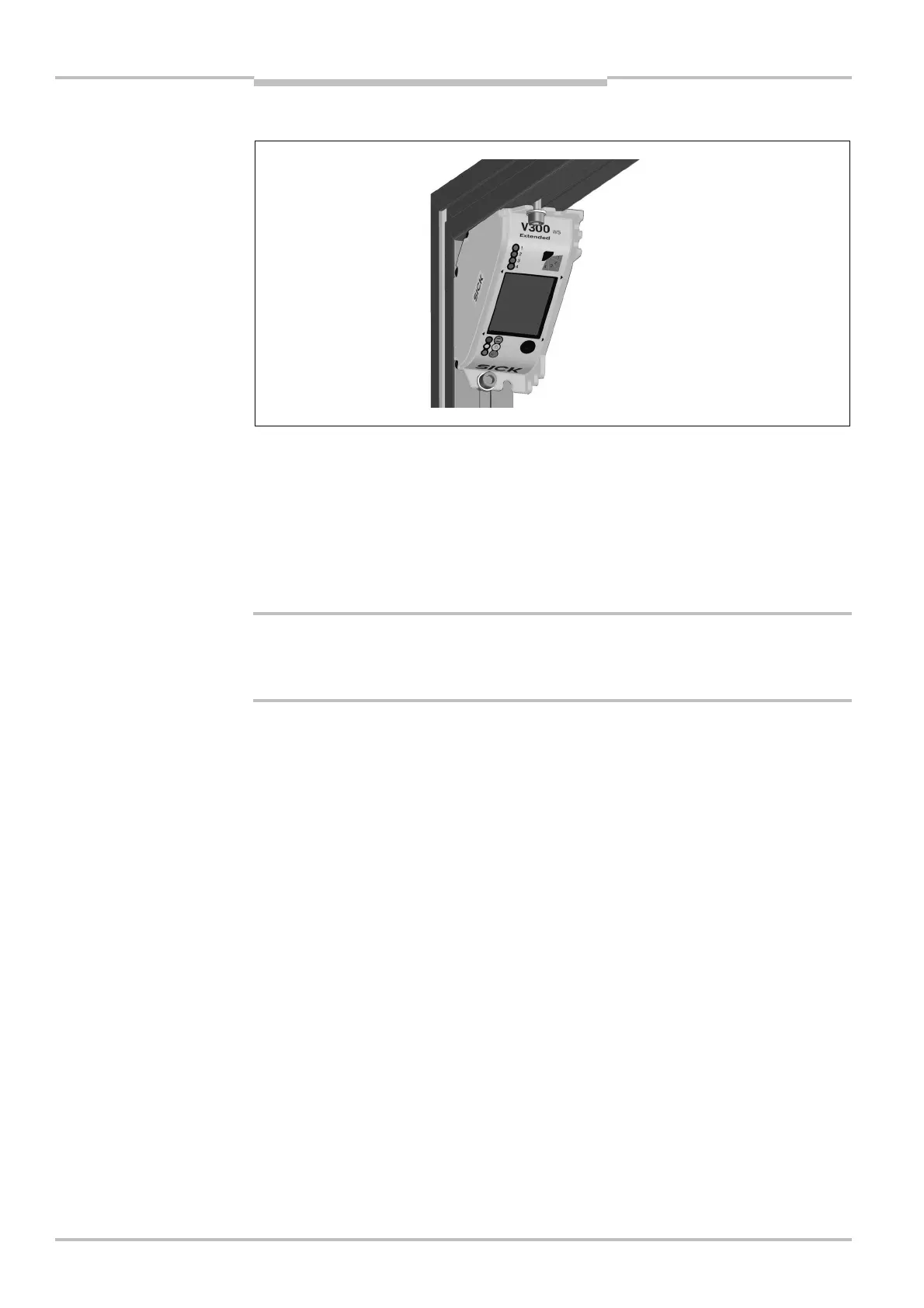
4.4.2 Mounting in a frame
⋅ Always mount the camera with at least two screws and use the fastening openings on
two opposite sides of the housing.
⋅ Secure the two fixing screws against unintentional loosening.
⋅ Always use washers under the screws (cf. figure).
⋅ Use sliding nuts suitable for the profile system employed for mounting the camera.
⋅ Pay attention to the thickness of the flange on the camera when selecting a suitable
screw length (see section 11.2 “Dimensional drawings” on page 56).
Protect unmonitored areas using mechanical guards!
⋅ Take organisational measures to protect the un-monitored areas (see section 4.3
“Avoiding unmonitored areas” on page 24).
Notes
a
WARNING



 To Next Page