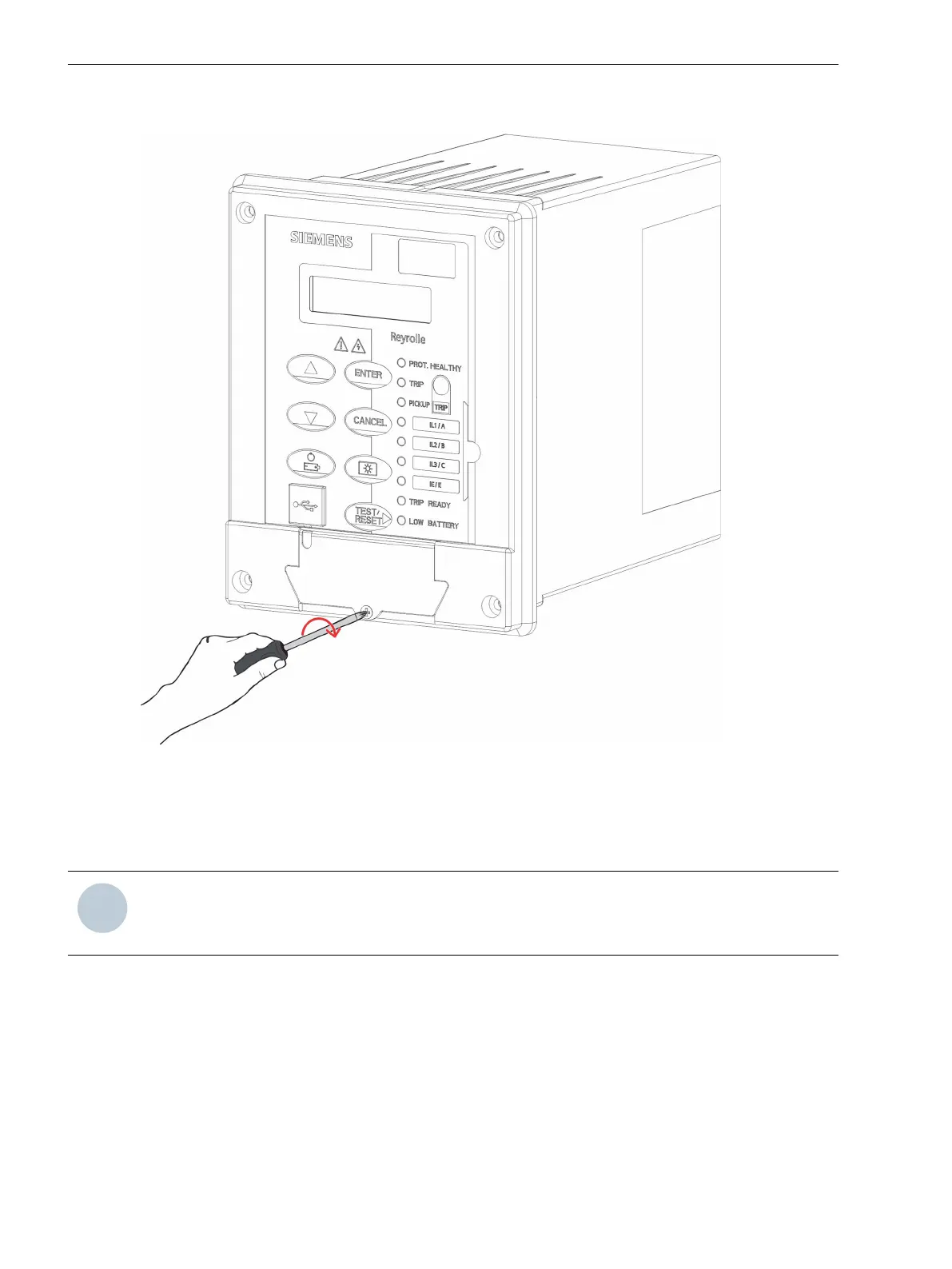
²
Fit the battery cover again and screw it to the housing.
[dw_7SR45_batteryreplacement_step4, 1, en_US]
Figure 3-4
Placing the Battery Cover
²
After the replacement of a new battery and in the absence of auxiliary power, phase current, low input
current, and without USB connection, test the relay by pressing the BAT ON/OFF key to confirm the relay
functionality.
NOTE
Siemens recommends keeping the spare battery on a non-conductive surface to avoid any terminal short-
ages.
Handling of the Device
3.1 Battery Replacement
32 Reyrolle, Operating, Manual
C53000-B7040-C101-1, Edition 08.2020





 To Next Page