Initial Startup
Establishing Readiness for Operation State
It is assumed that you have gone through steps in chapters 1 to 4. Check the connection of the auxiliary
power supply if it is a dual powered relay (type1: DC 24 V to 60 V and type2: AC 60 V to 240 V/ DC 60 V to 240
V) or phase CT connection if it is a self powered relay. You can also read the rated voltage range from the
name plate.
After successful testing of your voltage source, switch it ON. The device is now powered ON. The
PROT.HEALTHY LED (Green) and TRIP READY LED (Green) light up simultaneously. If the protective film is
inserted between the battery and the battery clip, the LOW BATTERY LED (Amber) flashes. The following
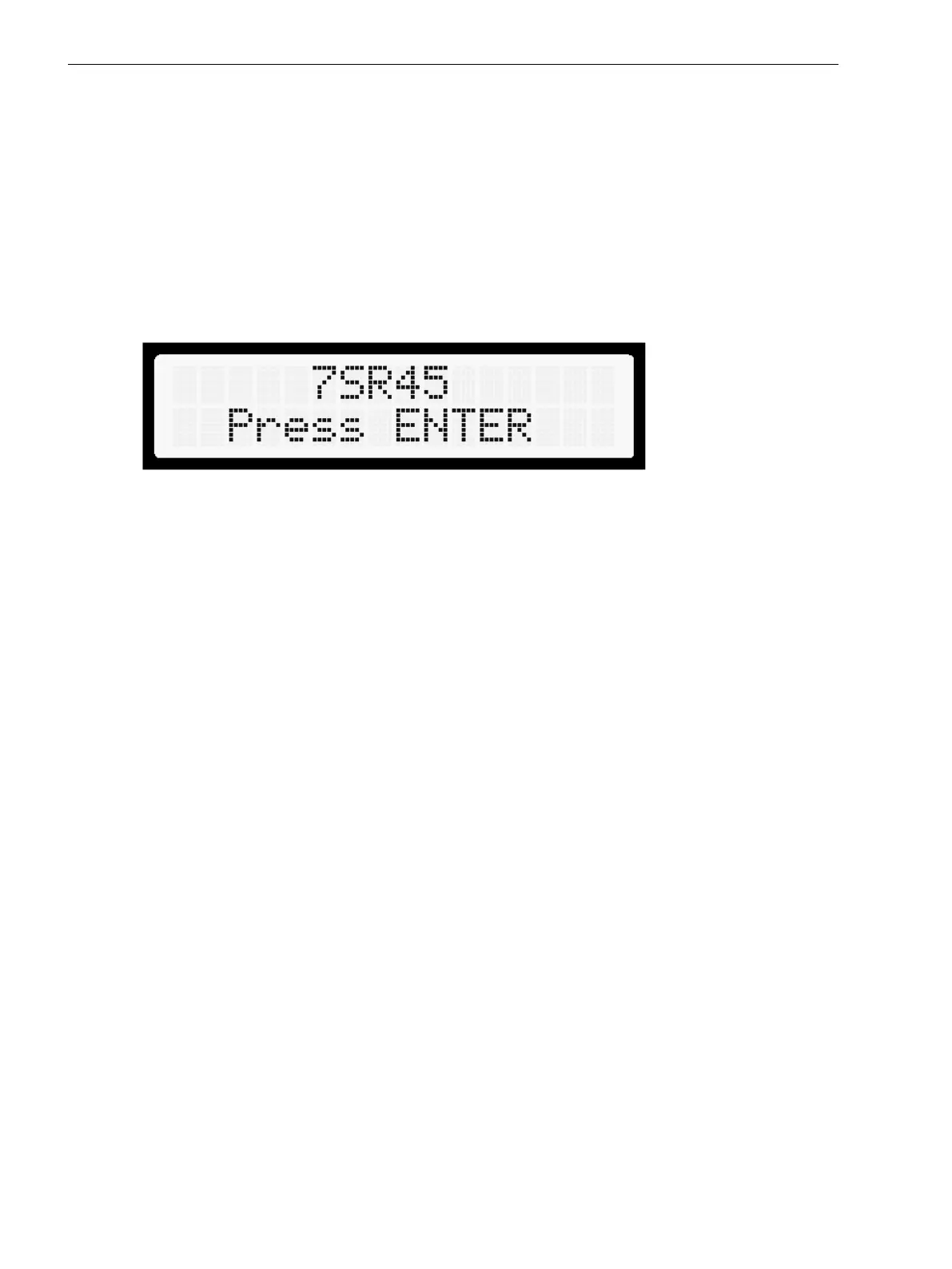
figure shows the basic status of the device display.
[sc_lcd_display, 1, en_US]
Figure 7-1 Status of Device Display
7.3
Commissioning
7.3 Initial Startup
86 Reyrolle, Operating, Manual
C53000-B7040-C101-1, Edition 08.2020





 To Next Page