Replace and Return Defective Device
Backup Device
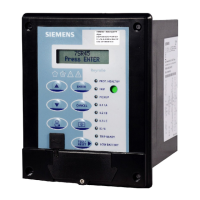
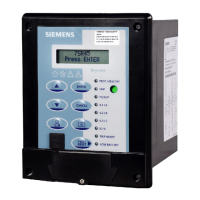
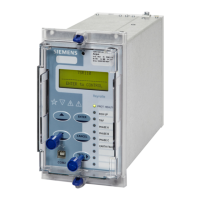
If you cannot correct a defect reported by the device, you can replace this device with a backup device. If the
error is on the device, only the device is replaced.
Replacing a Device
²
Take the device out of operation.
²
Remove the wired terminal blocks from the module to be exchanged or alternatively all lines from the
device.
²
Remove the device.
Installing a Replacement Device
²
If needed, assemble the replacement device.
²
Put the device back into operation.
Returning a Device
²
Make sure that the device has protective covering to avoid any transportation damage.
NOTE
When returning the device ensure the protective film is inserted between the battery and the battery clip.
²
Pack the complete device.
²
In order to return the device to Siemens factory or any Siemens location, contact the customer support
center and follow the instructions specified by them.
NOTE
If the device is incomplete, for example if terminals are missing, it cannot be taken back.
8.5
8.5.1
8.5.2
8.5.3
Device Maintenance
8.5 Replace and Return Defective Device
Reyrolle, Operating, Manual 95
C53000-B7040-C101-1, Edition 08.2020





 To Next Page