EasyManua.ls Logo

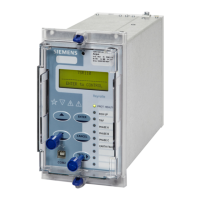
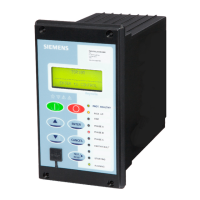
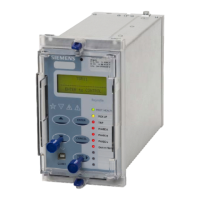
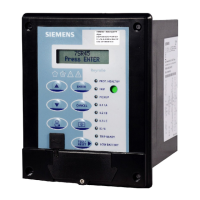
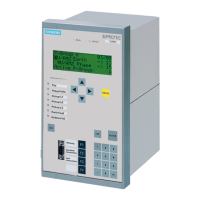
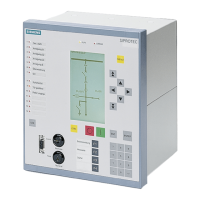
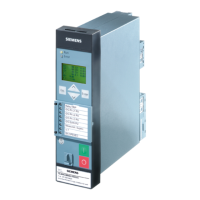
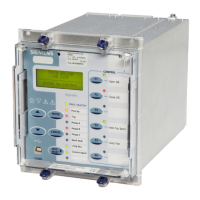
Siemens 7SR18 Solkor - User Manual

Siemens 7SR18 Solkor
417 pages
Print Icon
To Next Page IconTo Next Page
Loading...
Energy Management
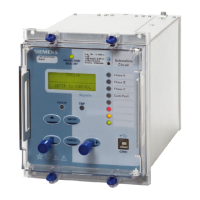
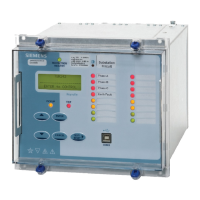
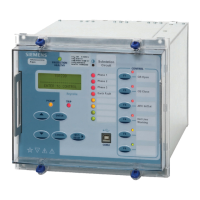
7SR18 Solkor
Line Differential Relay
Reyrolle
Protection
Devices

Table of Contents

Questions and Answers

  • K
    Kimberly GarzaAug 14, 2025
    Why Siemens 7SR18 Solkor Relays display one instrument after another?
    • J
      Jo RamirezAug 14, 2025
      This is normal operation because default instruments are enabled. To change this, remove all instruments from the default list and add only those that are required.
  • J
    Joseph ParksAug 17, 2025
    How to fix Siemens Relays that will not communicate in a ring network?
    • S
      sarah99Aug 17, 2025
      First, check that all relays are powered up. Second, verify that each relay has a unique address.
  • B
    Brent SmithAug 20, 2025
    What to do if Siemens Relay won’t accept the password?
    • N
      Nicole PageAug 21, 2025
      First, ensure that you are entering the correct password. If you've forgotten the correct password, note down the Numeric Code displayed on the Change Password screen. Then, communicate this code to a Siemens Protection Devices Ltd. representative to retrieve the password.
  • J
    Jamie LongAug 25, 2025
    What to do if I cannot communicate with the Siemens relay?
    • J
      Johnny ThomasAug 25, 2025
      First, check that all of the communications settings match those used by Reydisp Evolution. Second, check that all cables, modems and fibre-optic cables work correctly. Finally, ensure that IEC 60870-5-103 is specified for the connected port (COM1 or COM2).
  • M
    Melissa PerkinsAug 27, 2025
    How to fix Siemens 7SR18 Solkor status inputs that do not work?
    • A
      abigailcardenasAug 27, 2025
      First, check that the correct DC voltage is applied and that the polarity is correct. Second, verify that the status input settings such as the pick-up and drop-off timers and the status inversion function are correctly set.
  • S
    shelbyaguirreAug 31, 2025
    What to do if Siemens Relay does not power up?
    • S
      smithnatashaAug 31, 2025
      Check that the correct auxiliary AC or DC voltage is applied and that the polarity is correct.
  • K
    Kyle RamirezSep 3, 2025
    Why Siemens Relay instrument displays show small currents or voltages even though the system is dead?
    • R
      Randy ClarkSep 3, 2025
      This is normal. The relay is displaying calculation noise, which will not affect any accuracy claims for the relay.
  • J
    John PaceSep 6, 2025
    How to fix Siemens Relays backlight is on but no text can be seen?
    • J
      Jerry SteinSep 7, 2025
      Adjust the contrast.
  • A
    Alex LeblancSep 10, 2025
    How to fix Siemens 7SR18 Solkor Relays scrolling text messages are unreadable?
    • A
      Amy YatesSep 10, 2025
      Adjust the contrast.

Siemens 7SR18 Solkor Specifications

General IconGeneral
Frequency50/60 Hz
Communication PortsRS485, Ethernet
Differential ProtectionYes
Overcurrent ProtectionYes
Earth Fault ProtectionYes
Number of Overcurrent Stages4
Rated Voltage110-250V AC/DC
Current Input1A / 5A
ProtocolsIEC 61850, Modbus
Auxiliary Supply Voltage24V to 250V AC/DC

Related product manuals