General
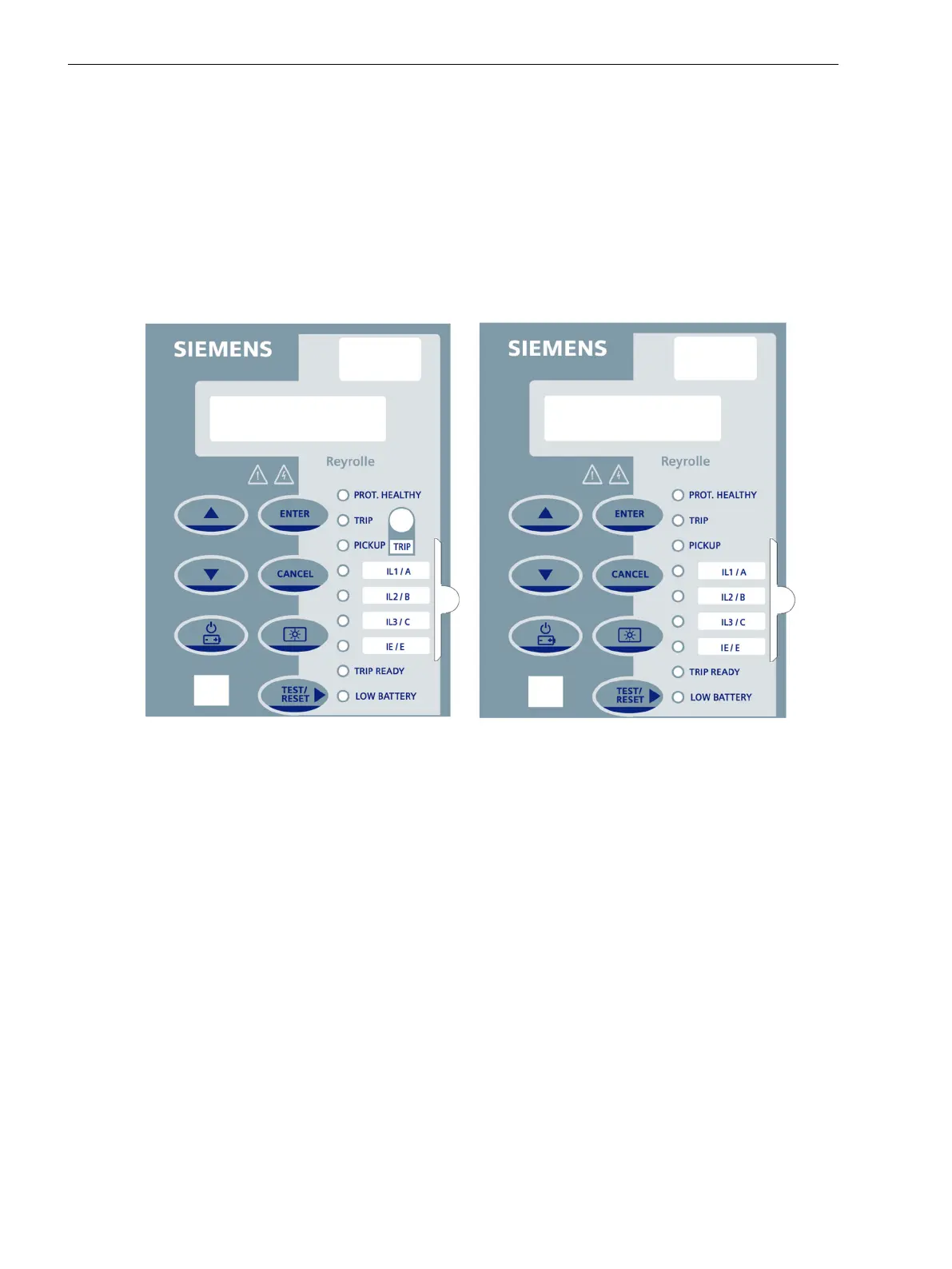
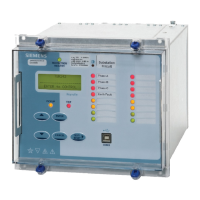
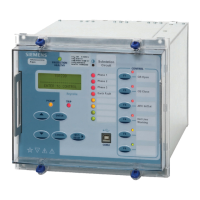
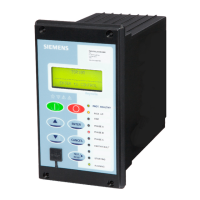
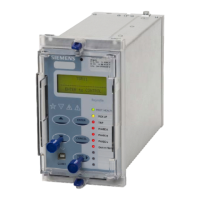
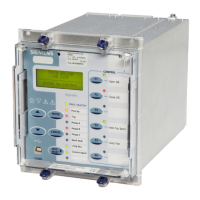
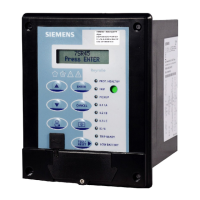
The fascia is an integral part of the relay and allows the user to access all the push buttons and to perform the
setting changes and control actions. By using the TEST/RESET▶ key, the fascia provides an option to reset the
fault data display, latched binary output and LEDs. The front fascia contains a predefined LED list which
provides the information about the LED indicators.
Variants
The relay is composed of different variants depending on the hardware configuration of the device. The opera-
tion of the relay is performed via the keypads.
[dw_7SR45_decal, 1, en_US]
Figure 4-1
Front Fascia with and without Flag Output
Operating Concept
The operating concept allows you to do the following on-site operator control actions:
•
Navigation in the menu tree
•
View and modification of parameter setting values
•
Resetting saved information
•
Showing default displays, measured values and logs
•
Executing switching operations
•
Status display with LED
4.1
Using the Relay Fascia
4.1 General
46 Reyrolle, Operating, Manual
C53000-B7040-C101-1, Edition 08.2020





 To Next Page