Firmware Update
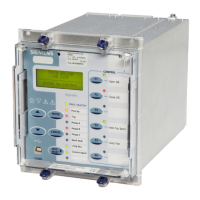
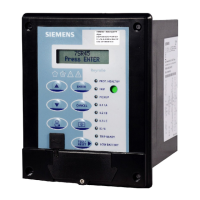
In the 7SR45 Argus relay, firmware can be updated by performing the following procedure:
How to proceed
²
Connect the relay to a local PC using a USB cable.
²
Run the valid executable file from the local PC.
The application detects the connected relay and updates the firmware.
If any failure occurs, a message appears automatically in the PC application.
²
After a successful update, the relay automatically restarts.
NOTE
Do not disconnect the USB when the firmware update is in progress. If the firmware update is terminated
intermittently, the existing firmware corrupts in the relay and the relay stops working.
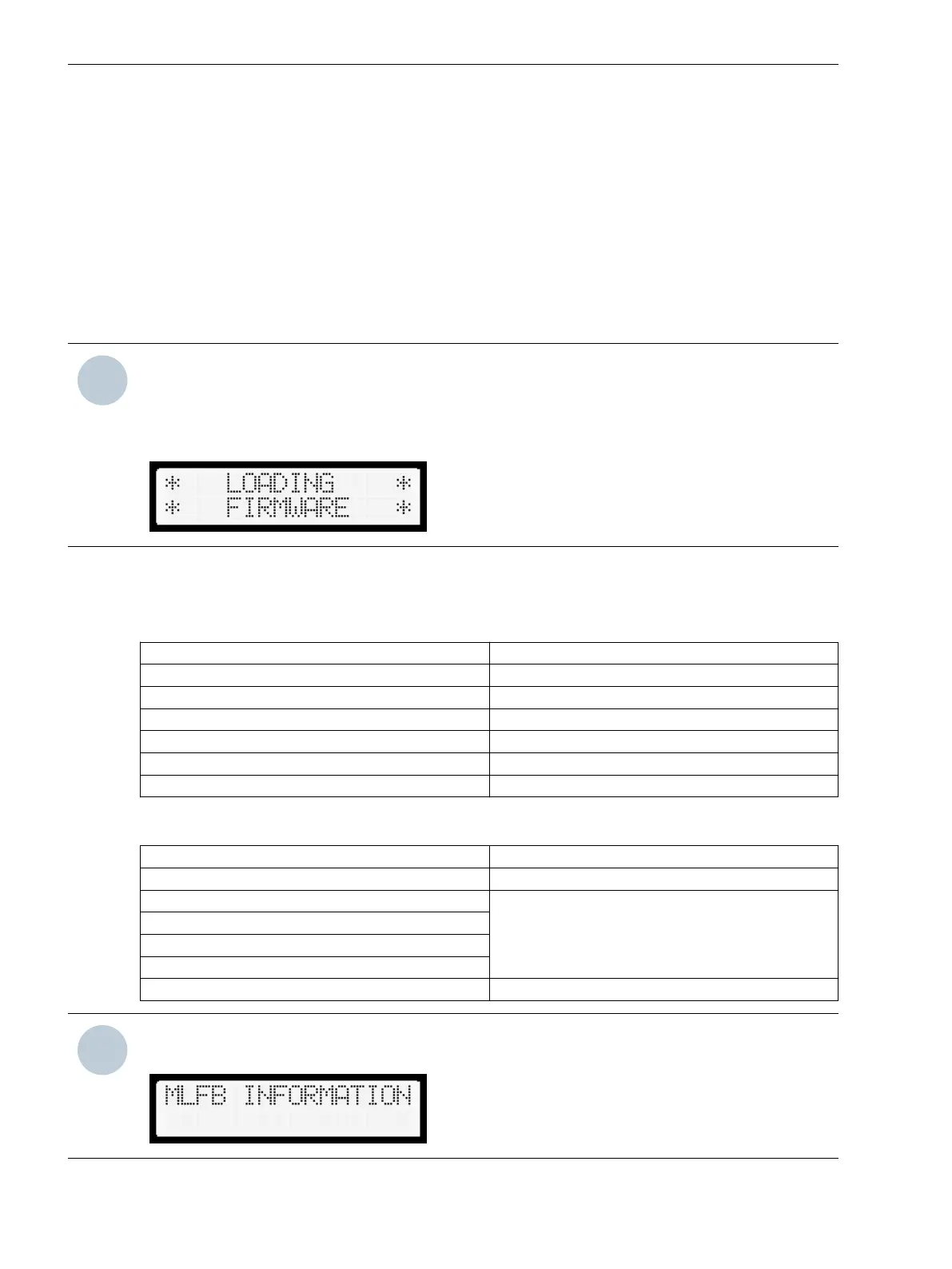
The following alert appears when the firmware is updated and when the 7SR45 Argus Relay is loaded with
2438H80001R2x-1x firmware.
The following table shows the compatibility of 7SR4501/7SR4502/7SR4503/7SR4504 device and firmware.
Table 8-2
Firmware Compatibility for 7SR450[1/2/3/4]-x[H/J]xx0-1AA0 and 7SR450[1/3]-xGB10-1AA0
MLFB variants
Firmware Version Device Version
2438H80001R2f-1a 7SR450[1/2/3/4]/FF
2438H80001R2e-1a 7SR450[1/2/3/4]/FF
2438H80001R2c-1b 7SR450[1/2/3/4]/FF
2438H80001R2c-1a 7SR450[1/2/3/4]/FF
2438H80001R2b-1b 7SR450[1/2/3/4]/FF
2438H80001R2a-1a 7SR450[1/2]/EE
Table 8-3 Firmware Compatibility for 7SR450[1/3]-xGA10-1AA0 MLFB variants
Firmware Version Device Version
2438H80001R1f-1a 7SR450[1/3]/FF
2438H80001R1e-1a 7SR4501/EE
7SR4501/DD
7SR4501/CC
7SR4501/BB
2438H80001R1d-1a
2438H80001R1c-1a
2438H80001R1b-1a
2438H80001R1a-1a 7SR4501/BB
NOTE
The incompatibility of the device and firmware displays an error message MLFB INFORMATION ERROR.
8.6
Device Maintenance
8.6 Firmware Update
96 Reyrolle, Operating, Manual
C53000-B7040-C101-1, Edition 08.2020





 To Next Page