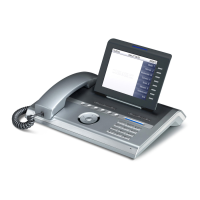
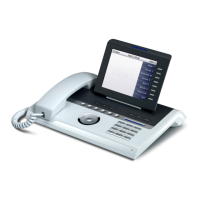
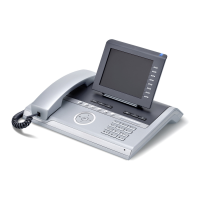
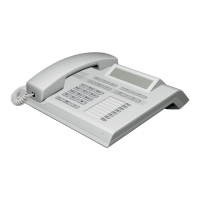
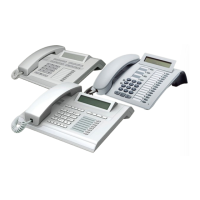
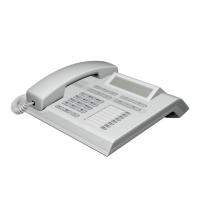
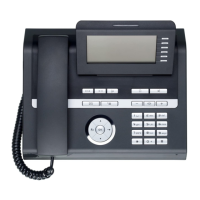
Getting to know your OpenStage phone
18
Keys and controls
Function keys
Audio controls
Audio keys
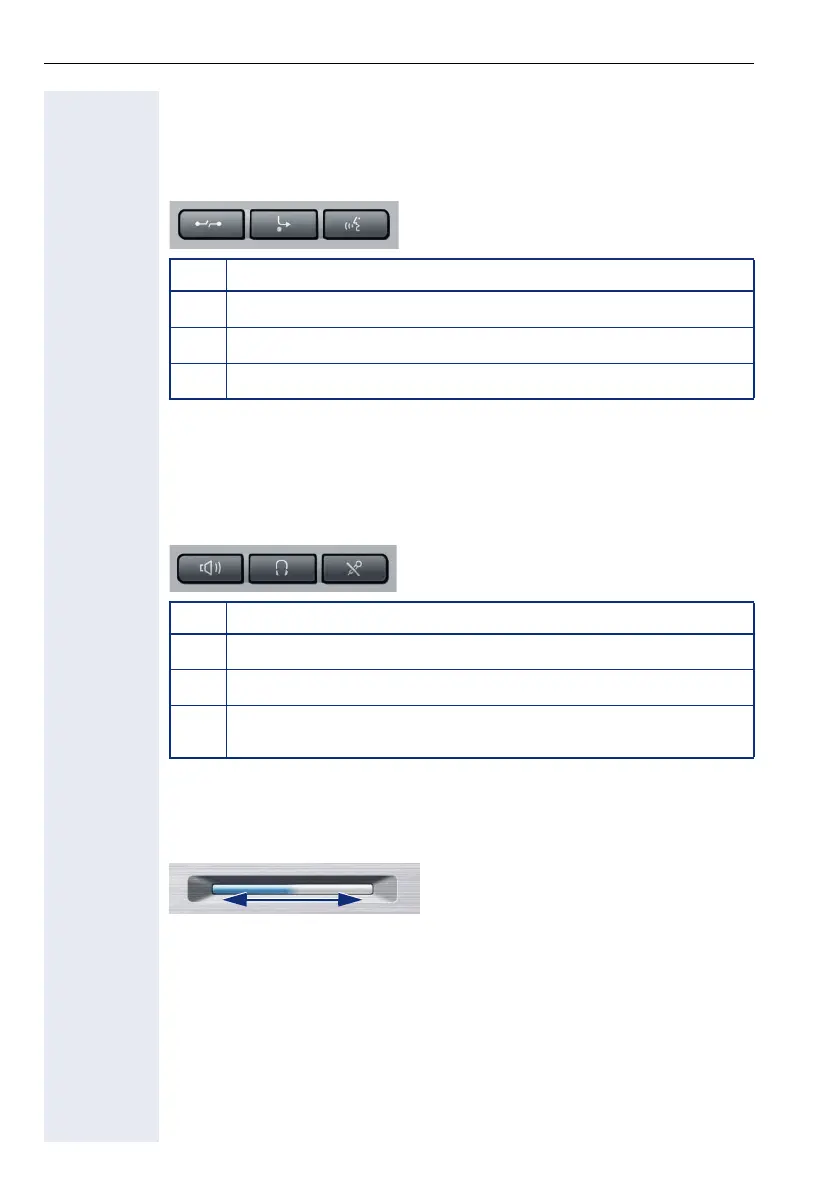
To u ch S l i d e r
Similar to the TouchGuide ! page 20, you can set properties for your tele-
phone, such as the volume, by sliding your finger over the TouchSlider.
The blue illuminated slider control displays the volume setting for the cur-
rent tone (ring tone, handset tone and loudspeaker tone). You can adjust
the volume by moving the slider left or right.
Set the lamp brightness of the TouchSlider ! page 157.
Key Function when key is pressed
s
End (disconnect) call ! page 49.
r
Call forwarding
[1]
! page 79.
[1] If the LED key flashes on the phone, your phone was configured as a forwarding destina-
tion.
q
Key currently has no function.
Key Function when key is pressed
n
Activate/deactivate the loudspeaker ! page 44.
o
Activate/deactivate headset ! page 55.
p
Activate/deactivate microphone (also for speakerphone mode)
! page 50.
Icon used in the manual:
X


 To Next Page
 Loading...