SIMATIC CC7
Operating Instructions, 10/2019, C79000-G8976-C503-02
23
LEDs, Connectors, Buttons, CLP
2.1 LEDs
The LEDs on the front show the states of the module.
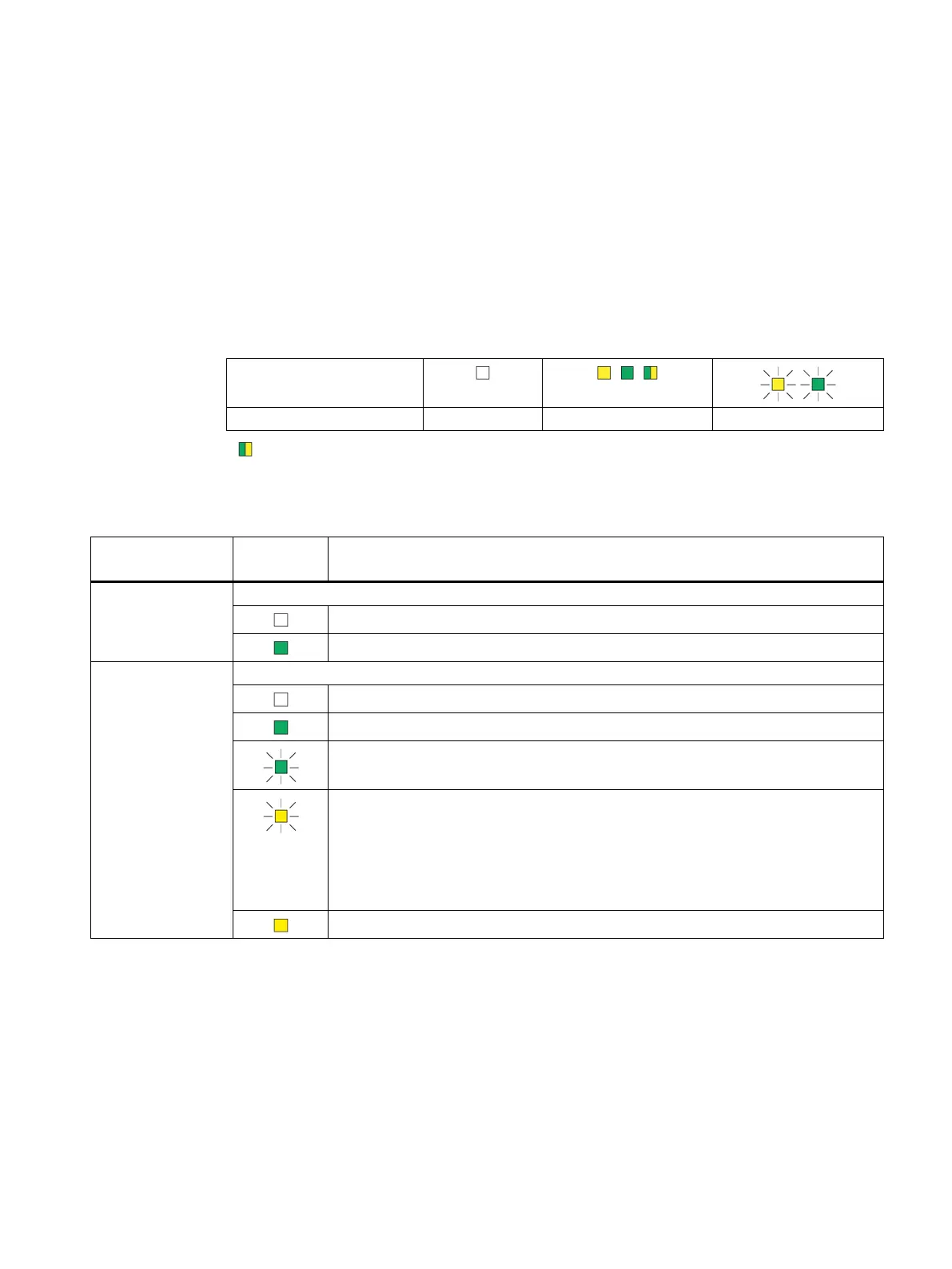
The LED symbols in the table below correspond to the following states of the LEDs:
* : Part flashes yellow and part lit green
Meaning of the LED displays
(green)
Power OFF
Power ON
(green / yellow)
Connection to process stations
No connection to configured process stations
Existing connection to all configured process stations
No connection to at least one of the configured process stations
No communication with process stations Possible causes:
• Incorrect configuration
• Stop of communication via:
– WBM: "Maintenance > Communication / Restart"
– CC716: Digital input
No process station configured










 To Next Page