Configuration
4.3 General functions of the WBM
SIMATIC CC7
Operating Instructions, 10/2019, C79000-G8976-C503-02
51
4.3 General functions of the WBM
Symbols in the toolbar
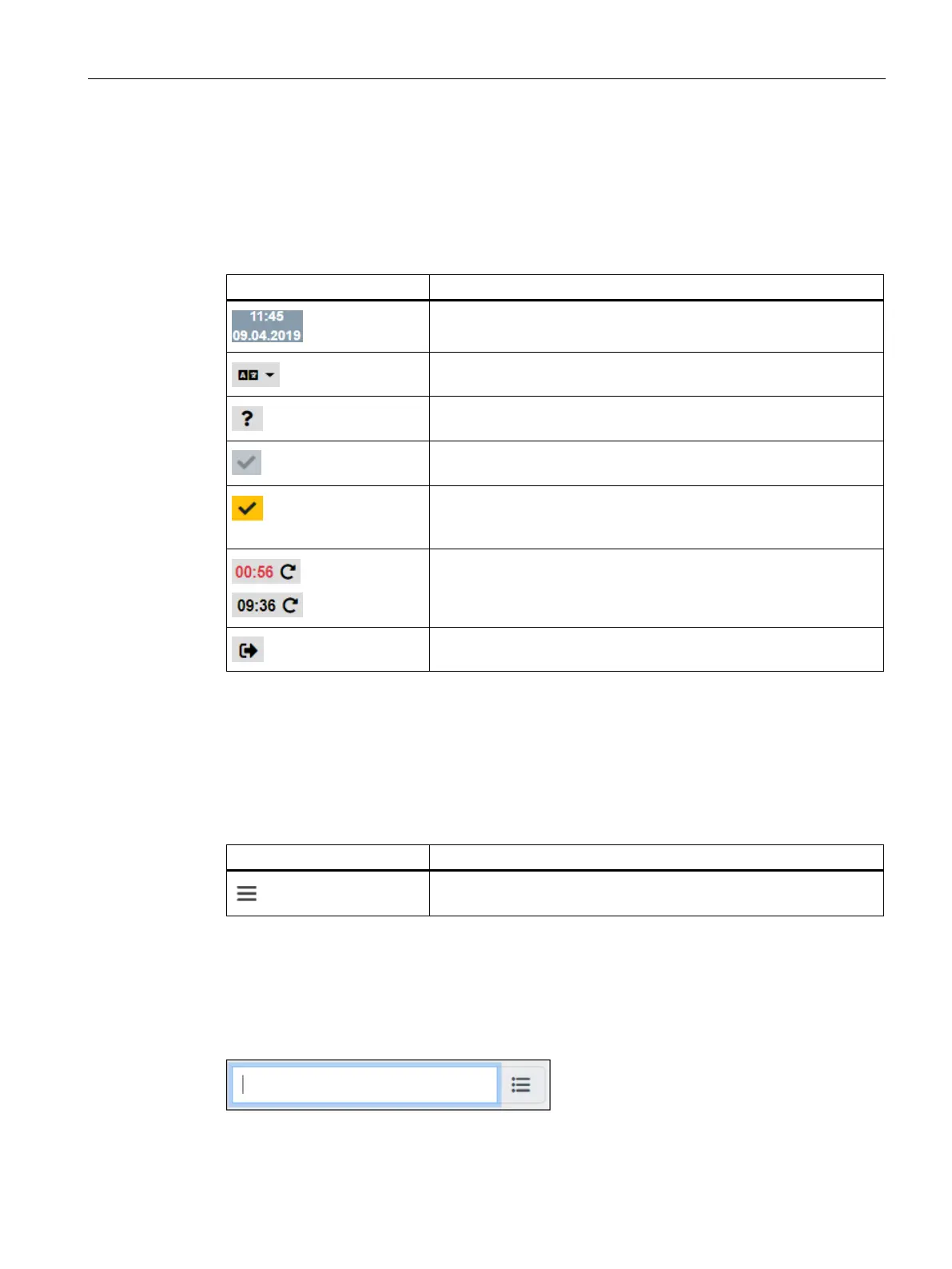
You can reach the following functions using the displays and symbols in the toolbar:
Time and date of the runtime system
Switching the WBM language
Opens the online help of the WBM.
Apply
All saved data is applied to the Runtime system.
Apply
Applies saved configuration data to the Runtime system. The
Runtime system is restarted with the applied settings.
Counter which displays the remaining time of the current session.
By clicking the time display, the counter of the session duration is
reset.
Log off: Ends the connection to the WBM
Menu bar
The menu bar shows the tabs of the WBM over which you reach the different pages of the
WBM.
When you minimize your browser window, the display of the tabs disappears and the
following symbol is displayed:
Shows the tab titles as navigation with a minimized browser window.
Input boxes with filter
Input boxes as shown below have a filter function. If you enter a character or a character
string, all existing elements containing this character string are displayed.
You find these input boxes in the assignment of data points to topics, for example.
Figure 4-1 Empty input box with cursor










 To Next Page