LEDs, Connectors, Buttons, CLP
2.3 The button "SET"
SIMATIC CC7
28 Operating Instructions, 10/2019, C79000-G8976-C503-02
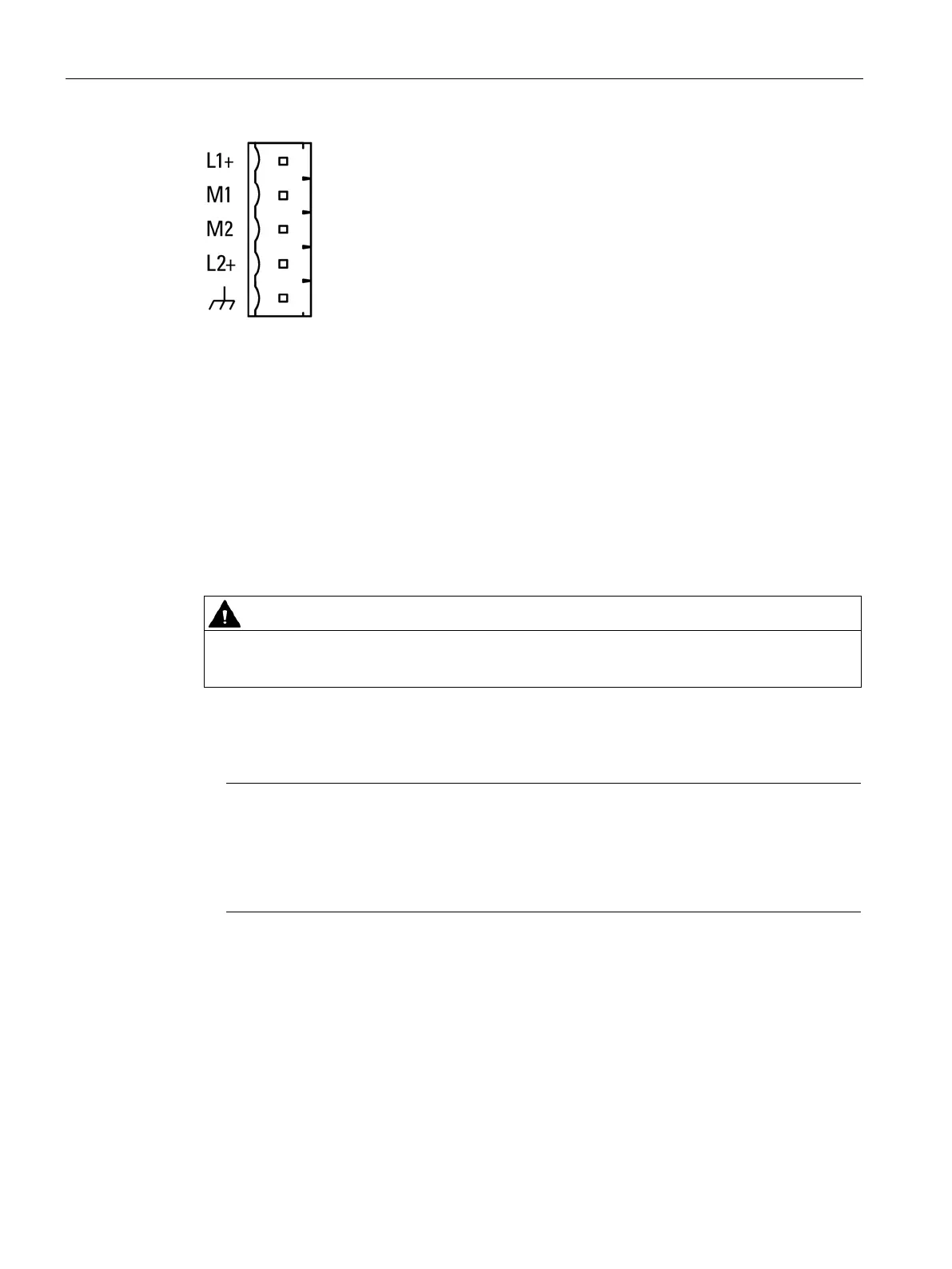
Figure 2-1 Socket of the external power supply
For information on allocation of the socket and for the connection, see section Connecting
(Page 40).
You will find further data on the power supply in section Technical specifications (Page 125).
2.3 The button "SET"
Functions of the button
Do not press the button if there is a potentially explosive atmosphere.
The "SET" button has the following functions:
●
Resetting to factory settings
Note
Configuration data is deleted
By resetting to factory settings, the gateway is reset to the status as it was delivered from
the factory. This deletes all the configured settings.
The data on an optional CLP ar
e deleted as well.
For the precise effects of resetting, refer to the section Restarting and resetting
(Page 122).










 To Next Page