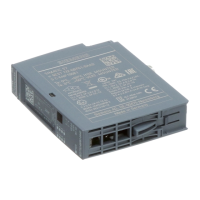
Interrupts/diagnostic messages
6.1 Status and error displays
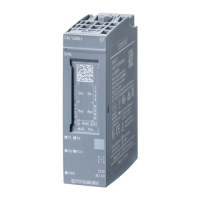
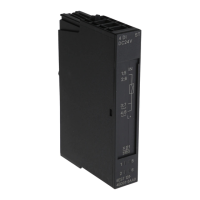
Technology module TM ECC 2xPWM ST (6FE1242-6TM10-0BB1)
48 Manual, 04/2018, A5E42681298B-AA
To remove and prevent errors
Off
Backplane bus supply of the ET 200SP not OK Check and switch on supply voltage of
the head-end station. Make sure that
the SIMATIC ET 200SP TM ECC
2xPWM ST technology module in in-
serted correctly into the BaseUnit.
Technology module not parameterized Download a configuration that contains
the technology module.
On
Technology module configured but no module
diagnostics (no error present)
Flashing
Technology module configured and module
diagnostics (at least one error present)
Check the configuration and parameter
assignment in your engineering tool
(e.g. TIA Portal) or evaluate the diag-
nostic interrupts and remedy the error.
Note
The DIAG LED only shows an error when you
have enabled the corresponding diagnostic
interrupt in the device configuration. By default, it is not enabled.
To remove and prevent errors
Off
No supply voltage L+
• BU type B1:
Check the external 24 V DC supply
voltage between L+ and M.
• BU type B0:
Check the 24 V DC supply voltage
of the supplying potential group.
Supply voltage L+ present

 To Next Page
 Loading...