Mounting and Connection
4.2 Connecting the terminal box
Mobile Panel 177 (WinCC flexible)
4-8 Operating Instructions (Compact), Edition 07/2005
Example for setting the box ID
$
&
(
$
&
(
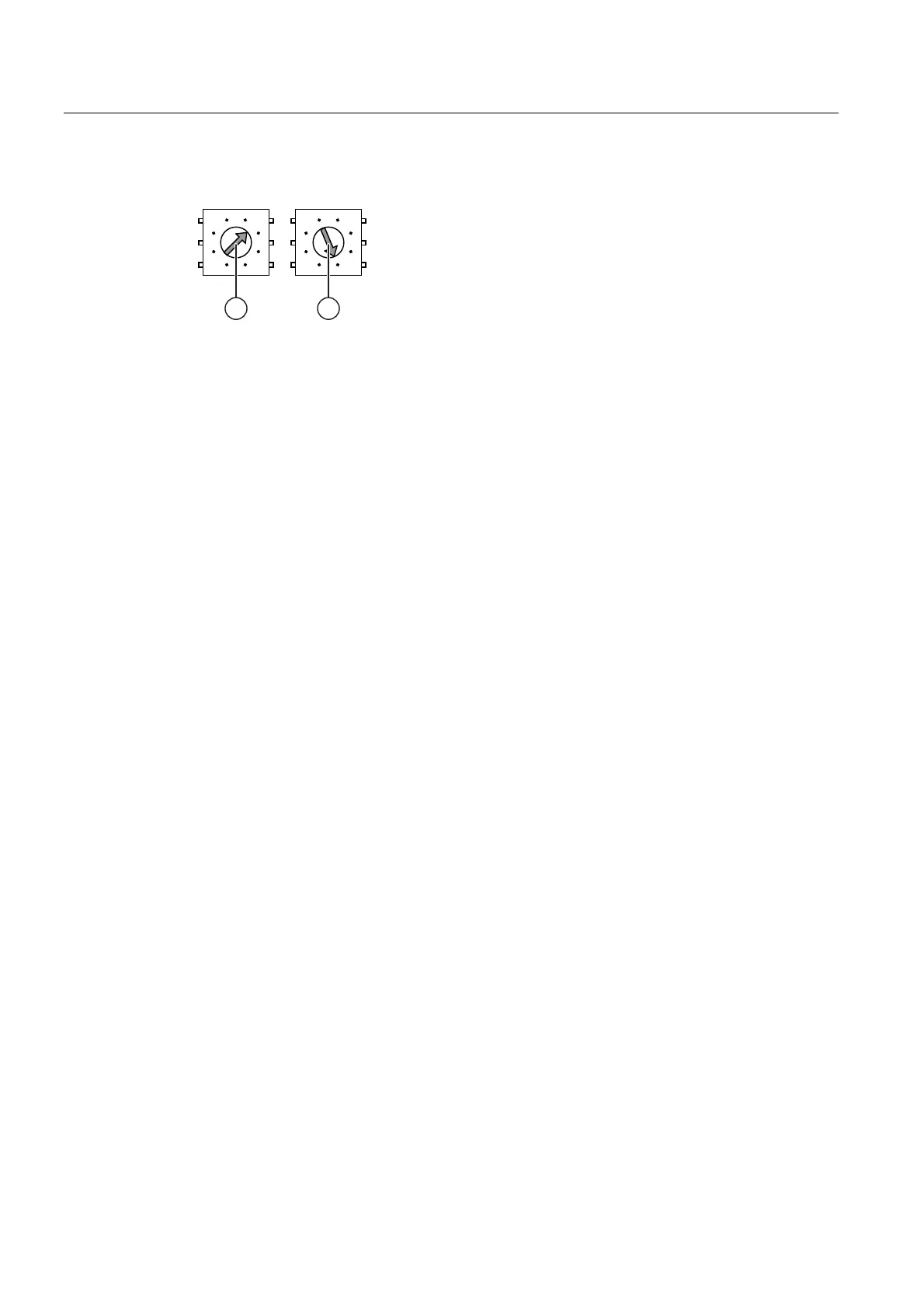
Figure 4-6 Example for the address "27H"
① Rotary encoding switch for more significant bits
② Rotary encoding switch for less significant bits
The figure shows the set address 27H, which is the same as address 39 in decimal format.
Procedure
Proceed as follows:
1. Open the terminal box.
2. Use a screwdriver to set the box ID
The input is in hexadecimal format Values between 0 and 255 can be set in decimal
format.
3. Closing the terminal box
Result
The box ID is set.
See also
Opening and closing the terminal box (Page 4-3)










 To Next Page