Operator elements and displays
5.1 Mobile Panel
Mobile Panel 177 (WinCC flexible)
5-2 Operating Instructions (Compact), Edition 07/2005
5.1.2 Front-side operator control elements
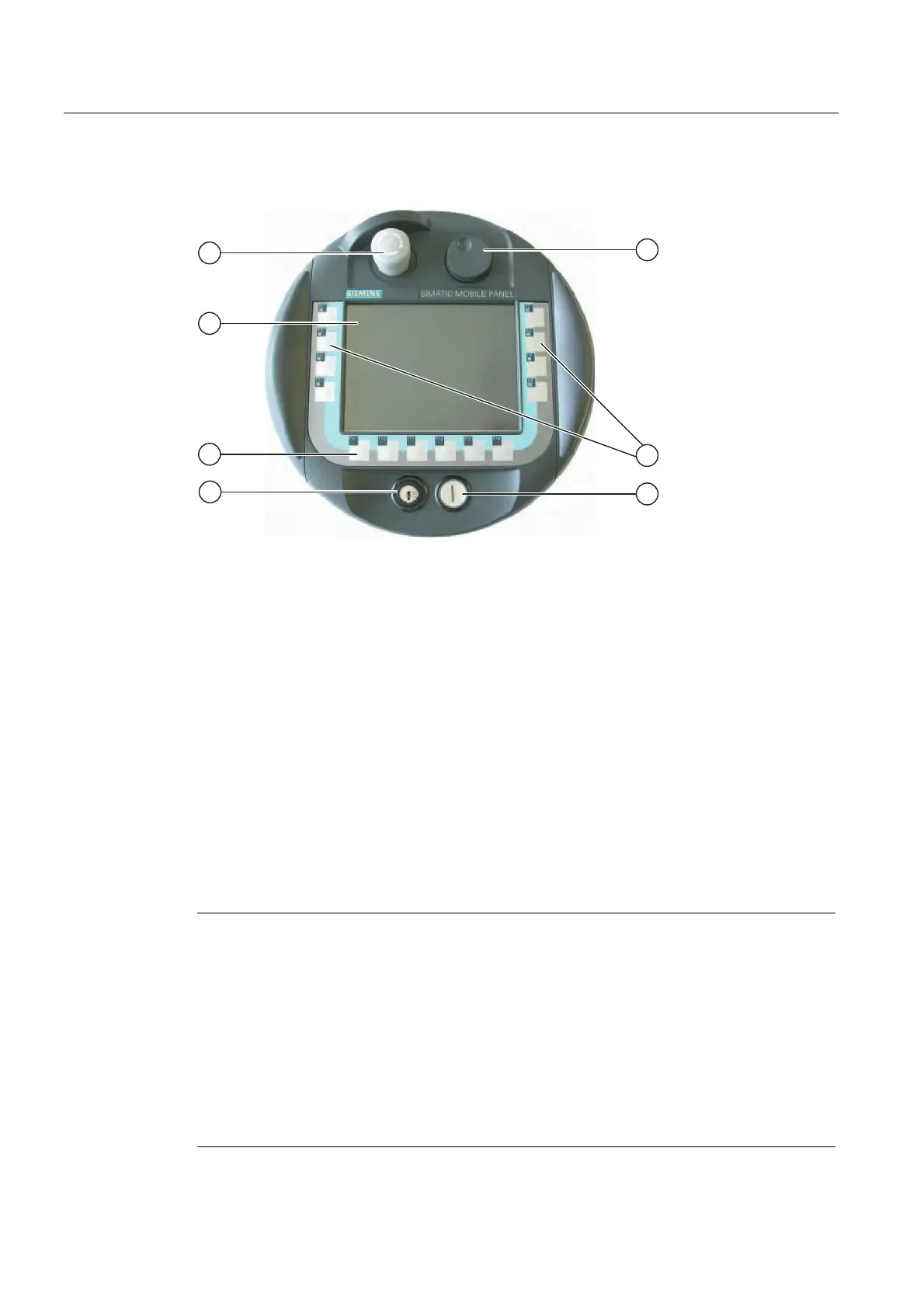
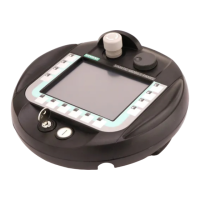
Figure 5-1 Operator control elements of the Mobile Panel 177
① STOP button
② Display with touch screen
③ Function keys without LED
④ Key-operated switch
⑤ Handwheel
⑥ Function keys with LED
⑦ Illuminated pushbutton
The standard input unit on the HMI device is the touch screen. All operator control objects
required for touch operation are displayed on the touch screen once the HMI device has
started.
The function assigned to a specific softkey is defined during configuration. The softkeys do
not have any function outside projects.
The state of the softkeys is evaluated in the project or as a direct button. The state of the
LEDs of the softkeys can be set by the controller.
Notice
Damaging the touch screen
Touching the touch screen with hard, sharp or pointed iobjects or applying excessive
pressure when operating the touch screen will substantially reduce its useful life and can
even lead to total failure.
Always operate the HMI touch screen with your fingers or with a touch pen.
Keyboard damage
Only use your fingers to operate the HMI device keys.
Pressing the keys with hard instruments considerably reduces the service life of the key
mechanism.



 To Next Page