3-1
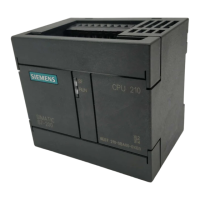
S7-200 Programmable Controller, CPU 210
C79000-G7076-C235-01
Getting Started with a Sample Program
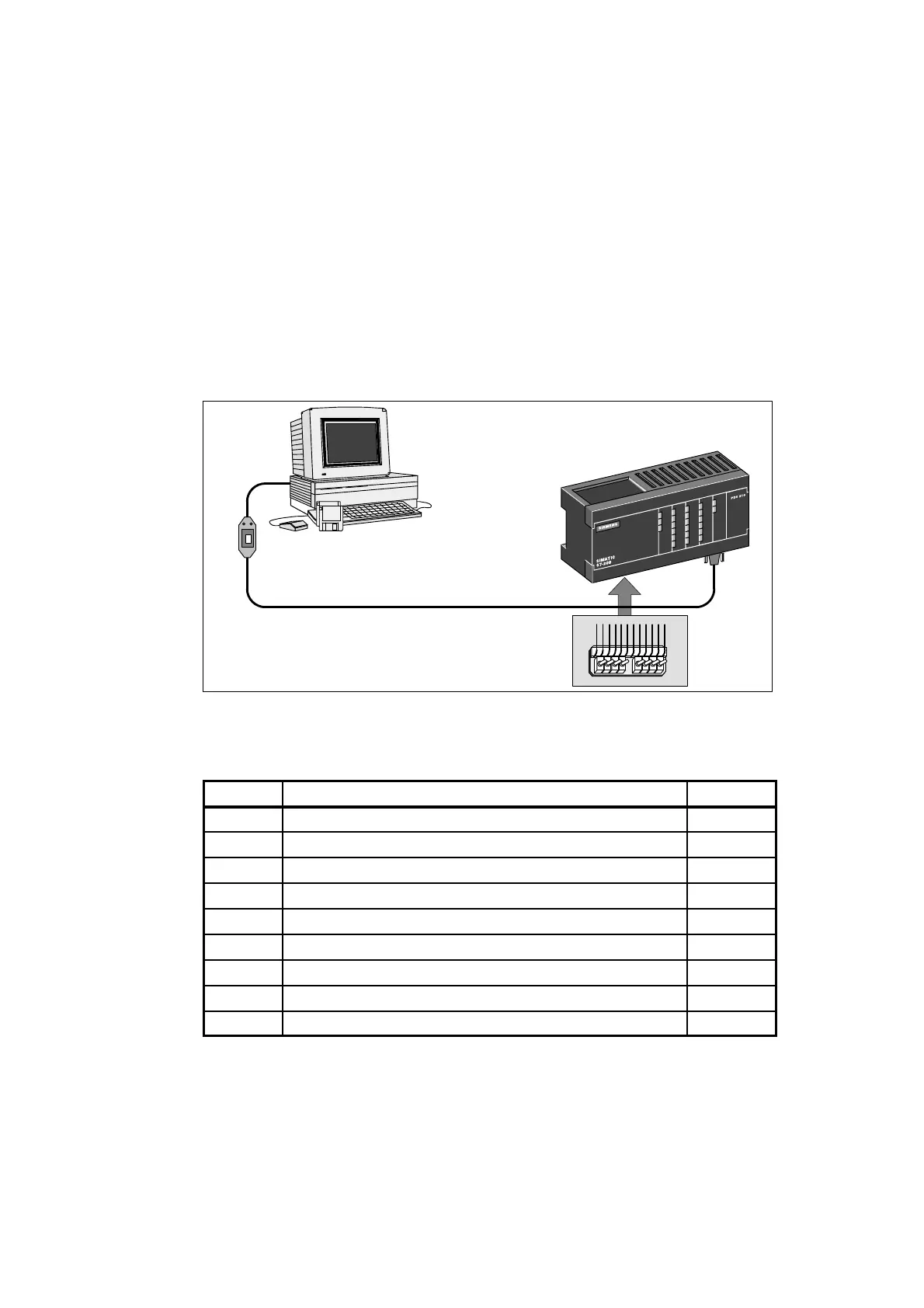
You can enter the program for the sample application on a computer running
STEP 7-Micro/WIN. To download the program, you must have the equipment shown in
Figure 3-1. The size of the sample program is 155 bytes.
Input Simulator for the PDS 210
Program Development Station
(PDS 210)
PC/PPI Communications Cable
Computer
STEP 7-Micro/WIN
Figure 3-1 Requirements to Run the Sample Program
Chapter Overview
Section
Description Page
3.1 Defining the Requirements for the Application Example 3-2
3.2 Designing the Control Logic 3-4
3.3 Putting the Control Logic into a Program 3-9
3.4 Creating a Project with STEP 7-Micro/WIN 3-13
3.5 Creating a Symbol Table 3-14
3.6 Creating the Program 3-15
3.7 Creating a Status Chart 3-22
3.8 Downloading and Monitoring the Sample Program 3-23
3.9 Modifying the Sample Program 3-25
3








 To Next Page