WA_DEV_GL6100_PTS_001 Rev 002 May 24, 2010 39
GL61x0 Product Technical
Specification and User Guide
Interfaces and Peripherals
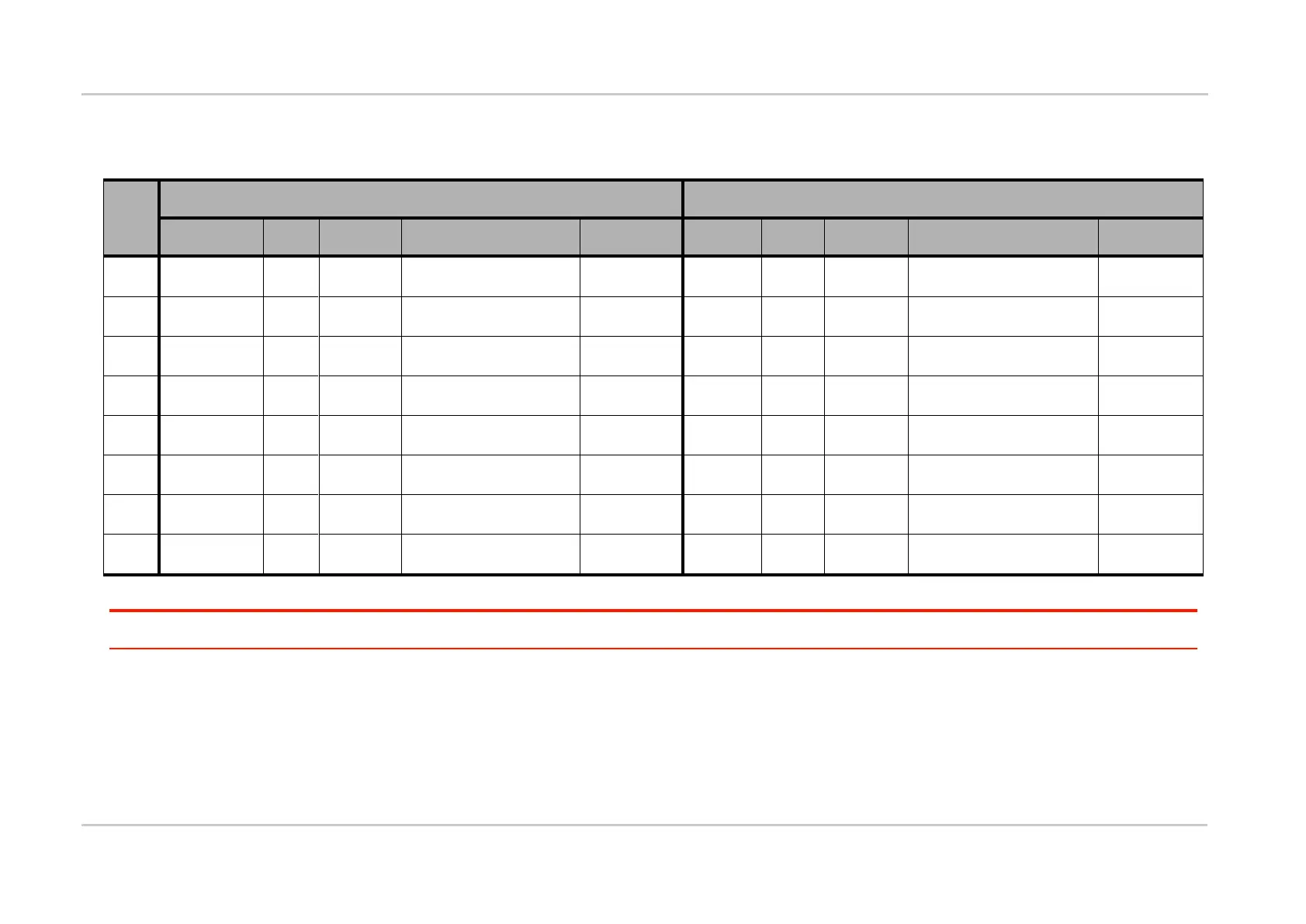
Refer to the following tables for the pin description of the 8-pin Micro-Fit connector depending on the GL61x0 variant.
Table 22: 8-pin Micro-Fit Connector Pin Description for the GL61x0
Universal Serial Bus Data
Positive
Main RS232 Request To
Send
Main RS232 Receive
Serial Data
Universal Serial Bus Data
Negative
Main RS232 Transmit
Serial Data
Main RS232 Data
Terminal Ready
Power Supply with 4.75 ~
32V DC input
Power Supply with 5V DC
input
Connected to pin 6 (GND)
by the Adaptive Cable
* The I/O direction only concerns the nominal signal.
Caution: Pins 1, 2, 3, 4, 5 and 8 are used by either the RS-232 serial link interface or the USB connection. It is strictly prohibited to connect these pins to any power supply as
there is a risk of damaging the GL61x0.



 To Next Page