Silver Peak Hardware Reference Guide Physically Replacing a Disk
16 PN 200972-001 Rev B
Disk Instruction Set F
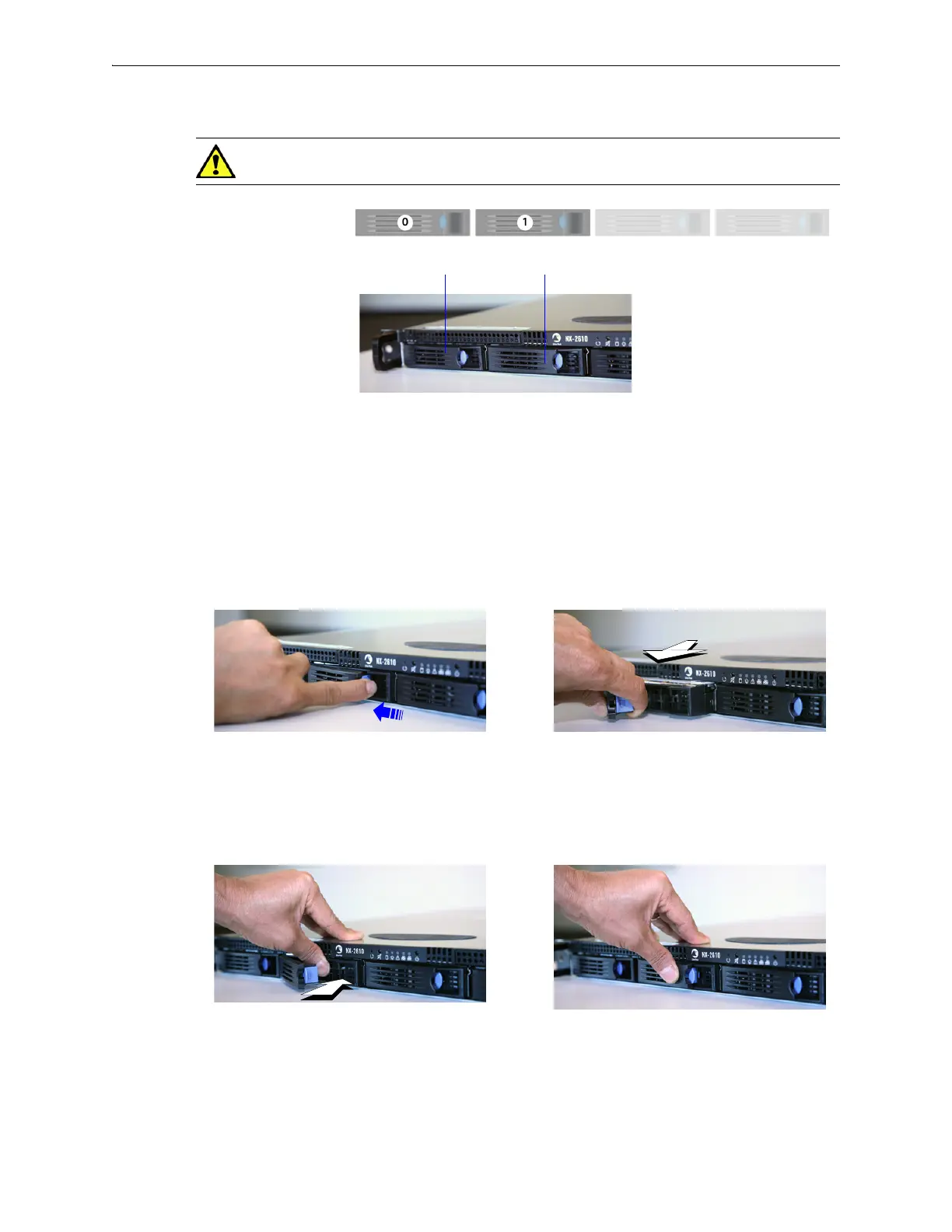
CAUTION The NX-2610’s hard disks are NOT hot-swappable.
1 To take the disk off-line, go to the Maintenance - Disk Management page, select the disk, and click
Remove.
2 Power down the appliance by going to the
Maintenance - Restart System page and clicking
Shutdown.
3 After the drive powers down, unlatch the hard drive by pressing the end of the blue button toward
the left and then pulling the tab towards yourself.
4 Pull the disk out of its slot.
5 Insert the new disk and push until it clicks into place.
6 Power up the appliance.
7 To put the disk back online, go to the
Maintenance - Disk Management page, select the disk and click
Insert.
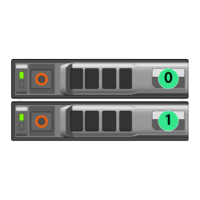
Disk 0 Disk 1
NX-2610
[PN 200193]
Drives: 2 HDD
Depress the blue button leftward, into the tab.
Slip your finger behind the tab and pull
forward to release.
Push the tray inward until it clicks into place.
Push the tab against the tray to secure it.


 To Next Page