PN 200972-001 Rev B 1
CHAPTER 1
Replacing an HDD or SSD
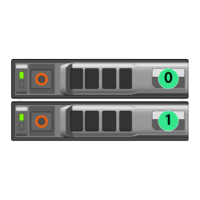
This chapter describes how to replace an HDD (Hard Disk Drive) or SDD (Solid State Drive) for those
appliances for which the customer is authorized to make the replacement.
In This Chapter
Using Appliance Manager See page 2.
Physically Replacing a Disk See page 3.
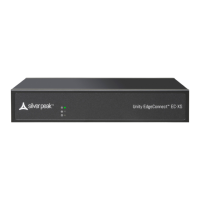
CAUTION Silver Peak does not authorize customer to replace the single HDD or SSD in the
EC-XS, EC-S, NX-700, NX-1700 or NX-2600. Replacing it voids the warranty. Contact Silver
Peak Support for return and repair instructions.


 To Next Page