Silver Peak Hardware Reference Guide
24 PN 200972-001 Rev B
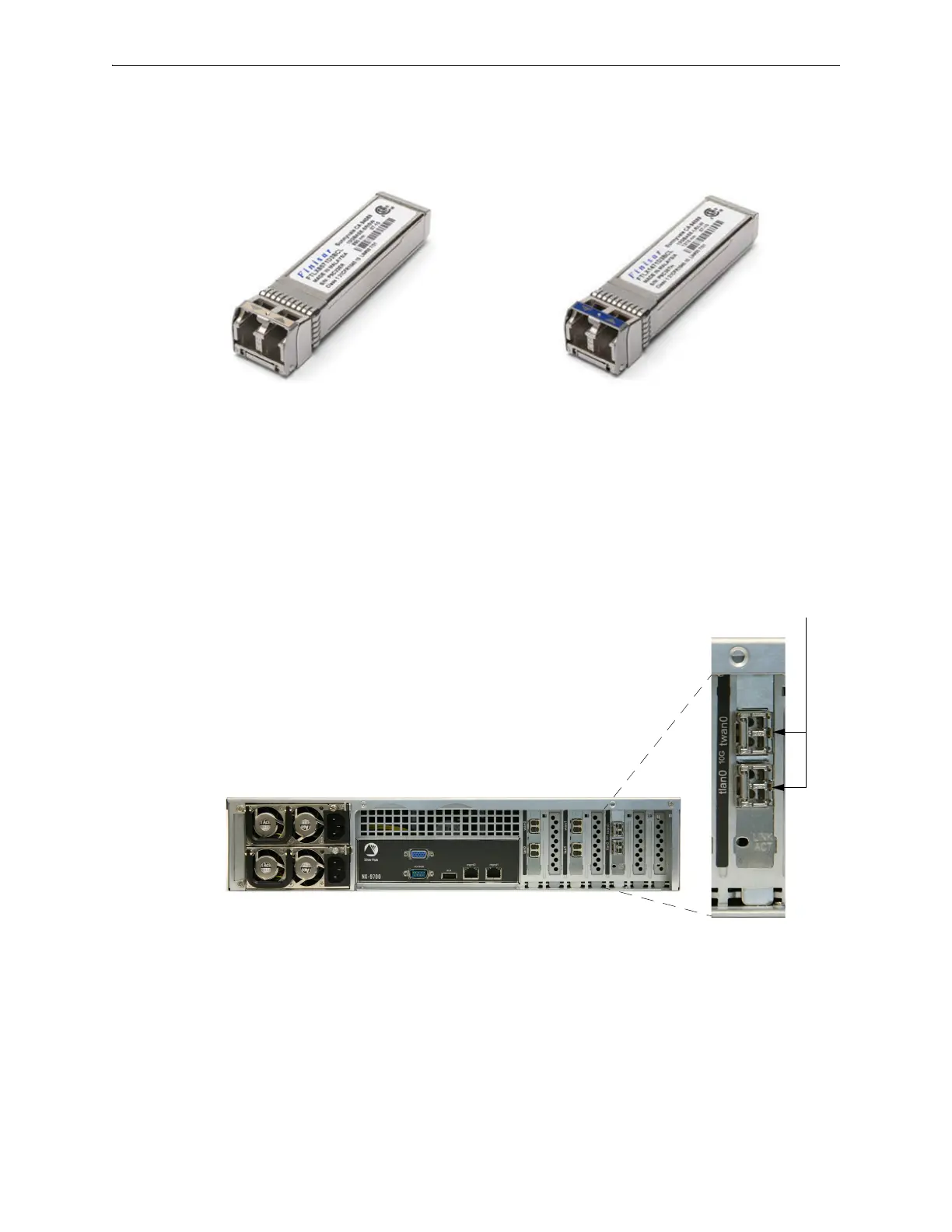
You can distinguish the SR module from the LR module by the number on the label and the color of the
handle.
To replace a fiber interface module
1 Locate the fiber interface(s).
FTLX8571D3BCL — SR — Short Reach
• Bail (handle) is beige
• Default shipping module
FTLX1471D3BCL — LR — Long Range
• Bail (handle) is blue
• Optional, separate purchase
Module’s handle is on the right side.


 To Next Page