7. In the dropdown menu ▼ Type select the command that your RingCast
transmits.
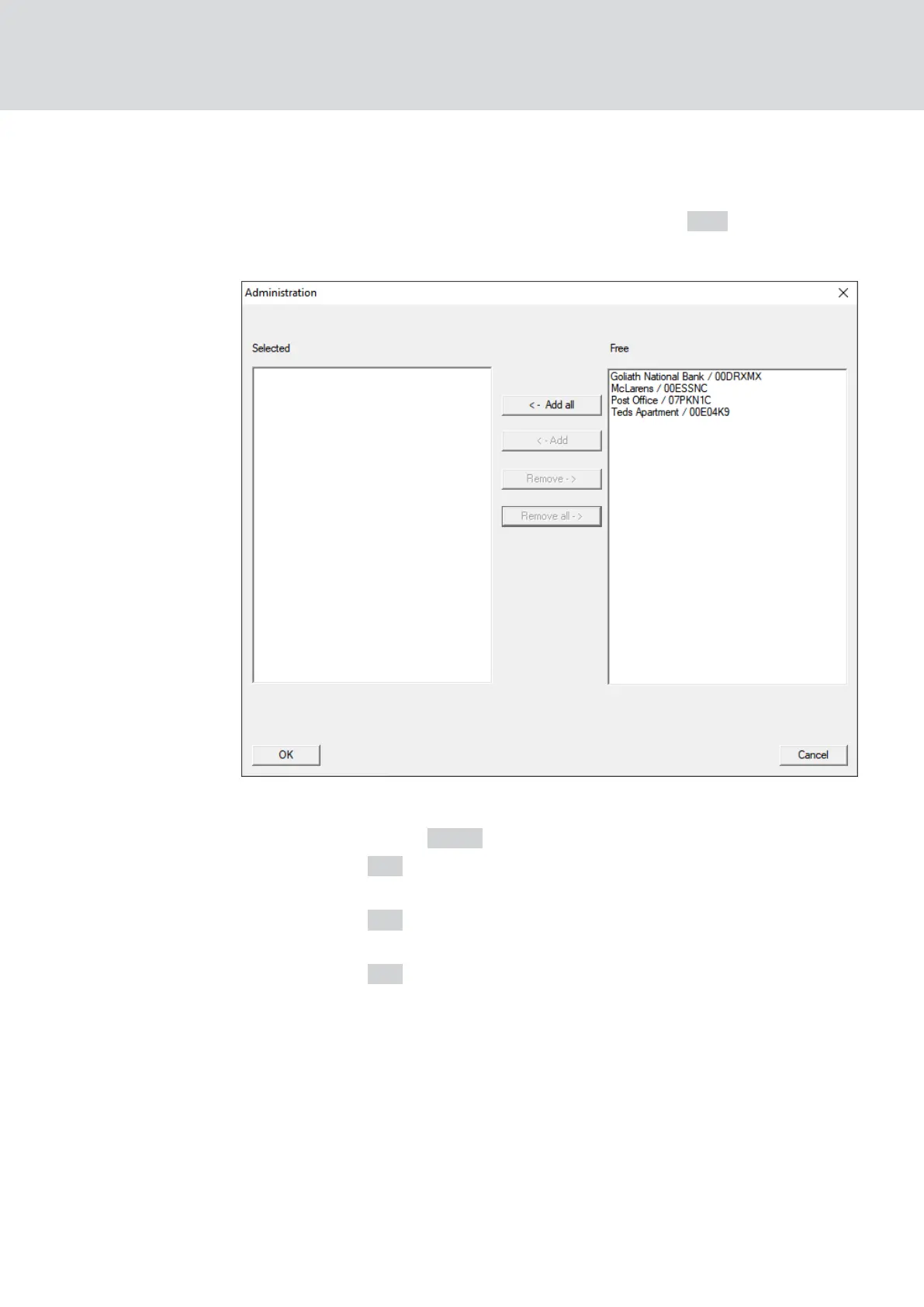
8. In the area "Locks/network nodes" click the button Edit .
9 The window "Administration" opens.
9. Mark all locking devices that are controlled by the RingCast.
10. Click on the button ← Add .
11. Click on the OK button.
9 The "Administration" window closes.
12. Click on the OK button.
9 The window "Task" closes.
13. Click on the OK button.
9 The "New reaction" window closes.
9 The reaction is listed in the area "Reactions".
WaveNet (Manual)
5. WaveNet Manager
119 / 210



 To Next Page