For additional information, see the LSM manual and the Smart.Surveil
manual.
Network connec-
tions of your Wave-
Net
The current status of the connections between the LSM and your WaveNet
devices is displayed in the LSM (column N).
No entry: Network connection not created.
W (turquoise): Last connection attempt successful.
W (yellow): Last connection attempt up to LockNode successful, but
not up to locking device (door open?).
W (red): Last connection attempt failed.
Additional information can be found in the chapters
WaveNet and LSM
[}30]
and
Assigning LockNodes to the locking devices [}66]
as well as
Fault rectification [}143]
.
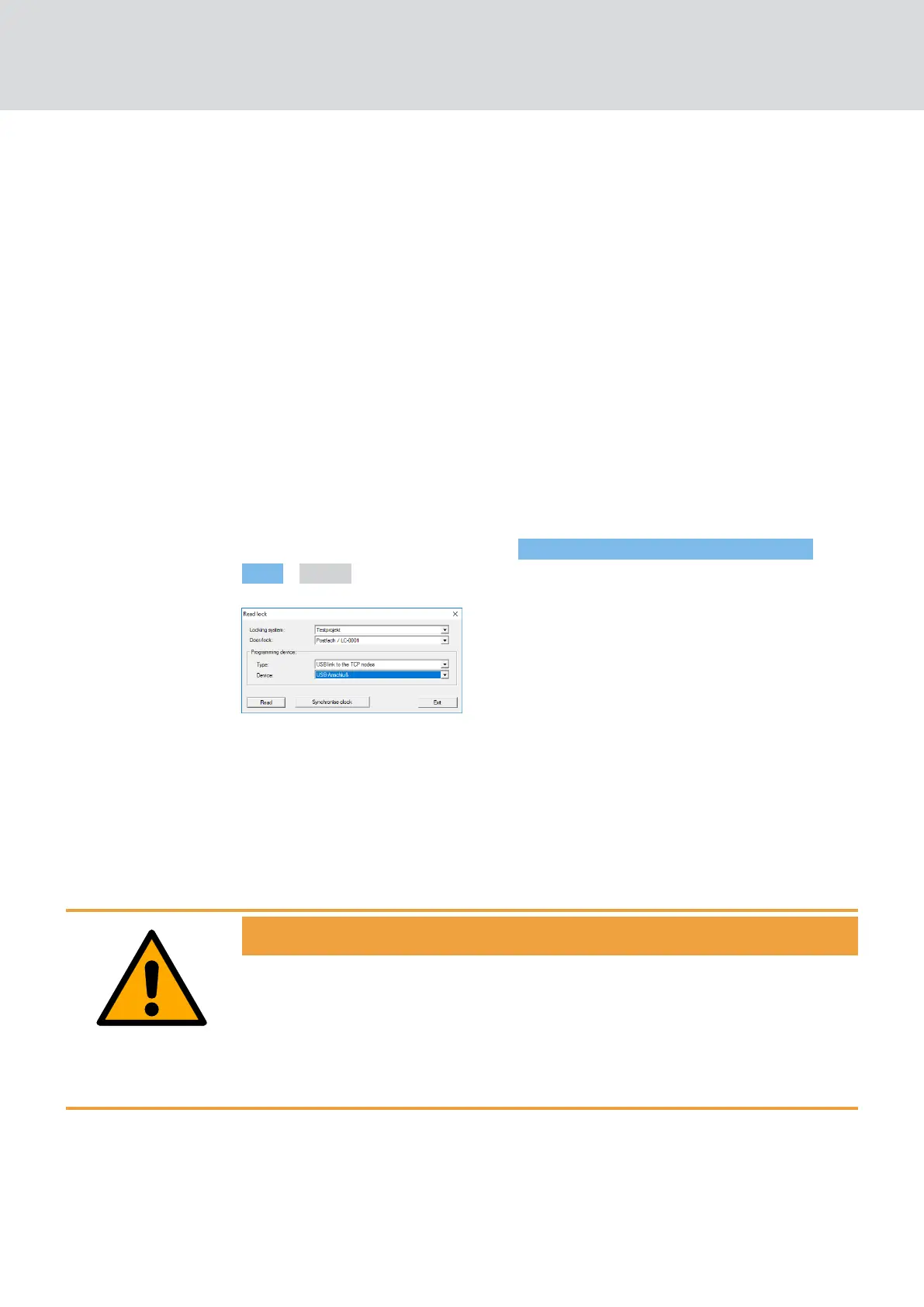
Battery status You can also use LSM to read the battery status of the marked lock via
your WaveNet (|Programming|
- Read highlighted locking device/set
time - Read ).
You can find additional information in the LSM manual.
4.5.3 Alarms
You can use the WaveNet to transmit status changes to LSM and thus
react to them. In this context, alarms are messages to which you must
respond (e.g. break-in attempts).
WARNING
Redundant protection against hazards
The WaveNet system is not suitable as a replacement for monitoring sys-
tems such as burglar or fire alarm systems. Undetected fires or burglaries
can pose a risk to persons and property.
In addition to WaveNet, use a redundant monitoring system.
WaveNet (Manual)
4. WaveNet system
29 / 210



 To Next Page