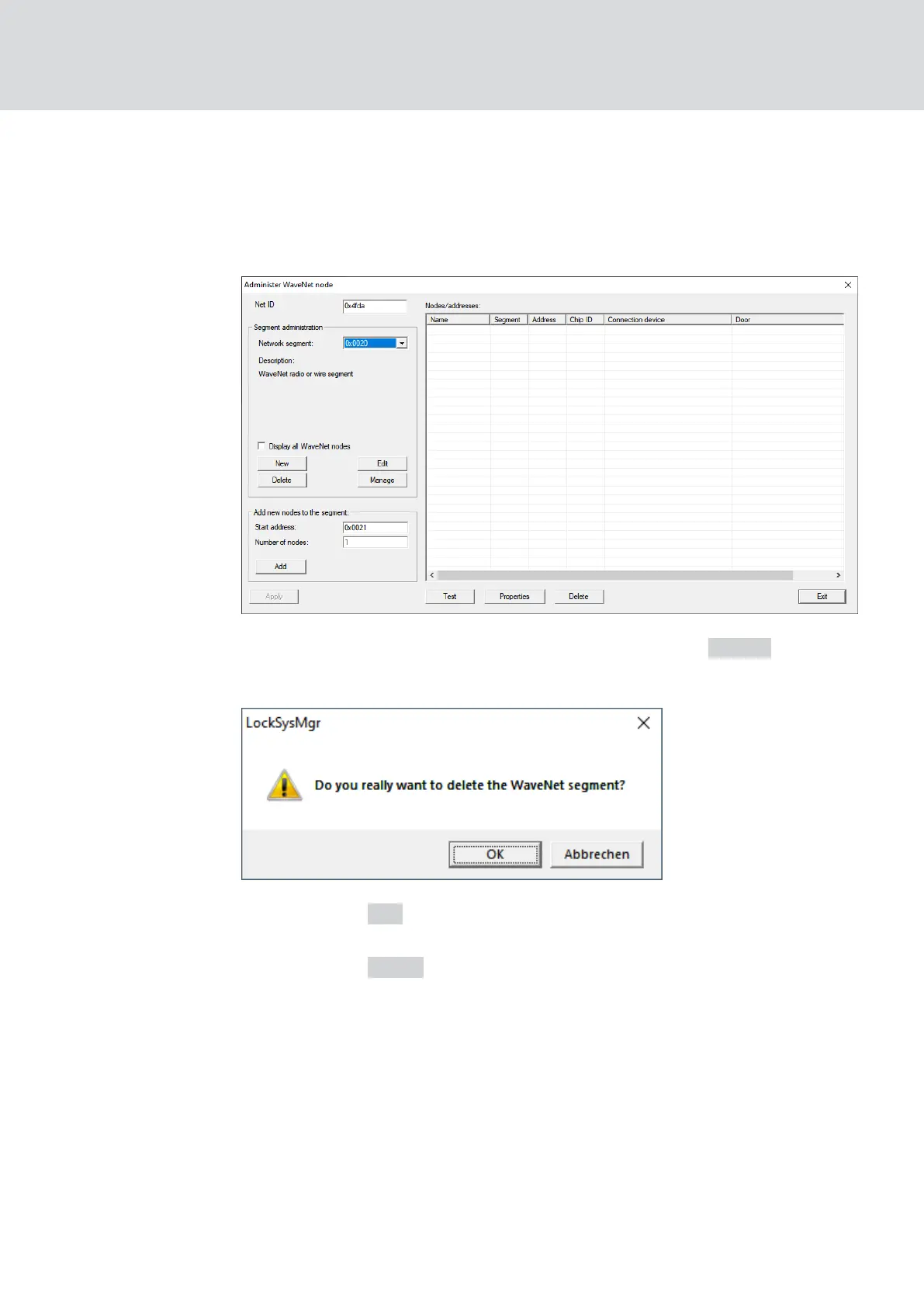
2. In the dropdown menu ▼ Network segment select your network seg-
ment.
You can recognize the segment by the fact that there are no more
entries in the table.
3. In the area "Segment administration" click the button Delete .
9 The window "LockSysMgr" opens.
4. Click on the OK button.
9 The "LockSysMgr" window closes.
5. Click on the Apply button.
9 Segment is deleted.
5.6 Maintenance
For information on maintaining a RingCast, see Ring
RingCast function
test [}136]
.
For information on battery status or battery replacement, see
Battery
management [}184]
.
WaveNet (Manual)
5. WaveNet Manager
168 / 210



 To Next Page