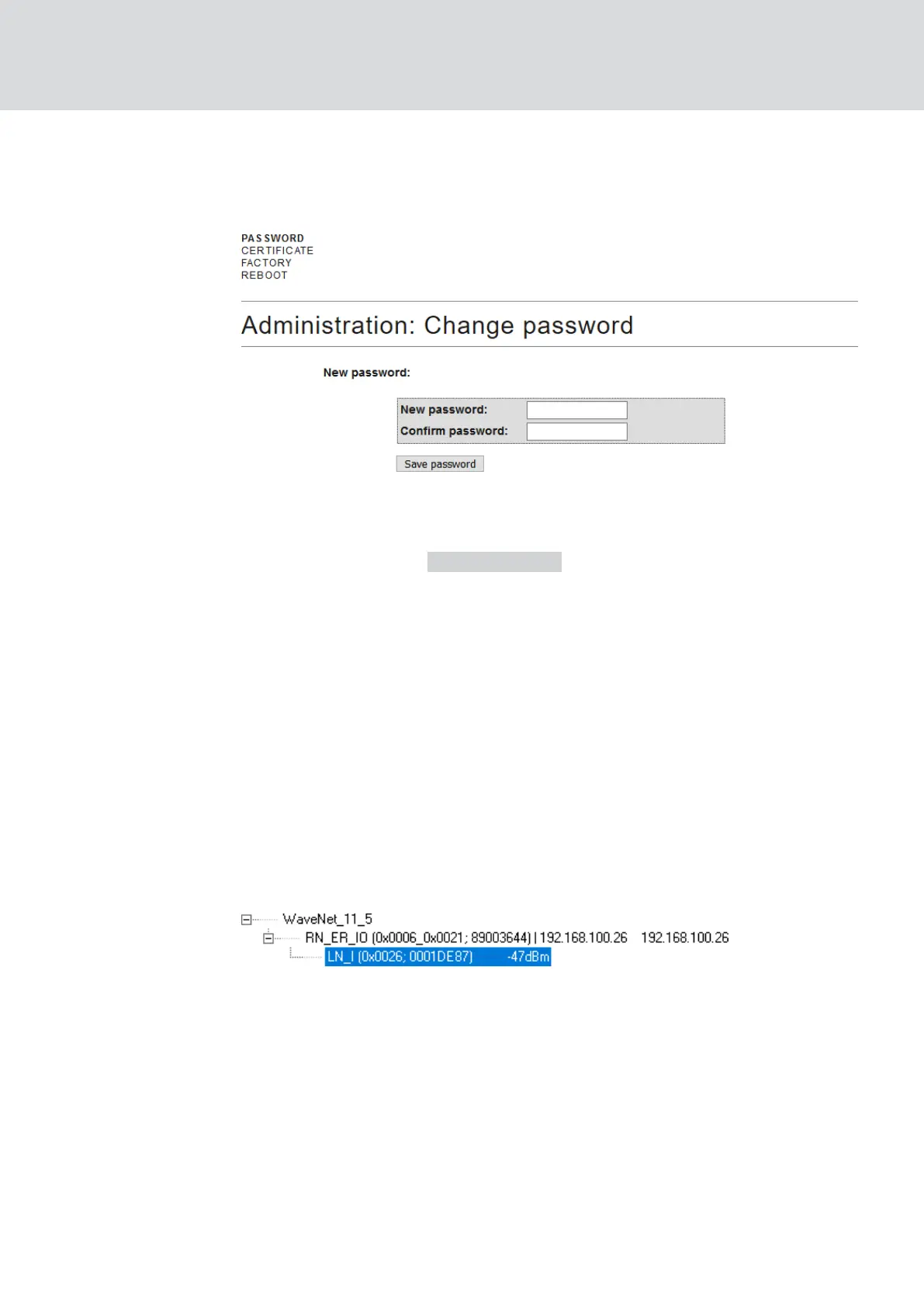
ü Browser interface open.
1. Via |ADMINISTRATION| open the tab [PASSWORD].
2. Enter your new password.
3. Repeat your new password.
4. Click on the button Save password .
9 Password is changed.
5.4.6.2 LockNodes
You can set for each LockNode individually whether it reacts to broadcasts
(see also
I/O configuration and protection functions [}68]
and
LockNode
[}84]
).
5.5 Fault rectification
5.5.1 Improving signal quality
You can see the signal strength in the overview of the WaveNet Manager
(see also
Check signal quality [}171]
.
Unit of signal strength
The WaveNet Manager displays the signal strength as an RSSI value
(Received Signal Strength) in dBm. This value is:
Logarithmic: In practice, an improvement of 10 dBm means twice the
signal strength.
Negative: The theoretical best value is 0 dBm and is only achieved by
cable connections. The closer the value is to 0 dBm (i.e. the smaller the
amount), the better the reception.
WaveNet (Manual)
5. WaveNet Manager
143 / 210



 To Next Page