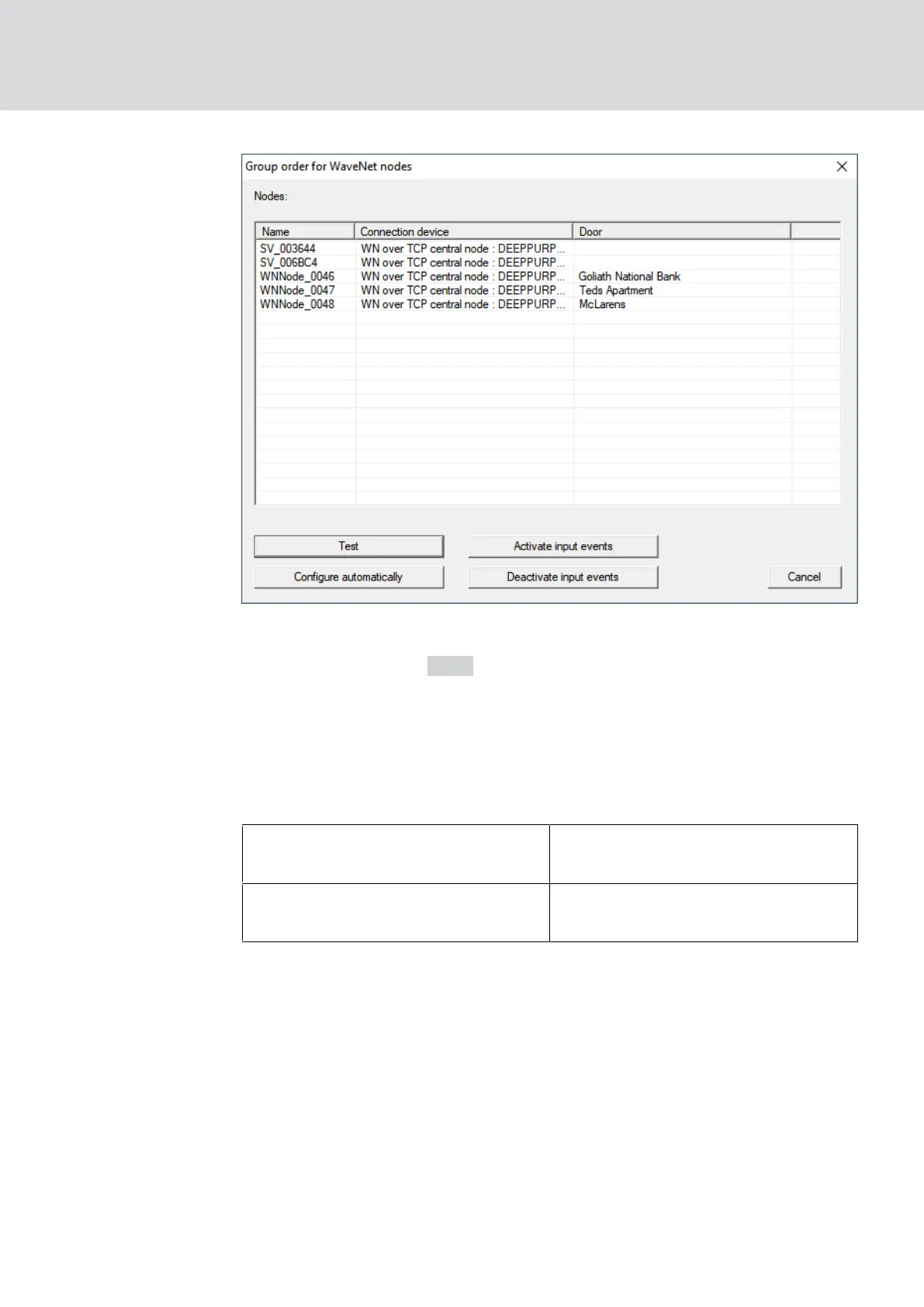
2. Select the LockNodes you want to test.
3. Click on the button Test .
9 The "Group order for WaveNet nodes" window closes.
9 LSM tests the accessibility of the LockNodes.
9 LSM displays test results.
If a LockNode cannot be reached, the problem may be either the LockNode
or the RouterNode.
Single LockNode of a segment not
reachable
LockNode probably has problems.
No LockNode of a segment reach-
able
RouterNode probably has problems.
5.6.5 Device function test
Check the functionality of your WaveNet devices once a month. Please
also refer to the documentation of the devices.
WaveNet (Manual)
5. WaveNet Manager
178 / 210



 To Next Page