NOTE
Check IO configuration
Check the IO configuration. You can also set the IO configuration later (see
I/O configuration and protection functions [}68]
).
5. Click on the OK button.
9 The "I/O configuration" window closes.
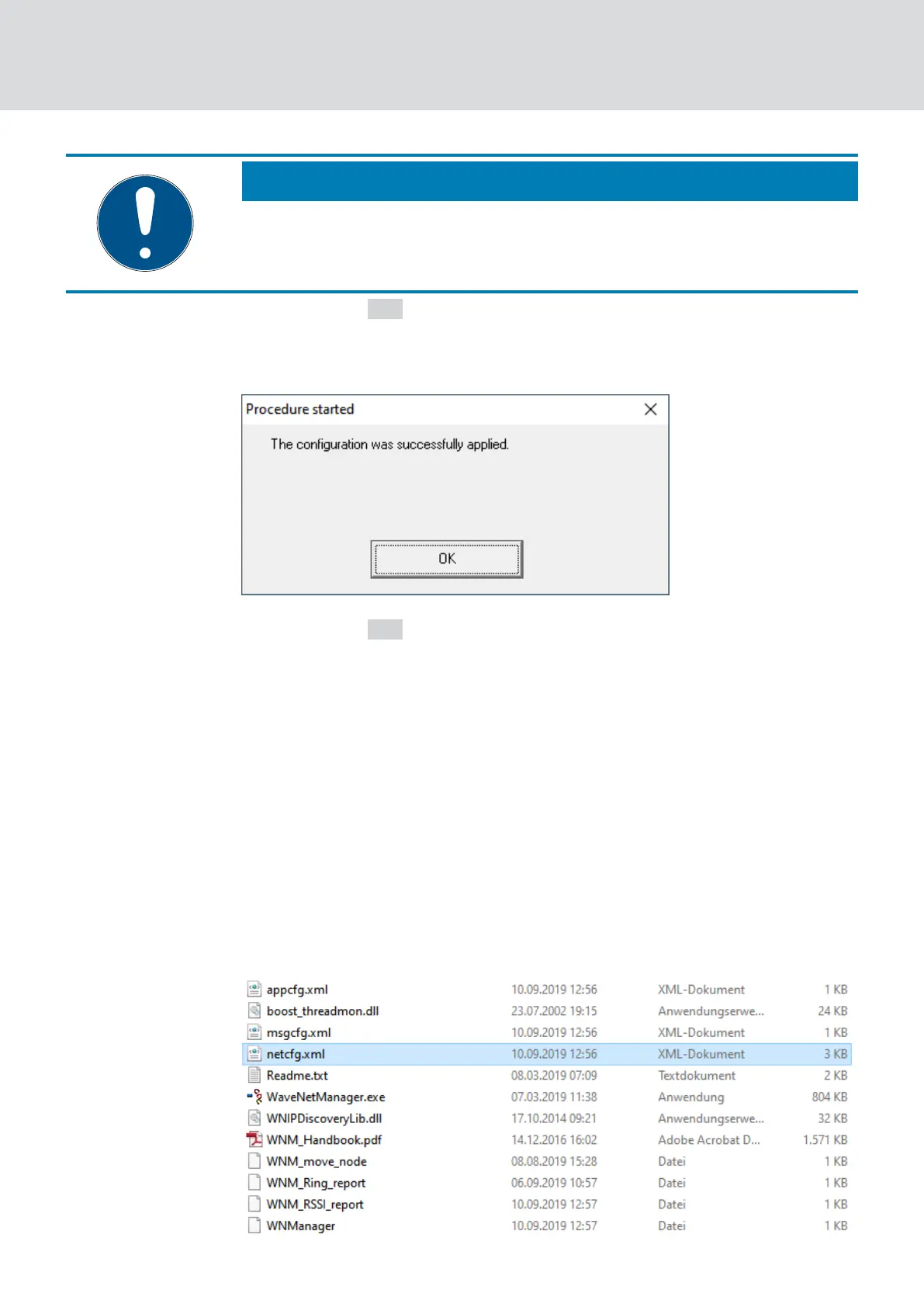
9 The window "Procedure started" opens.
6. Click on the OK button.
9 The "Procedure started" window closes.
9 LockNode is replaced.
Do not use replaced LockNodes within range of the WaveNet.
5.5.4 Delete netcfg.xml
If you have problems with incorrect entries or your WaveNet, delete
netcfg.xml before starting WaveNet Manager. The netcfg.xml may contain
incorrect entries, especially if you are working with several WaveNet
networks.
ü WaveNet Manager not open.
1. Navigate to the WaveNet Manager directory.
WaveNet (Manual)
5. WaveNet Manager
158 / 210



 To Next Page