5.5.3.2 LockNodes
ü WaveNet Manager opened via LSM (see
Best Practice: From the LSM
software [}37]
)
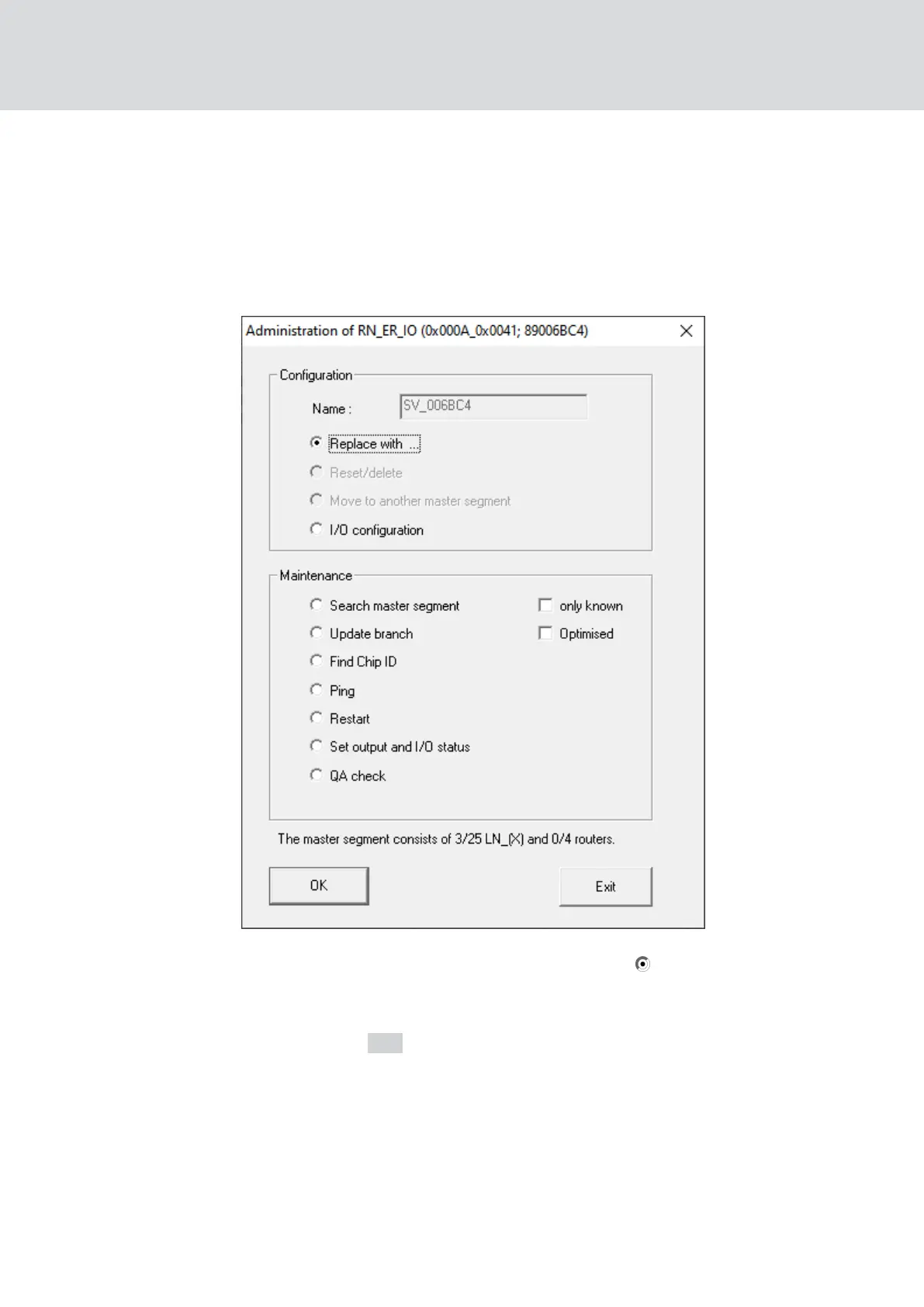
1. Right-click on the entry of the LockNode you want to replace.
9 The window "Administration" opens.
2. In the area "Configuration" select the option Replace with Chip ID.
3. Enter the chip ID of the new LockNode (you will find the chip ID on the
packaging of the LockNode or on the LockNode itself).
4. Click on the OK button.
9 The "Administration" window closes.
9 The window "I/O configuration" opens.
WaveNet (Manual)
5. WaveNet Manager
157 / 210



 To Next Page