2. In the area "Configuration" select the option Replace with ....
3. Click on the OK button.
9 The "Administration" window closes.
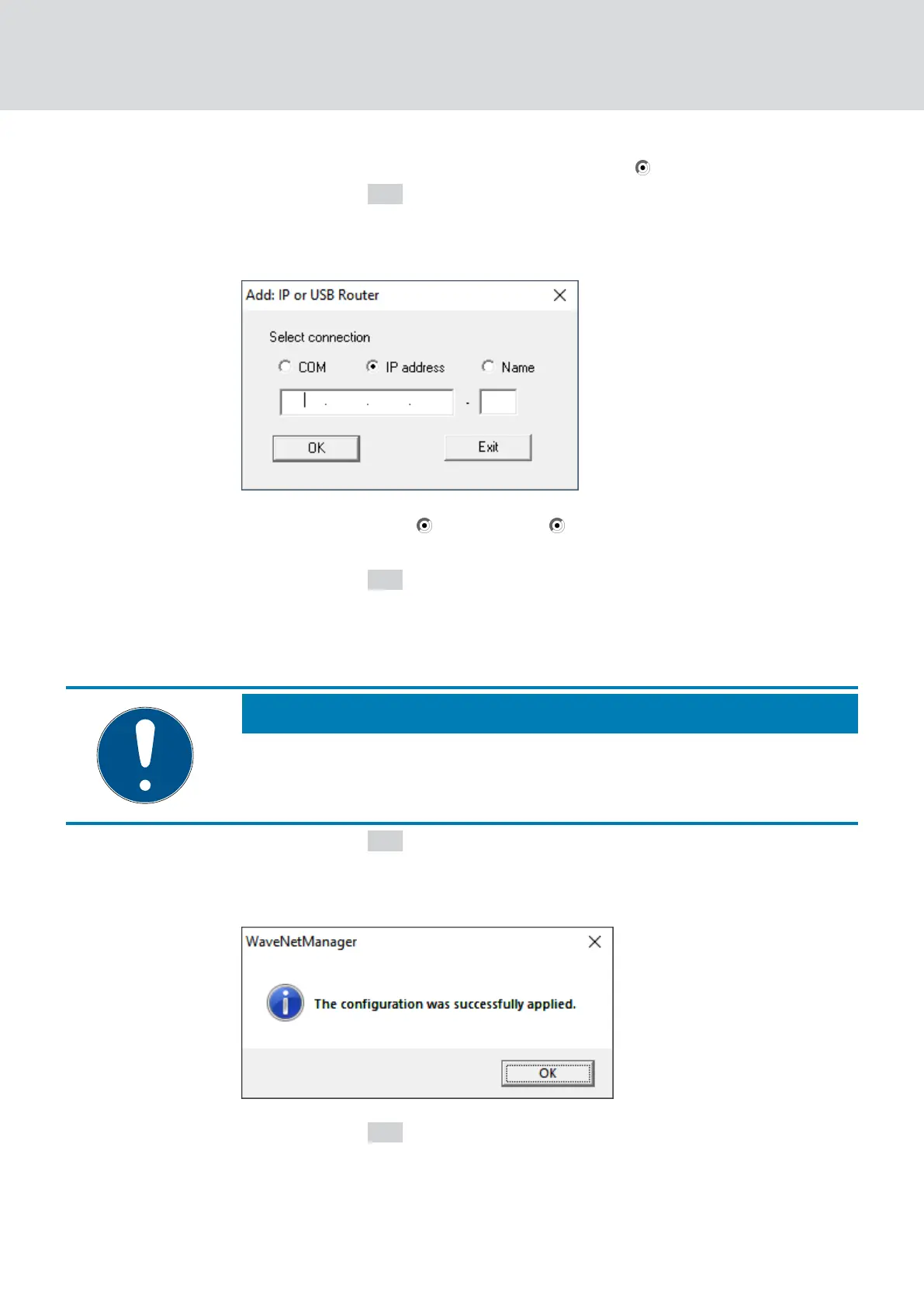
9 The window "Add: IP or USB Router" opens.
4. Select the option IP address or Name.
5. Check the IP address or name (and correct it if necessary).
6. Click on the OK button.
9 The window "Add: IP or USB Router" closes.
9 If you use the IO functions in the RouterNode you want to replace:
The window "I/O configuration"
opens.
NOTE
Check IO configuration
Check the IO configuration. You can also set the IO configuration later (see
I/O configuration and protection functions [}68]
).
7. Click on the OK button.
9 The "I/O configuration" window closes.
9 The window "WaveNetManager" opens.
8. Click on the OK button.
9 The "WaveNetManager" window closes.
9 RouterNode is replaced.
WaveNet (Manual)
5. WaveNet Manager
156 / 210



 To Next Page