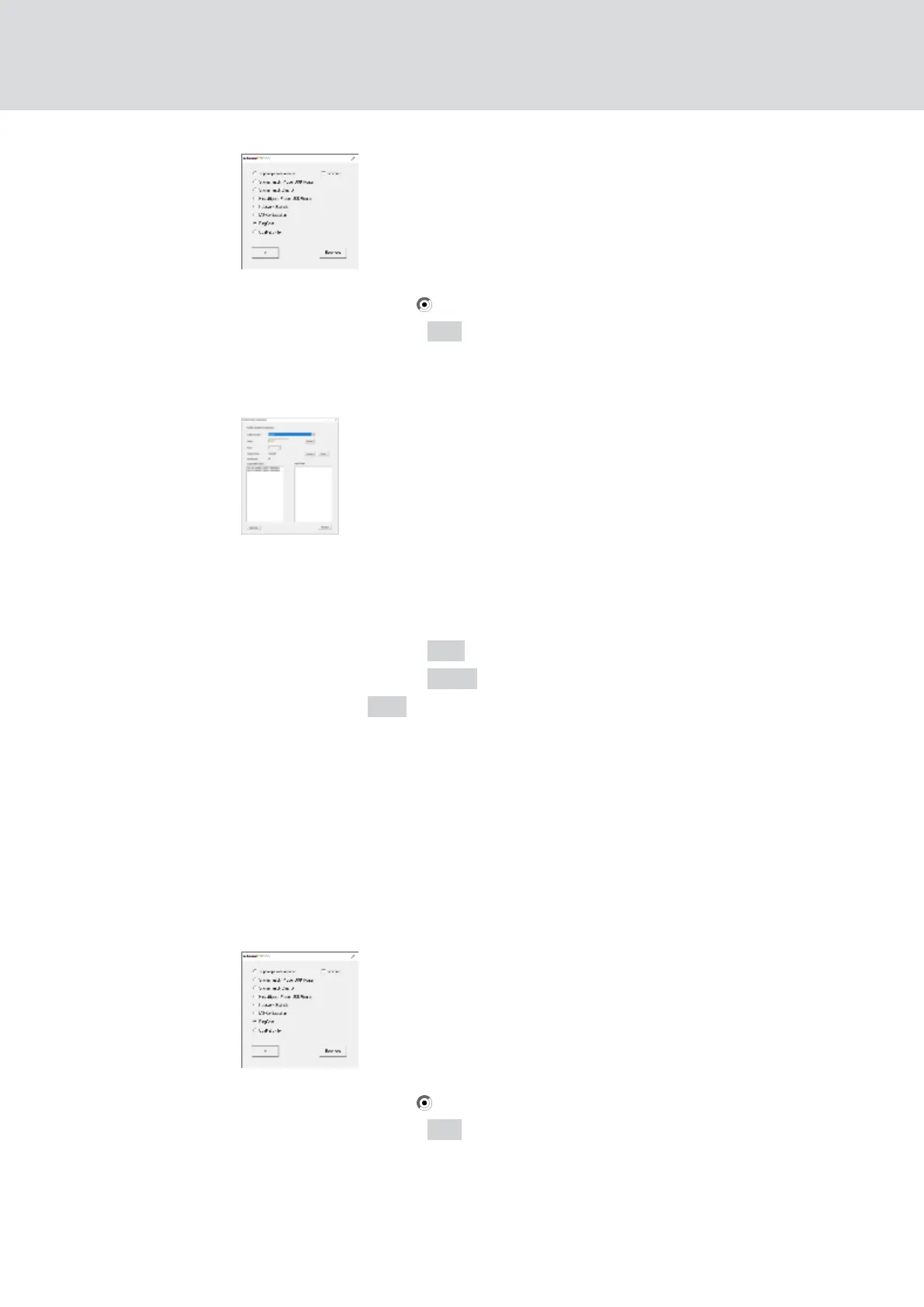
2. Select the option RingCast.
3. Click on the button OK .
9 The "Administration" window closes.
9 The window "Edit radio domains" opens.
4. In the drop-down list ▼ Select domain select the name of the domain
whose central output router you want to specify.
5. Select the RouterNode you want to set as the central output router.
6. Click on the button Set .
7. Click on the button Save .
8. Click on the Exit button.
9 The central output router is set.
Delete central output router
Without a central output router, all RouterNodes (including the former
central output router) set the input acknowledgement / output as
previously set.
1. Right-click on the entry "WaveNet_xx_x" in the WaveNet Manager.
9 The window "Administration" opens.
2. Select the option RingCast.
3. Click on the button OK .
9 The "Administration" window closes.
9 The window "Edit radio domains" opens.
WaveNet (Manual)
5. WaveNet Manager
134 / 210



 To Next Page