ü IP of the RouterNode is known (see
Determining and setting the IP
address [}49]
).
ü Browser open.
ü Access data to the browser interface (name and password) known.
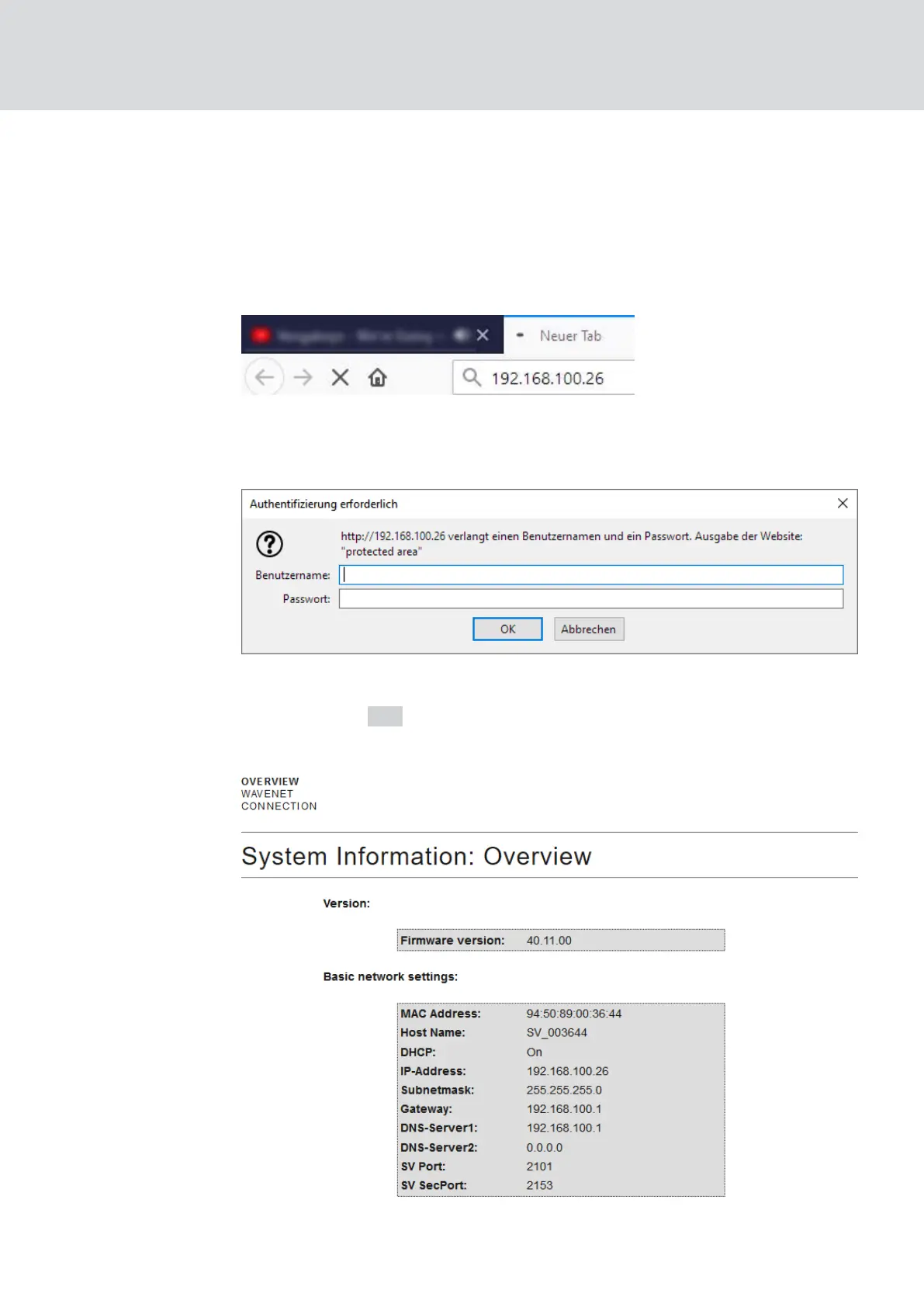
1. Enter the IP address in the address field of your browser.
2. Confirm the entry with the Enter key.
9 The window "Authentication required" opens.
3. Enter the access data.
4. Click on the OK button.
9 The system overview of the browser interface is visible.
WaveNet (Manual)
5. WaveNet Manager
141 / 210



 To Next Page