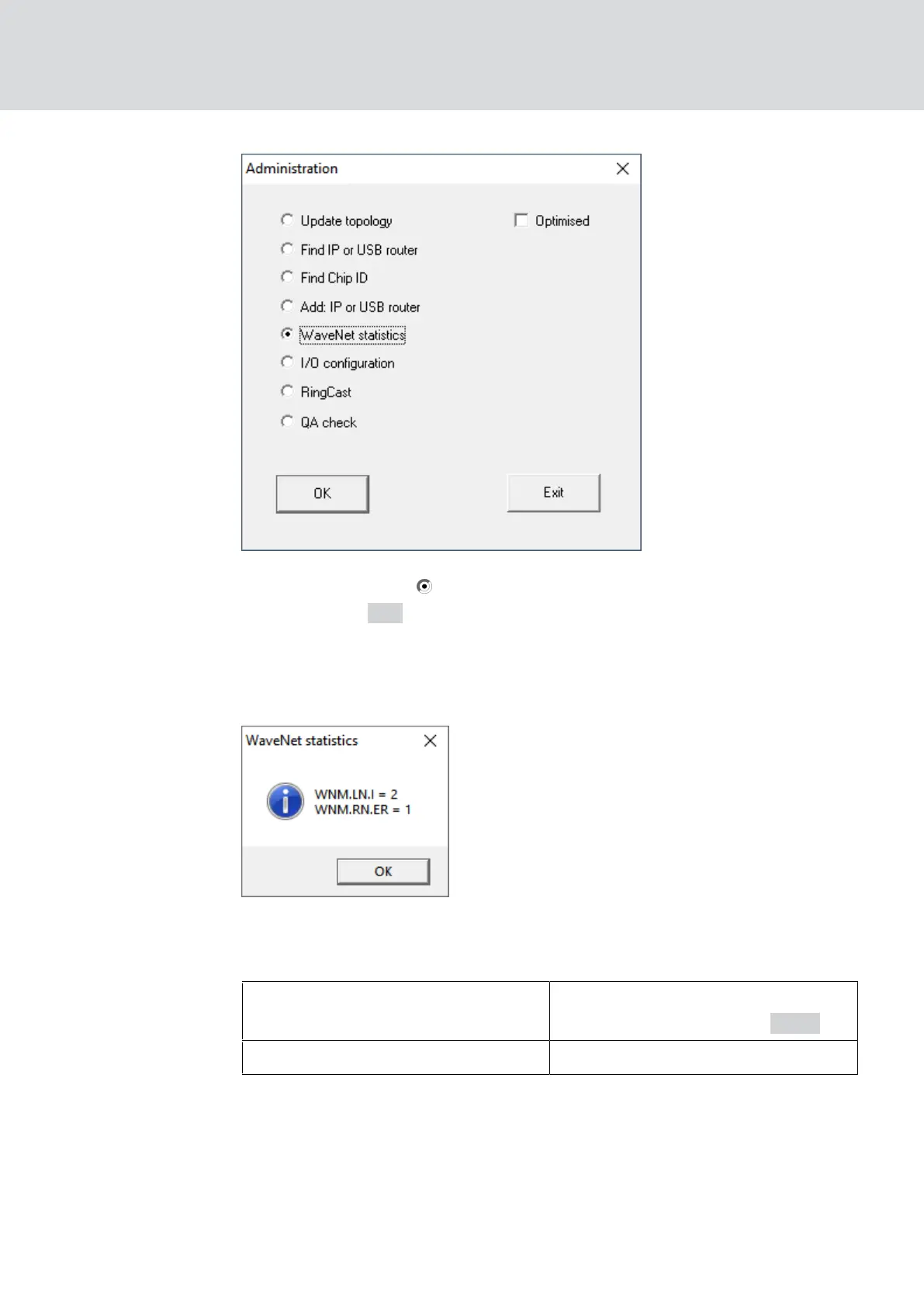
2. Select the option WaveNet statistics.
3. Click on the OK button.
9 The "Administration" window closes.
9 The window "WaveNet statistics" opens. You will see a list of device
types with the number.
Memory status
The overview also shows the memory status of the devices.
Bold
WaveNet entry changed, but not yet
saved. Click on the button
Save .
Normal Entry saved in WaveNet
Configuration status
You can recognise problems by the configuration of RouterNodes or
LockNodes by a black flash in front of the respective entry. Repeat the
configuration by reprogramming the device (see
Reprogram or replace the
device [}154]
).
WaveNet (Manual)
5. WaveNet Manager
170 / 210



 To Next Page