5. Navigate to the location of the firmware file.
6. Highlight the firmware file.
7. Click on the button Open .
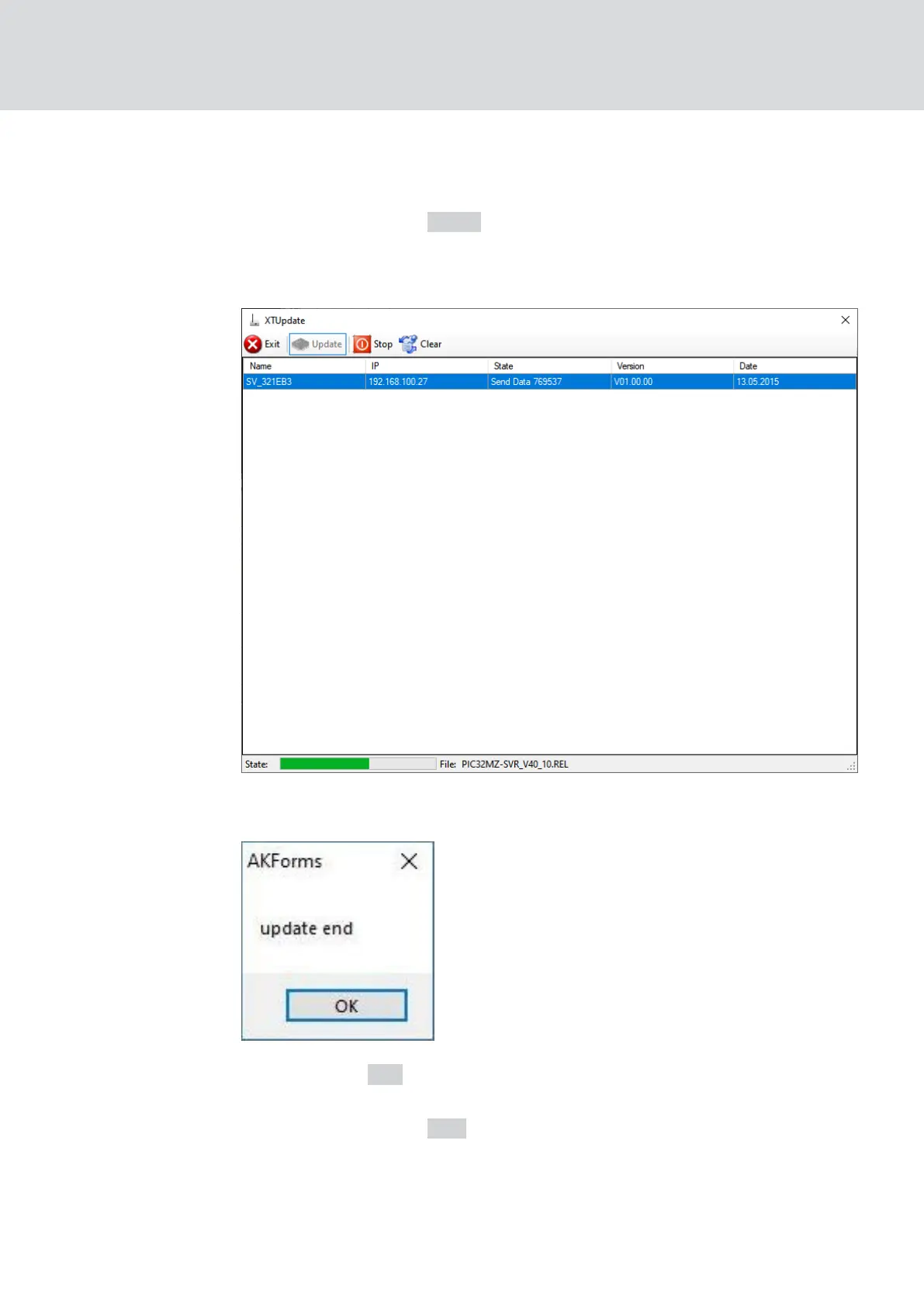
9 The Explorer window closes.
9 The firmware of the RouterNodes is updated.
9 The window "AKForms" opens.
8. Click on the OK button.
9 The "AKForms" window closes.
9. Click on the button Exit .
9 The "XTUpdate" window closes.
9 The firmware of the RouterNodes is updated.
WaveNet (Manual)
4. WaveNet system
34 / 210



 To Next Page