NOTE
Error during saving due to missing write permissions
The WaveNet Manager cannot write to protected storage locations (such
as C:\Program Files). The output is then redirected to the Virtual Store (see
Checking and fixing the Virtual Store).
Select a storage location for the output for which all users have write
permission.
3. Click the button Start .
9 WaveNet Manager opens.
5.2.3.2 Manually
Only start the WaveNet Manager manually if you do not want to connect
the WaveNet to be configured directly to the LSM and only want to use the
I/O function, for example.
1. Execute the file "WaveNetManager.exe" in the installation directory.
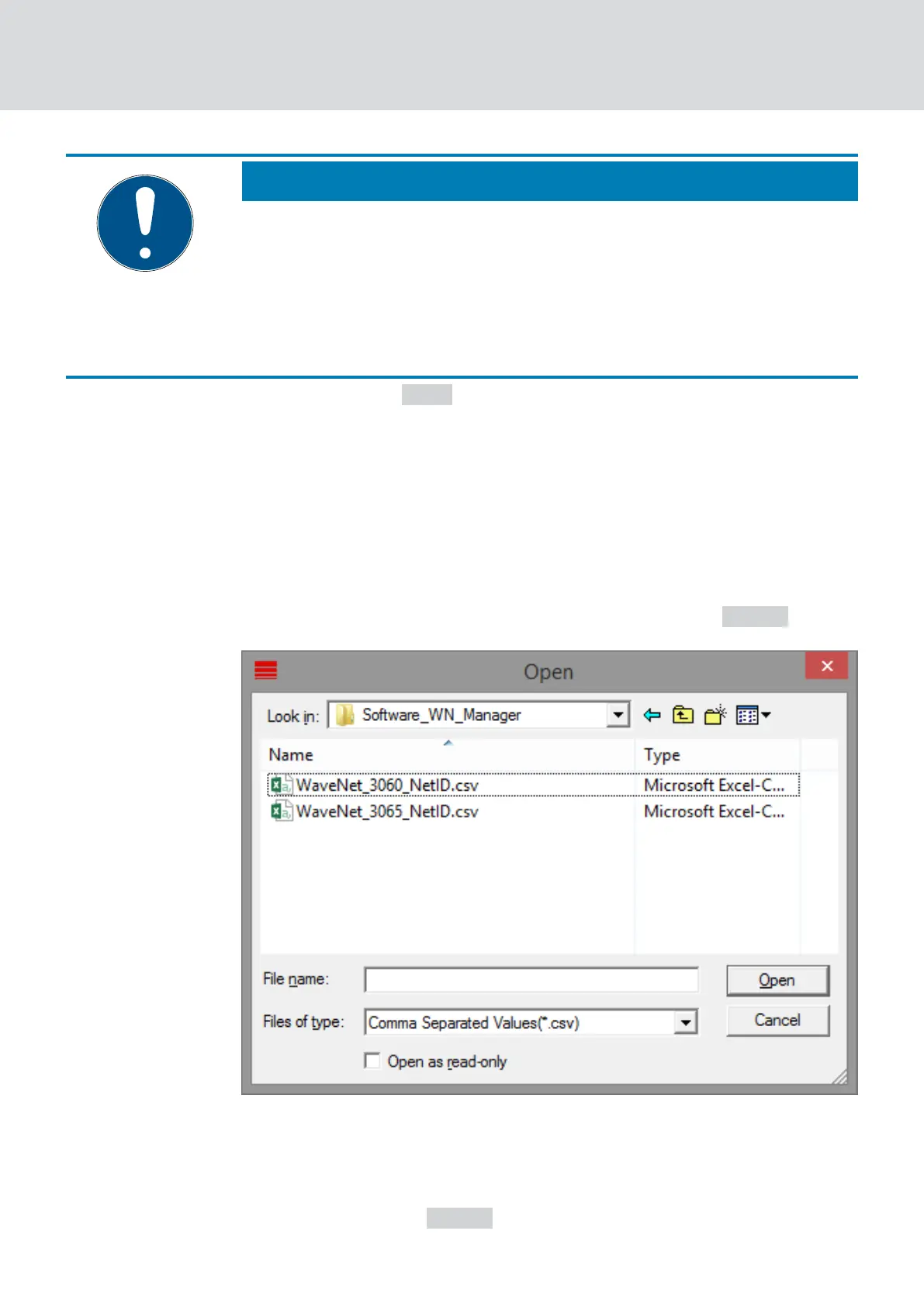
2. Select your topology or create a new network using the Cancel .
9 The WaveNet Manager opens.
If more than one WaveNet topology is available, a dialogue box appears. In
the dialogue box, select the network that you would like to edit. If you do
not select a topology (
Cancel ), the WaveNet Manager starts and a new
network can be created.
WaveNet (Manual)
5. WaveNet Manager
38 / 210



 To Next Page