Determining the IP
The procedure is described for RouterNodes. Follow the same procedure
for SmartIntego GatewayNodes and MobileKey SmartBridges.
ü OAM tool available and unpacked.
ü RouterNode connected to the network.
ü Subnet known.
1. Double-click on the executable file to start the OAM tool.
9 OAM Tool opens.
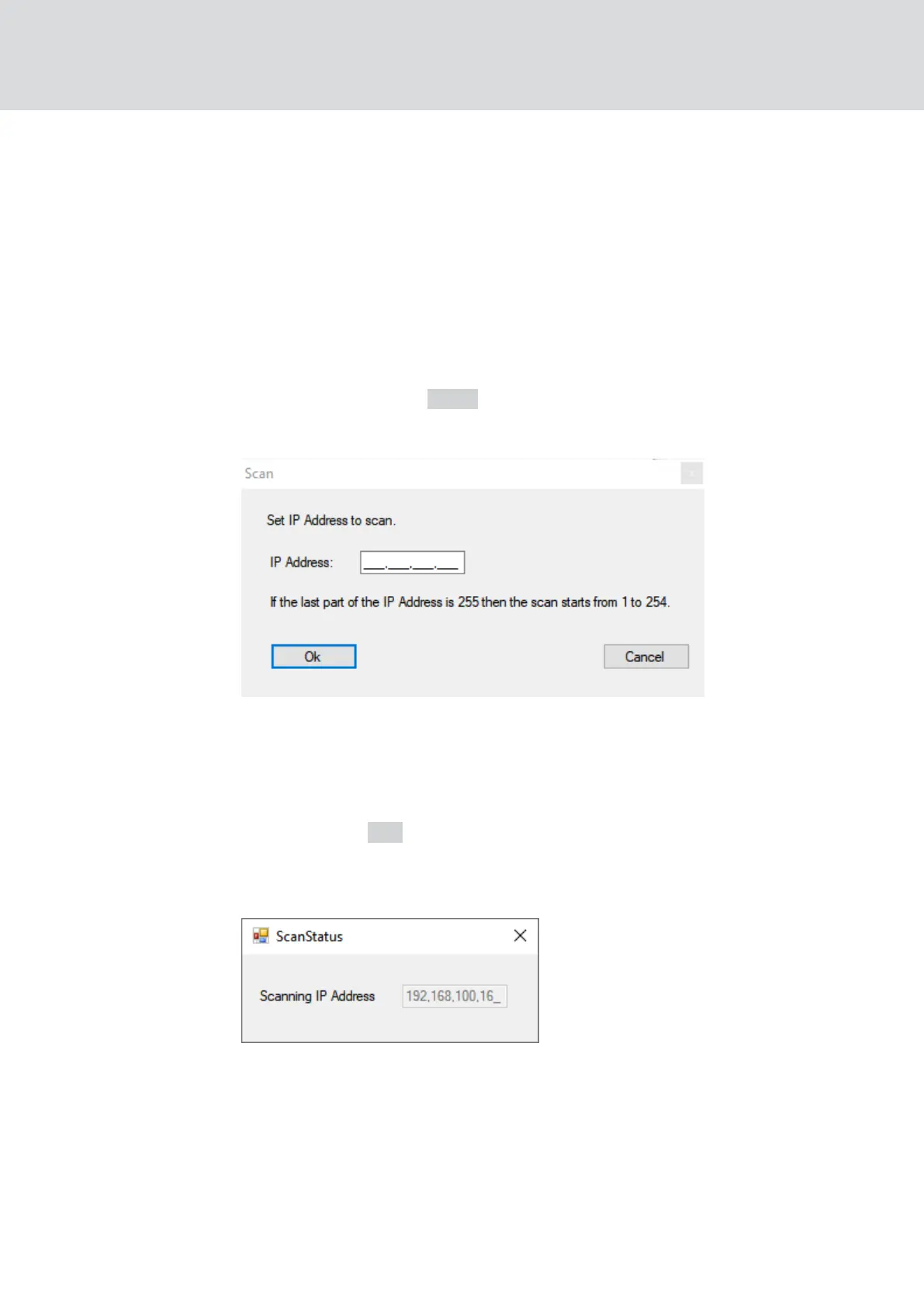
2. Click on the button Scan .
9 The window "Scan" opens.
3. Enter a known IP address of a device in the WaveNet network (other or
new devices are also found. If you do not know an IP address, use the
following IP address: 192.168.100.255 - may differ depending on the
subnet).
4. Click on the OK button.
9 The "Scan" window closes.
9 The OAM tool scans the address range.
9 The OAM tool displays found devices in the list.
You can choose: DHCP server or static IP. You can also make the settings
described below in the browser interface (see
Browser interface [}140]
).
The procedure is described for RouterNodes. Follow the same procedure
for SmartIntego GatewayNodes and MobileKey SmartBridges.
WaveNet (Manual)
5. WaveNet Manager
50 / 210



 To Next Page