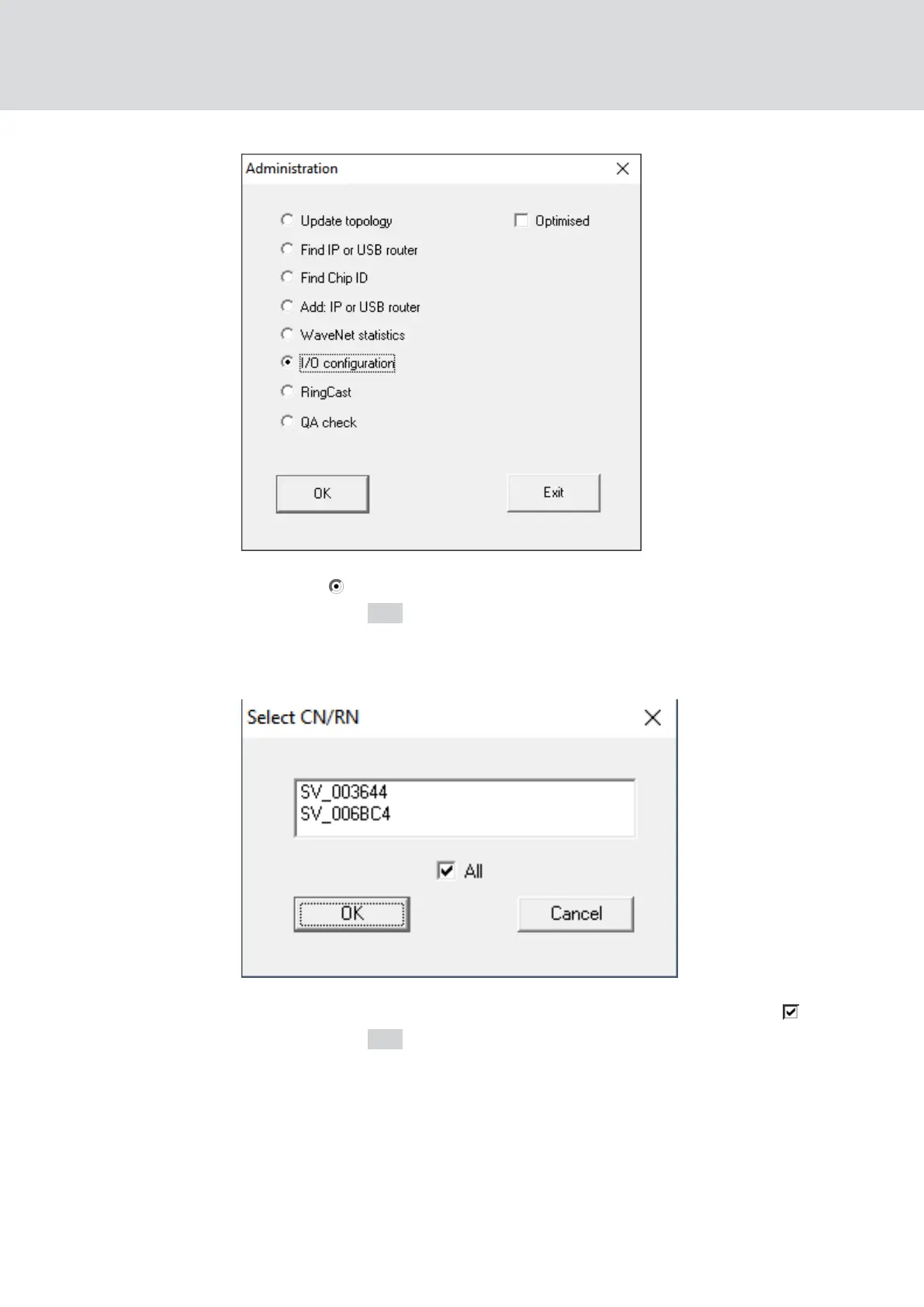
2. Select I/O configuration.
3. Click on the OK button.
9 The "Administration" window closes.
9 The window "Select CN/RN" opens.
4. Either select all desired RouterNodes or activate the checkbox all.
5. Click on the OK button.
9 The "Select CN/RN" window closes.
9 The window "I/O configuration" opens.
WaveNet (Manual)
5. WaveNet Manager
71 / 210



 To Next Page